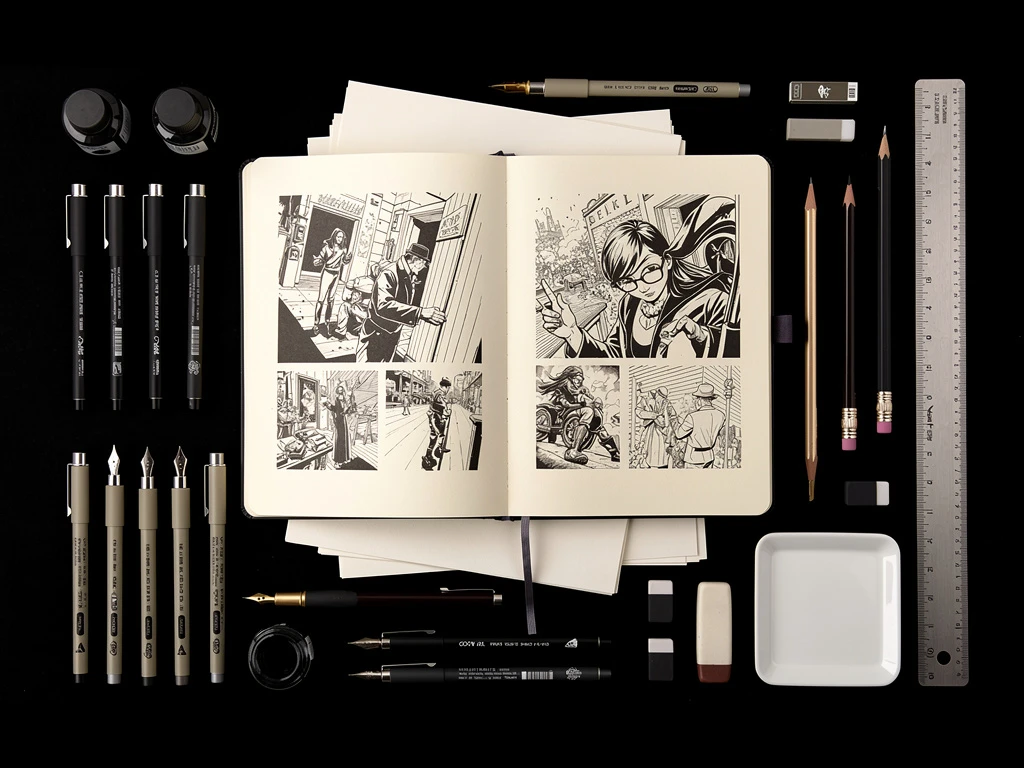
One of the greatest tactical advantages a freelance illustrator can possess is "Medium Versatility." If an artist can execute a flawless digital vector graphic for a modern tech company, and then pivot to painting a highly textured, traditional watercolor illustration for a boutique children's book publisher, their revenue streams compound massively.
However, when an artist possesses multiple mediums, they almost always fail the digital presentation phase.
They dump a highly textured, photographed oil painting on their website grid directly next to a flat, luminous, neon digital vector illustration. The visual contrast is violent. It forces the human eye to constantly adjust to completely different textural realities, making the entire website feel chaotic, disjointed, and amateurish.
To display extremely mixed artwork effectively online, you must become a master of digital curation. Here are the B2B formatting rules for displaying wildly different mediums within a unified online portfolio.
The Rule of 'Textural Siloing'
A commercial Art Director visiting your website is usually looking for a highly specific solution to their current problem. If they need a vector graphic designed for a corporate logo, they do not want to be forced to scroll past twenty traditional charcoal portraits to find it.
You must physically separate your art into strict "Textural Silos" within your website navigation menu. Instead of a single "My Art" gallery, your headers must define the medium instantly:
- Digital & Vector Illustration (Flat colors, luminous lighting, UI elements).
- Traditional Analog Wash (Watercolor, gouache, ink-washing).
- Thick-Body Analog (Oil, heavy acrylic, impasto texture).
By actively forcing the user to click separate page tabs, you reset their visual expectations. When they click 'Traditional', their brain is prepared to see organic texture, eliminating the jarring contrast of mixed media.
Digitizing Traditional Canvas Properly
The fastest way to ruin your traditional artwork online is bad photography.
If you paint a magnificent, deep-blue oil illustration, but you photograph it in a dark room using your smartphone's flash, you will create a massive white "hotspot" glare on the canvas. When you upload this glowing, distorted image to your website, it looks like trash sitting next to your perfectly clean digital files.
The Digitization Protocol: To make your traditional artwork look as professional as your digital artwork online, you must digitize it perfectly flat.
- You must photograph your physical canvases using indirect, natural daylight, or utilize polarizing filters over your studio lights to completely kill the glare.
- You must mathematically crop the photograph perfectly tight to the edge of the canvas. If the Art Director can see the wooden easel or the dirty floor in the background of the image, the illusion is broken. You are selling the art, not the room.
The Unifying 'Aspect Ratio' Grid
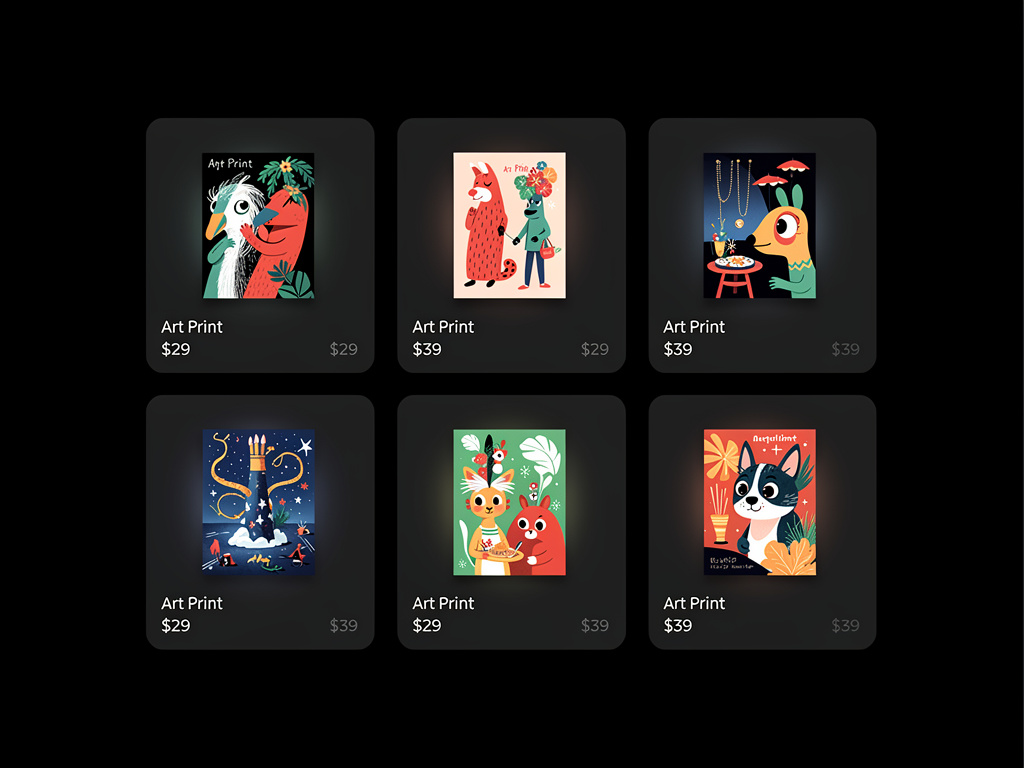
If you absolutely must display traditional and digital mediums on the exact same homepage grid (perhaps to show off your extreme versatility instantly), you must control the chaos geometrically.
If your color palettes and your textures are wildly different, you must uniform the shape of the images to create order.
If you upload a tall vertical digital painting next to a wide horizontal traditional painting, it looks messy. Instead, utilize a rigid "1:1 Square Cropping Grid" on your homepage. By forcing every single piece of artwork—whether it is a digital sketch or a massive traditional oil painting—into an identical, perfectly aligned square thumbnail, your website layout provides the visual order that the disparate mediums lack. The eye perceives the grid architecture as clean, even if the internal paintings are chaotic.
Commanding multiple artistic mediums requires incredible digital discipline. By running your B2B illustration gallery on Portfoliobox, artists instantly deploy intelligent masonry grids, secure uncompressed image rendering, and flawless navigational silos to ensure their mixed media portfolios project elite corporate harmony — no coding required.