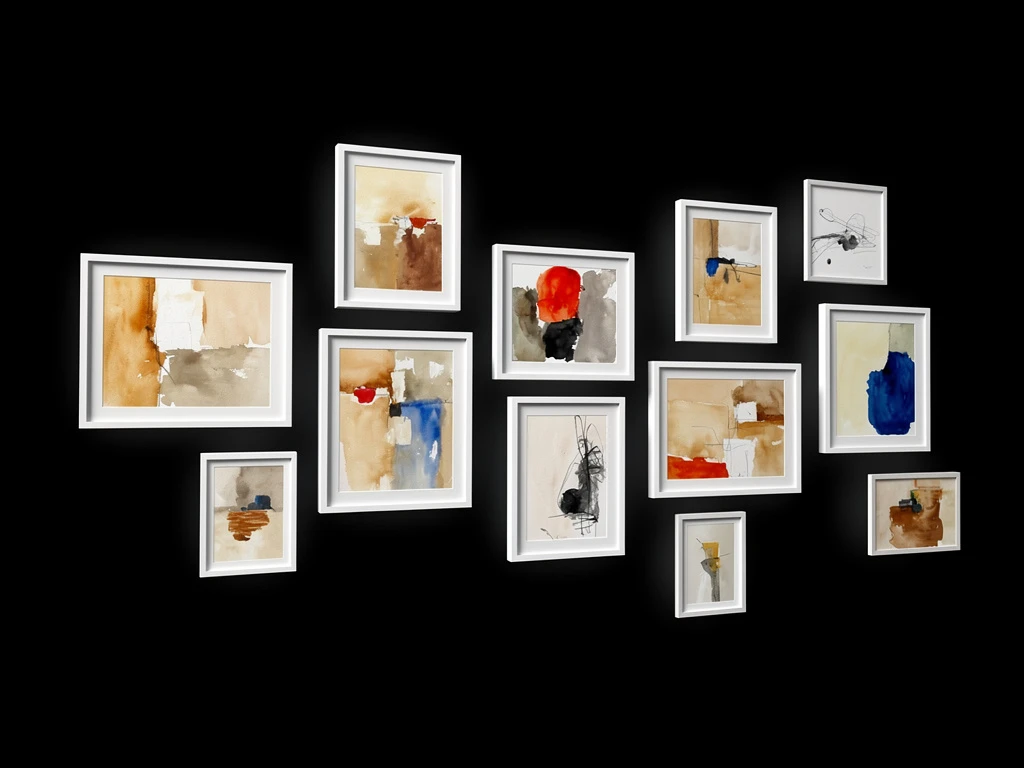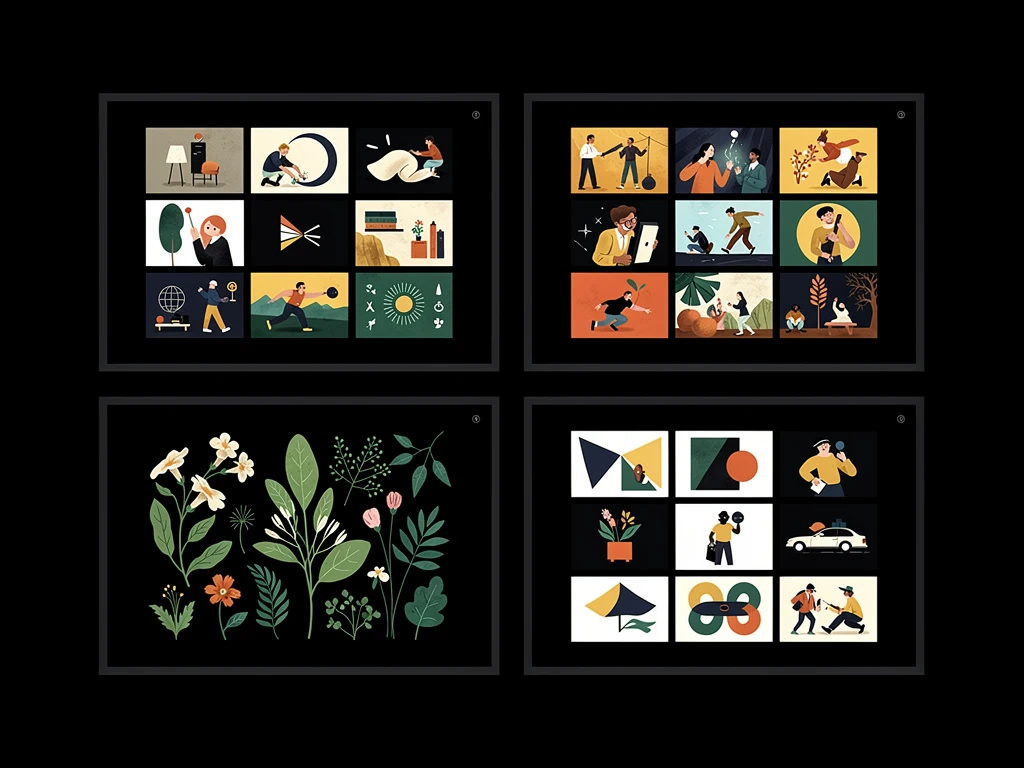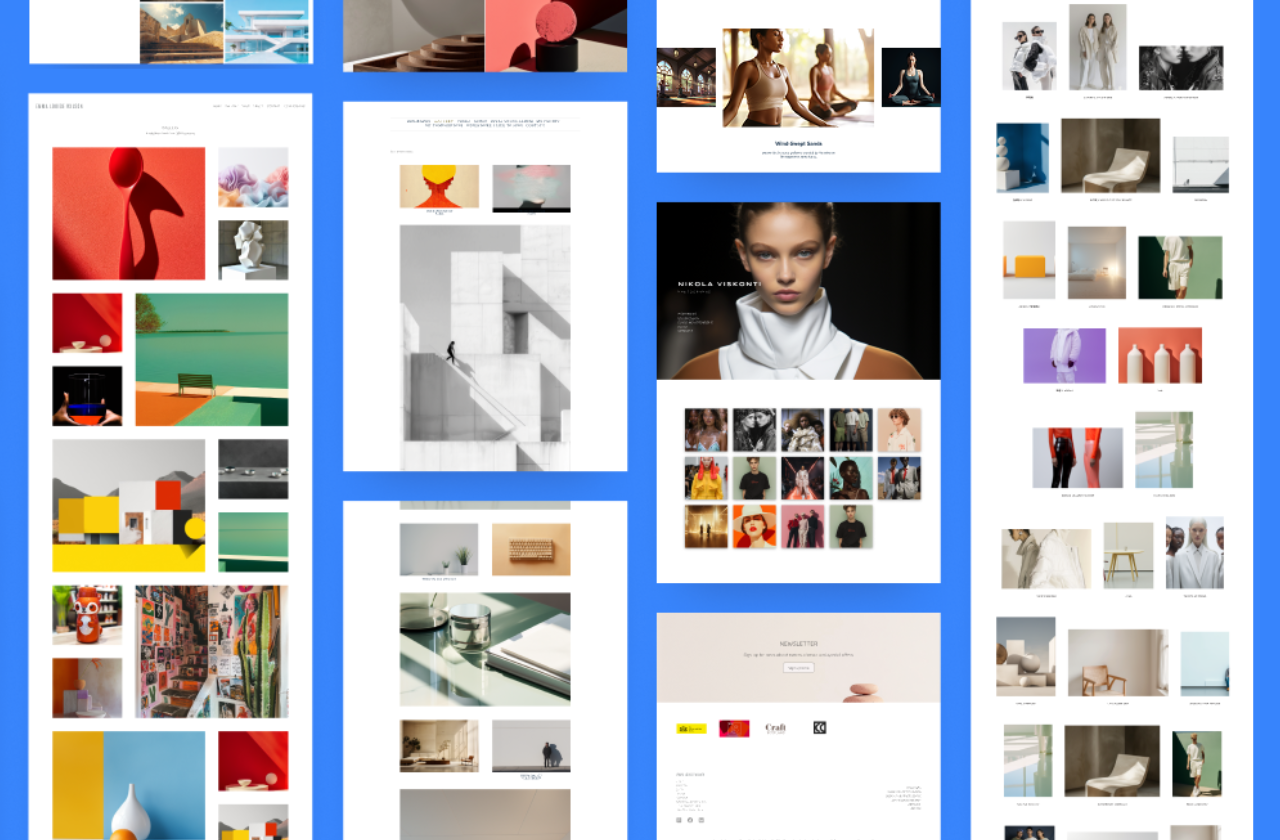
Creating a professional and visually engaging portfolio is simple with Portfoliobox, thanks to a wide selection of flexible templates tailored to creative professionals. Photographers, designers, illustrators, musicians, and multi-disciplinary artists can all find layout options in Portfoliobox that make it simple to create a portfolio website that reflects their style and highlights their work in a visually engaging way.
What are Portfoliobox templates?
Portfoliobox templates are pre-designed layouts that define how specific types of content are displayed on your website. From galleries and services to blogs and contact pages, each template is designed with both aesthetics and usability in mind. Templates are fully customisable, giving you control over fonts, colours, spacing, and other style elements—so you can start with a strong visual foundation and make it your own.
Types of templates available
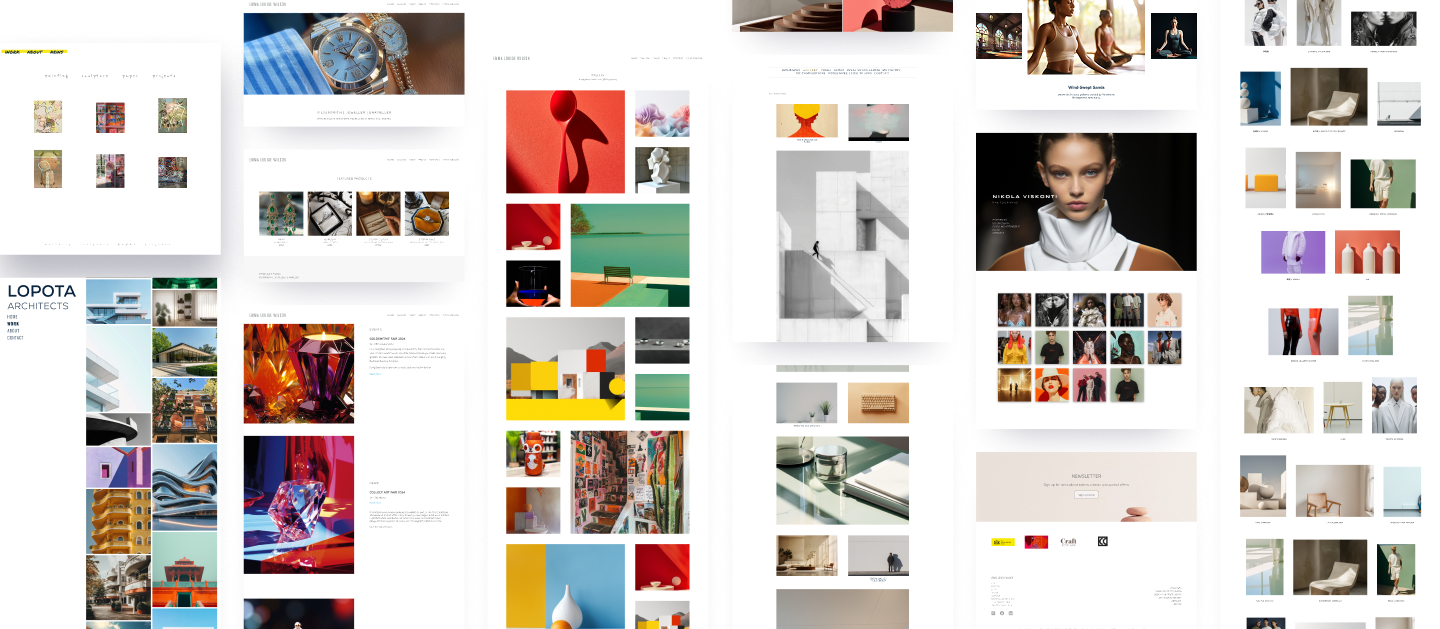
When building your portfolio website, choosing the right template is key to presenting your work clearly and professionally. Portfoliobox offers a wide range of templates grouped into different categories, depending on the type of content you want to display.
Under Create, you’ll find options for covers, text and contact pages, galleries, and more. Each category offers multiple layout styles so you can tailor the look and feel of your portfolio to suit your work and personality.
- Cover pages are perfect for making a strong first impression. You can use these to introduce your brand, a new project, or your latest release.
- Text and contact pages include classic layouts like Text, Contact, and CV, ideal for sharing information, adding bios, or making it easy for people to reach out.
- Galleries have specific styles for different fields, including photography, fashion, illustration, and conceptual design. This allows you to display your images in a layout that fits your style—whether minimal, bold, or grid-based.
- Link pages let you showcase multiple projects in one place, each thumbnail linking to a dedicated page or gallery. It’s especially useful for organising your portfolio into categories like branding, web design, or events.
- Collections include templates for services, testimonials, team members, logos, FAQs, and events. These are great for structured content and client-focused portfolios.
- E-commerce: If you want to sell products or offer bookings, check out the E-commerce section. You’ll find templates for online stores, bookings, and appointments.
- Sound and Embed: Musicians, podcasters, and sound designers will appreciate the Sound and Embed section, where you can add audio tracks, embed podcasts, or connect with platforms like Spotify and SoundCloud.
With so many template options available, you have full creative control over your layout. All templates are easy to customise, responsive, and designed to help your work shine. Explore what works best for your content, and start building a portfolio that truly reflects you.
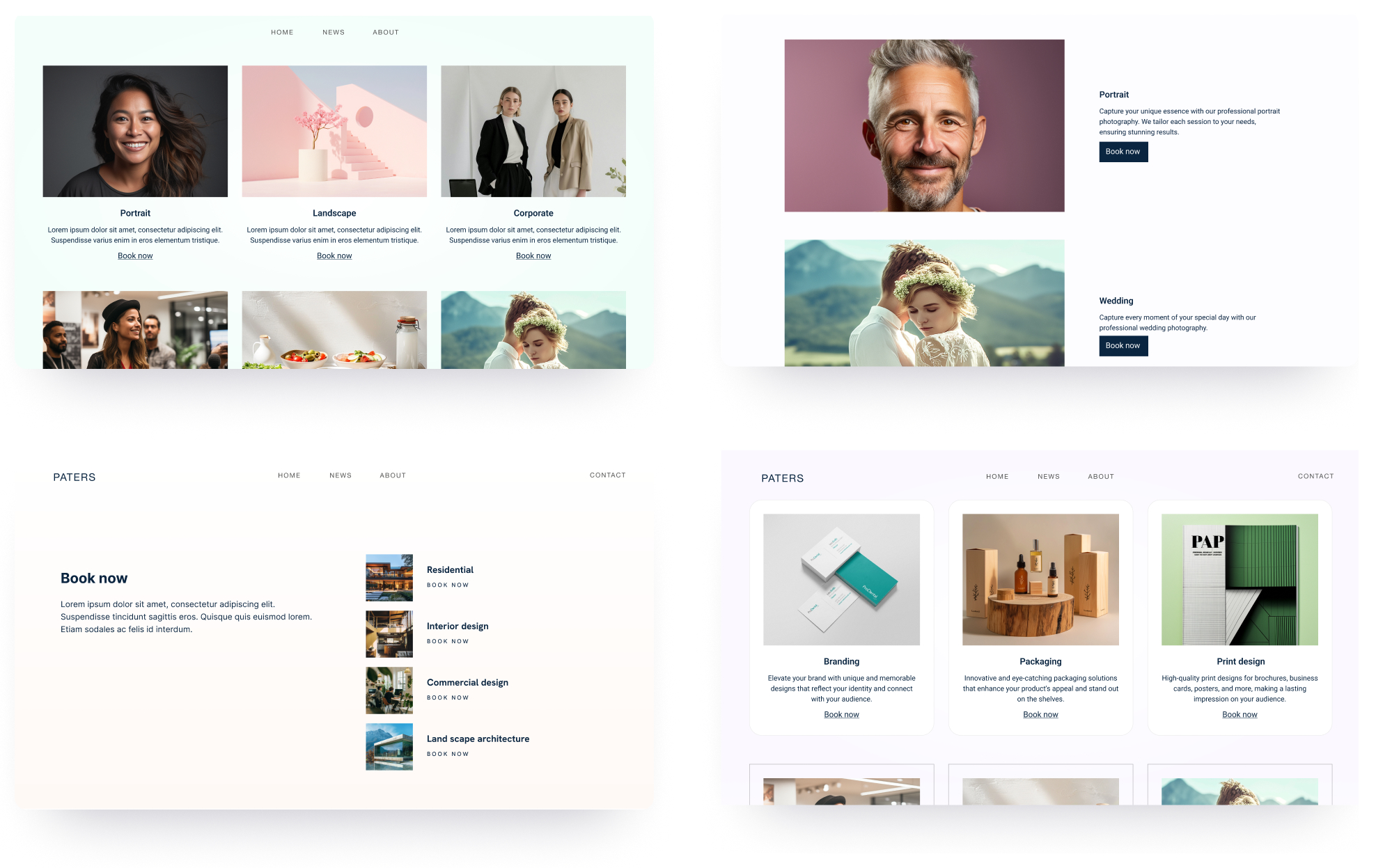
Customising templates
In Portfoliobox, you have full flexibility to adjust the look and feel of your portfolio without rebuilding it from scratch. Instead of switching entire templates, most edits are made directly within each page by styling existing elements, adding new ones, or rearranging sections.
To adjust the appearance of any element—whether it's text, images, or buttons—you can right-click and choose Styles. From there, customise details like size, font, colour, margins, alignment, and even animations.
Need to expand your content? Right-click and choose Add element below to insert a new element, or add full sections to structure your content.
For galleries and other grid-style pages (like Link Pages, Services, Teams, etc.), you can test different layouts by changing the template. Simply click to edit the images, go to Styles, and use the Template option to browse alternative grid styles that suit your content.
Mobile customisation is also built in. Portfoliobox provides mobile-specific styling tools so you can tweak how everything looks on smaller screens, ensuring your portfolio is responsive and polished everywhere.
Explore portfolio examples
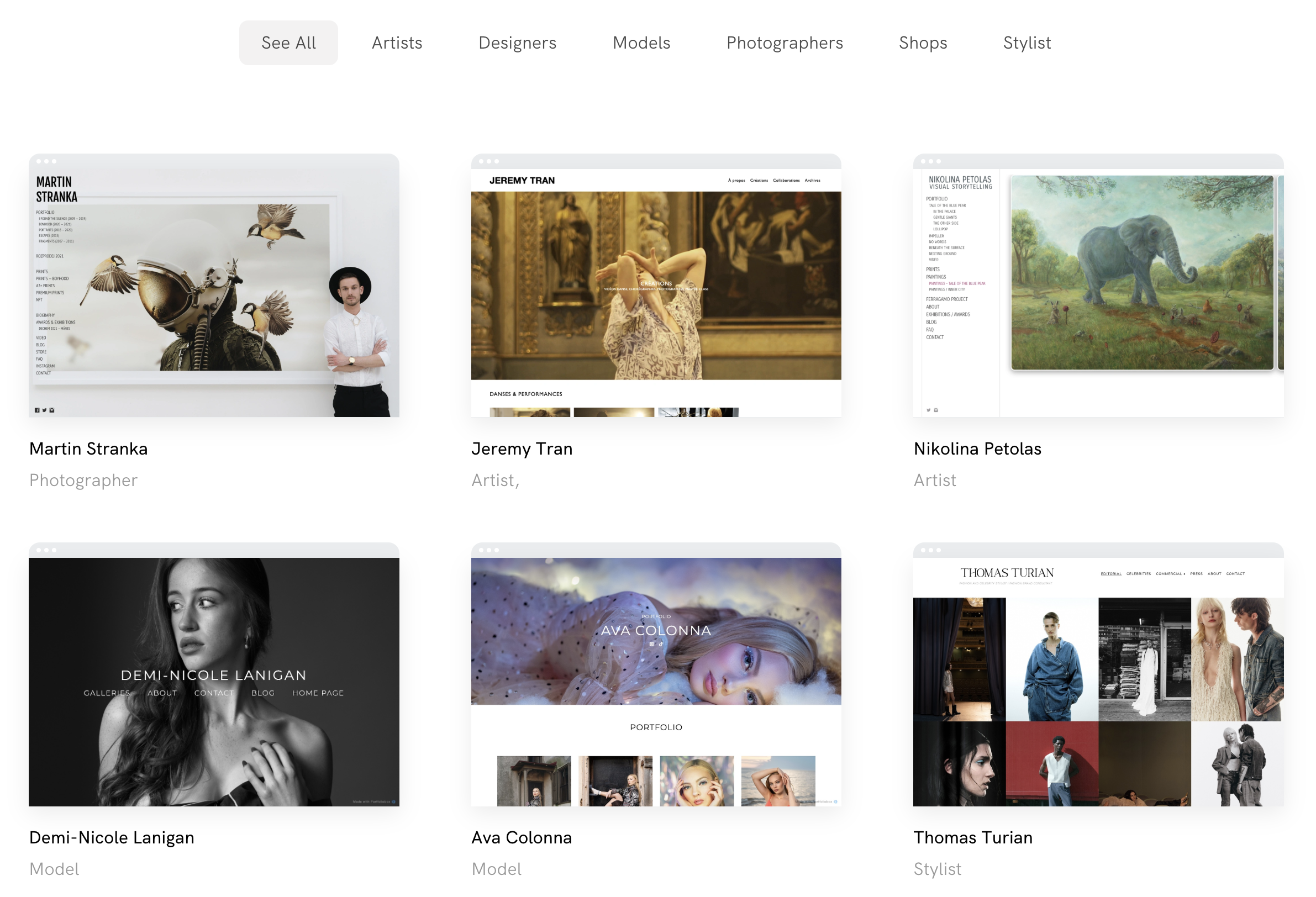
Looking for inspiration? Check out our collection of portfolio examples built by Portfoliobox users across different creative fields. You'll see how each template can be adapted and customised to suit a wide range of styles and content.
Portfoliobox templates give you the freedom to build a professional, custom portfolio website without needing design or coding skills. With a growing library of page types and layout styles, you can easily mix and match templates to present your work in the best light. Whether you're just getting started or giving your site a fresh new look, there’s a Portfoliobox template that fits your vision.