If you are a creative professional, your portfolio is the most critical asset in your business toolkit. It is your silent salesperson, your digital storefront, and the definitive proof of your expertise. However, many talented designers struggle to land the clients or roles they deserve simply because their work is poorly presented.
Figuring out how to make a design portfolio can feel overwhelming, especially when you are balancing client work and your own brand development. But breaking the process down into manageable, strategic steps will demystify the task. Whether you are a UI/UX expert, a brand identity specialist, or a graphic designer, here is everything you need to know to build a portfolio that converts.
1. Define Your Target Audience
Before you select a single image, you must determine who you are designing this portfolio for. A portfolio aimed at a boutique branding agency requires a vastly different approach than a portfolio aimed at a corporate tech recruiter.
Ask yourself: Are you trying to book freelance clients, or are you looking for a full-time role? If you want to design restaurant menus, your portfolio should look different than if you want to design enterprise software dashboards. Define your ideal client, and tailor every aspect of your portfolio—from the tone of voice to the projects you select—to speak directly to their specific needs.
2. Curate Ruthlessly
The golden rule of portfolio creation is quality over quantity. Your portfolio is only as strong as its weakest project.
Aim for 4 to 6 strong case studies. When a potential client or art director reviews your site, they likely only have five minutes to spare. If they click on a weak project, they might assume that is the limit of your capability. Select projects that not only demonstrate your technical skill but also align with the type of work you want to do in the future. Remember: you will be hired for the work you show.
3. Tell a Story with Case Studies
A gallery of beautiful images is not a portfolio; it is an art exhibition. Clients hire designers to solve business problems, and your portfolio must prove that you can do exactly that.
Structure your projects as comprehensive case studies. For each project, include:
- The Brief: What was the problem you were hired to solve?
- Your Role: What exactly did you do? (Crucial if you worked on a team).
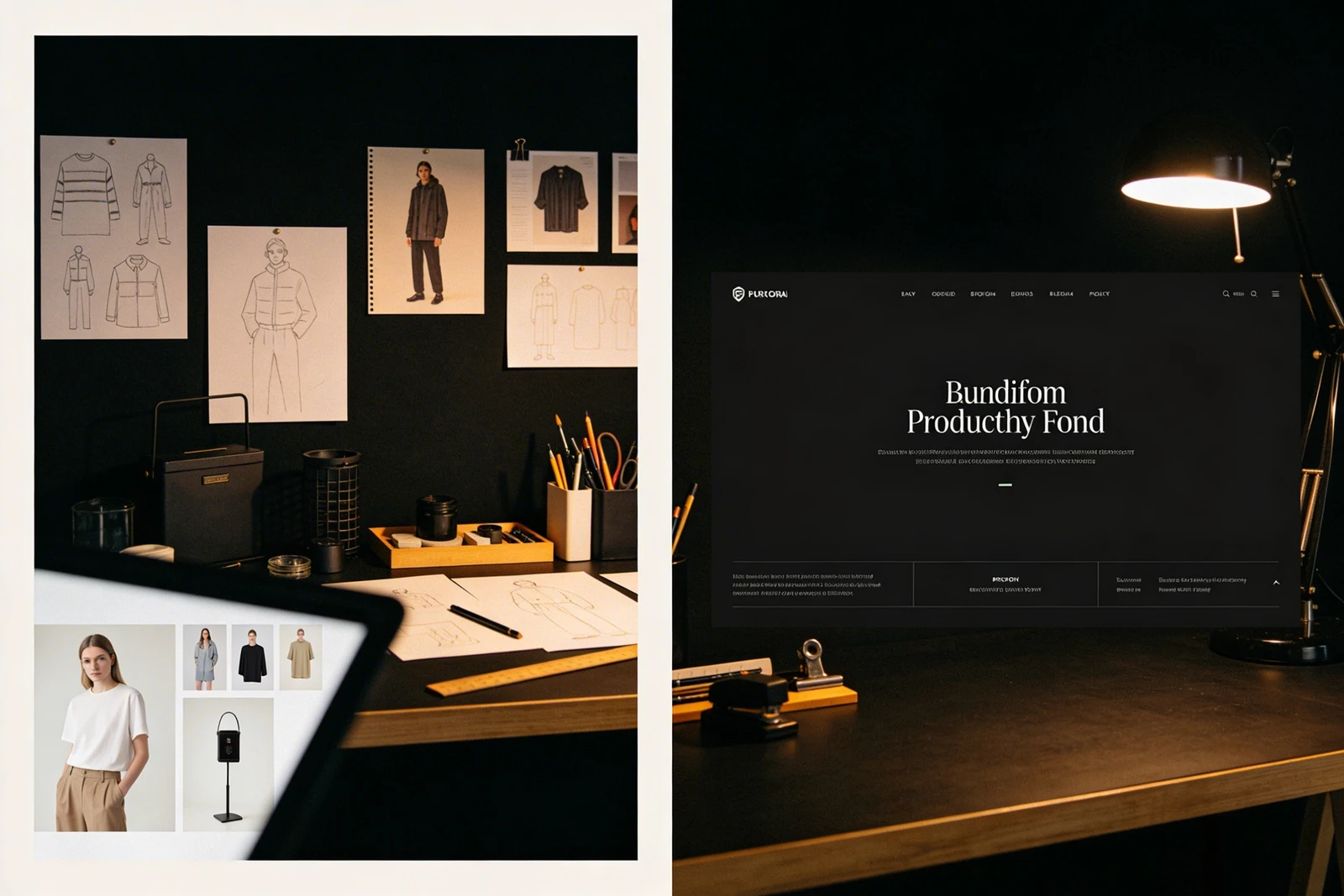
- The Process: Show sketches, wireframes, or mood boards. Explain why you made your design decisions.
- The Solution: The final, polished deliverables, presented in high-quality mockups.
- The Result: If possible, include metrics or a client testimonial demonstrating the success of the project.
4. Prioritize User Experience (UX)
Your portfolio website is a testament to your design sensibilities. If the site itself is difficult to navigate, loads slowly, or has a confusing hierarchy, the viewer will assume your client work suffers from the same flaws.
Keep the navigation simple. A standard structure (Work, About, Contact) is usually best. Ensure your typography is highly readable and your color palette doesn’t distract from the work itself. Most importantly, your portfolio must be fully responsive. Art directors will routinely check your site on their mobile devices; a broken mobile layout is an immediate red flag.
5. Craft a Compelling 'About' Page
While clients come for the work, they hire the person. Your 'About' page is where you inject your personality and articulate your unique value proposition.
Avoid generic, jargon-heavy descriptions. Instead, speak directly to your audience. Briefly explain your background, your design philosophy, and what it is like to collaborate with you. Include a high-quality, professional portrait—it helps humanize your brand and builds trust.
6. Make Contacting You Frictionless
The ultimate goal of your portfolio is to initiate a conversation. Do not make potential clients hunt for your email address.
Include a clear Call to Action (CTA) at the bottom of every case study (e.g., "Ready to elevate your brand? Let's talk."). Have a dedicated 'Contact' page with a simple form or a direct email link. Ensure your contact information is also accessible in the footer or header of every page.
7. Choose the Right Platform
Finally, the tool you use to build your portfolio matters. You shouldn't have to spend weeks writing code or wrestling with clunky WordPress plugins just to update a case study. Your platform should get out of your way and let your work shine.
Building your portfolio doesn't have to be complicated. With Portfoliobox, you can create a stunning portfolio website in minutes — no coding required. It provides beautiful, responsive templates designed specifically for creatives, allowing you to focus on what matters: landing your next great design project.