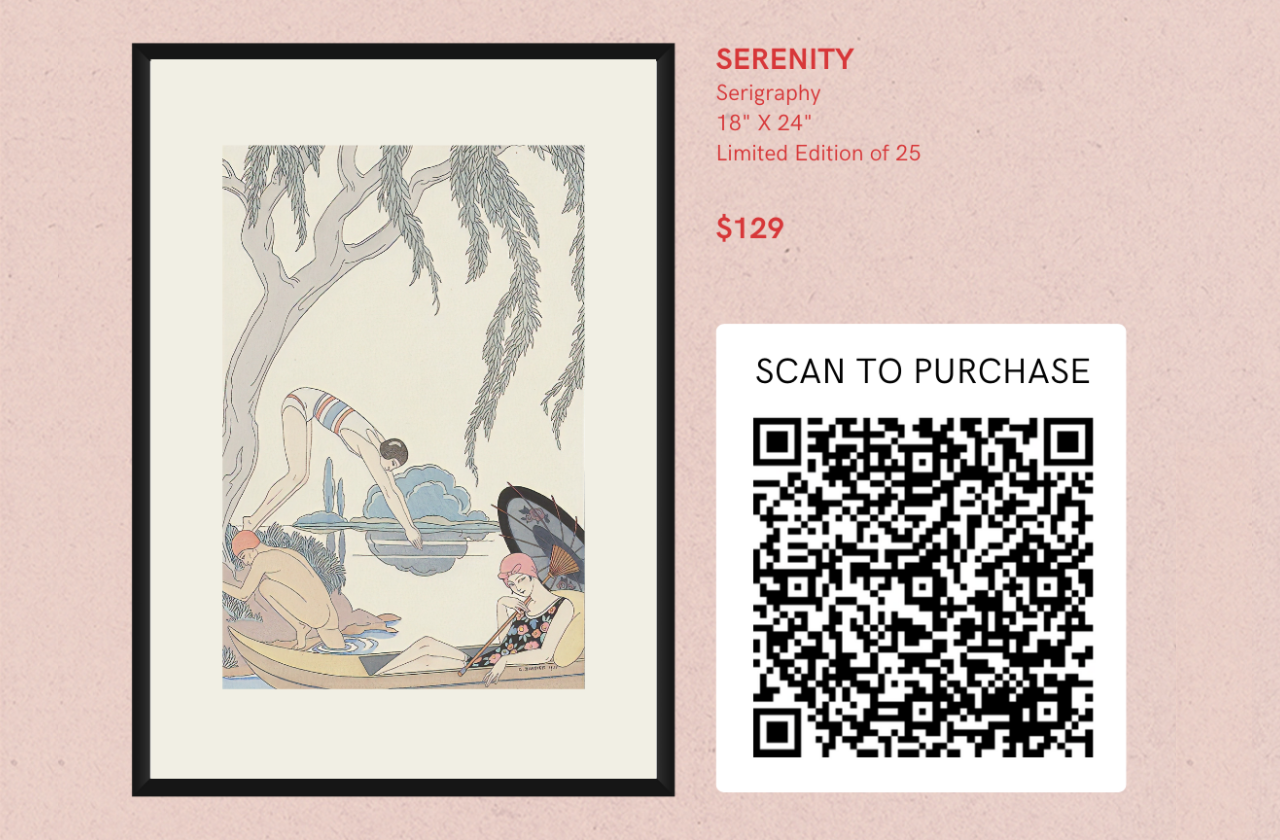
Whether you're showcasing your art at an exhibition, selling products at a pop-up shop, or meeting clients in person, the ability to accept payments on the spot is crucial. Portfoliobox's in-person payments feature is designed to make this process seamless, ensuring smooth transactions every time. Here’s how you can take advantage of this powerful tool.
Why in-person payments matter
In-person payments provide a level of immediacy and convenience that online transactions can’t always match. Here are some scenarios where in-person payments can be particularly beneficial:
- Art exhibitions & galleries: Allow visitors to purchase artworks directly at the event.
- Pop-up shops & markets: Facilitate quick sales without needing complex setups.
- Client meetings: Collect payments for services or products during face-to-face consultations.
- Workshops & classes: Handle registrations and fees on the spot.
Setting up in-person payments
Getting started with in-person payments on Portfoliobox is straightforward. Follow these steps to set it up:
Access business tools
- Log into your Portfoliobox admin panel.
- Navigate to Libraries & Tools and select In-Person Payments.
- Click Add New QR-Code.
- Give it a Title & Description.
- Click Add Products or Services.
- Select a Product or a Service.
- Click Add to QR Code.
- Click Done or View and Share, to print, download or share your new QR Code.
Set up payment methods
Set up your e-shop & connect a payment method before presenting the QR-Code to your customers.
Conducting in-person transactions
When you're ready to accept an in-person payment, simply provide your clients with the QR code. They can then complete the payment on your website.
Benefits of in-person payments with Portfoliobox
- Convenience: Handle transactions on the spot, reducing delays and improving customer satisfaction.
- Flexibility: Accept various payment methods to cater to different client preferences.
- Professionalism: Streamline your payment process, enhancing your business’s professional image.
- Efficiency: Reduce the need for follow-up on unpaid invoices, saving you time and effort.
Portfoliobox’s in-person payments feature is a game-changer for creative professionals who need to handle transactions quickly and efficiently during events and face-to-face meetings. Setting up this feature ensures that your payment process is smooth, secure, and professional. Embrace the convenience of in-person payments with Portfoliobox and enhance your business operations today.