You have spent thousands of dollars on prime lenses, flown across the country for lighting conditions, and spent days perfecting the skin tones in Capture One. Yet, the moment you upload your final masterpiece to your website, the colors look completely dull, the edges are soft, and the file takes five seconds to load.
What went wrong? The problem isn't your camera, and it rarely is the website platform. The issue lies entirely in offline asset preparation.
Photographers frequently treat launching an online portfolio identically to dropping files onto a Dropbox link. In reality, preparing images for global web delivery across dozens of different retina displays and mobile browsers is its own distinct technical discipline. Let's solve the most common asset bottlenecks hurting your photography portfolio.
The Color Space Disaster: Why Your Reds Look Dead
The most devastating mistake photographers make when exporting files for web is using the wrong color profile.
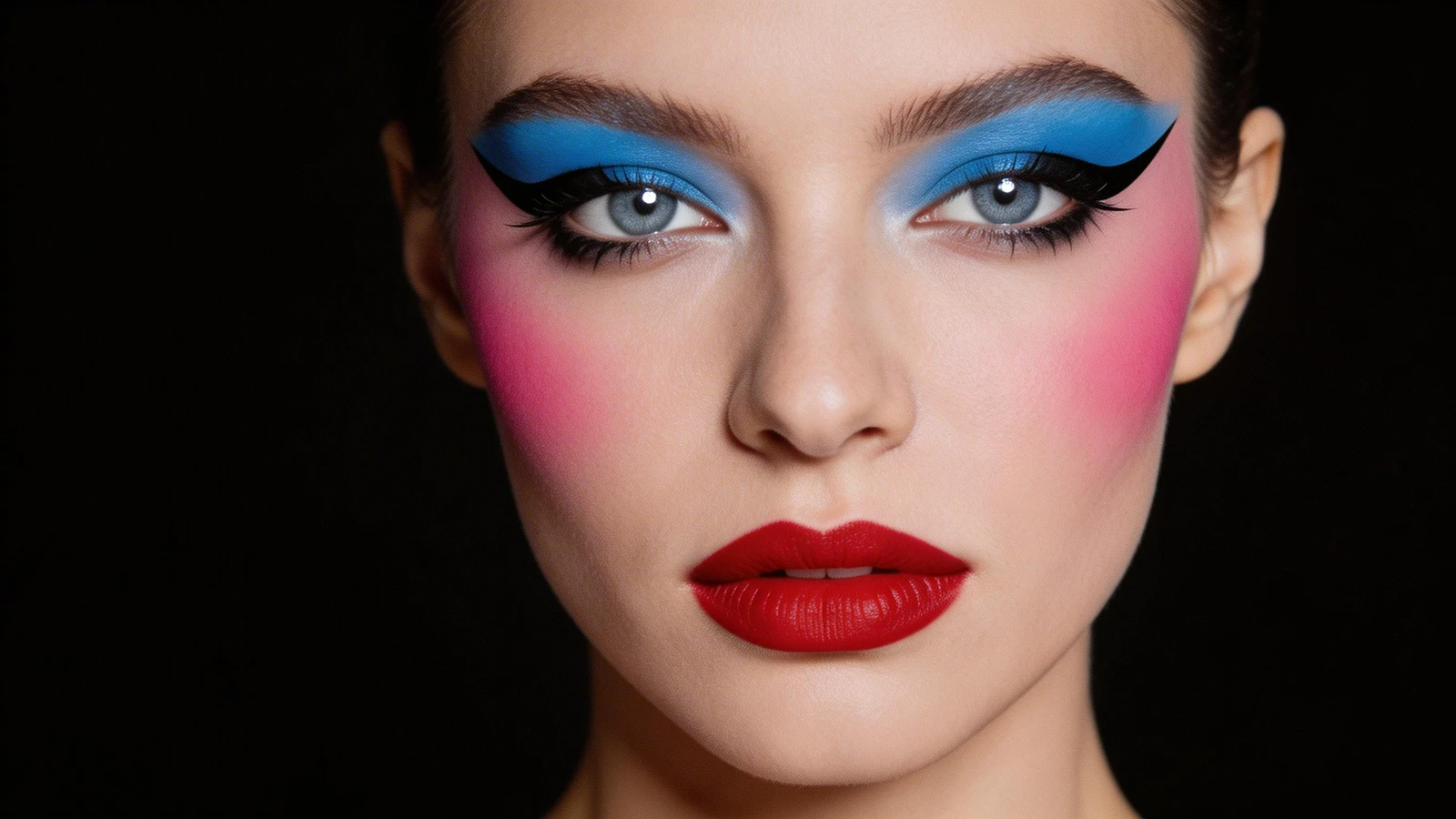
If you edit your commercial work in Lightroom or Photoshop using an expansive color space like AdobeRGB or ProPhoto RGB, your monitor displays millions of incredible, vibrant color data points. However, traditional web browsers and mobile screens are not engineered to interpret AdobeRGB data natively. When a browser attempts to render an AdobeRGB file, it blindly compresses the colors, resulting in muddy skin tones, dead reds, and flat contrast.
The Solution: Always export your final web portfolio files explicitly in the sRGB color space. While sRGB is mathematically a "smaller" color gamut, it is the universal internet standard. Exporting in sRGB ensures that the deep blue skies you edited on your studio monitor look exactly identical on an art director's iPhone halfway across the world.
Sizing for the Hero Banner vs The Grid
You do not need to upload 50-megapixel raw conversions directly to a website grid. It is an immense waste of bandwidth. When establishing dimensions, you must differentiate between 'Hero' images and 'Grid' thumbnails.
If an image is destined to stretch across your homepage as a full-bleed banner, you should generally export the long edge at around 2500 pixels. This guarantees the image remains tack-sharp on large 4K monitors and iMacs without causing the server to stutter.
For dense masonry layouts and standard gallery blocks where 3-4 images sit side-by-side, uploading 2500px files is overkill. Set the long edge of standard grid gallery images to approximately 1500 pixels. Modern dedicated portfolio platforms will dynamically downsample these for mobile automatically, but supplying the correct baseline prevents heavy, lagged loading times that cause clients to bounce.
Sharpening for Output
An image sharpened perfectly for a massive fine-art print will look bizarrely different when squeezed into an 800-pixel web layout. When pixels condense natively in a browser, edges can sometimes appear slightly softer due to interpolation algorithms.
When exporting your final JPEG files for your website, always utilize the "Sharpen for Screen" (standard amount) function inside your export dialog box. This applies a micro-contrast edge refinement ensuring eyelashes, architectural rigid lines, and textures pop sharply against the screen lighting.
Trusting Modern CDNs Over Manual Compression
A massive myth in the photography industry is the belief that you must manually run all your files through obscure lossy compression software to save kilobytes before uploading.
In reality, elite portfolio platforms utilize powerful backend Content Delivery Networks (CDNs). When you upload a clean, appropriately sized (e.g. 2000px, quality 80) JPEG, the CDN automatically analyzes the user requesting the webpage. It instantly identifies if that user is on a slow 3G mobile network or a fiber-optic desktop connection, dynamically compressing and transcoding the image (often to Next-Gen formats like WebP) in milliseconds exactly tailored to their device.
Your job is simply to provide a clean, high-quality, sRGB asset. Let the platform handle the technical delivery speed.
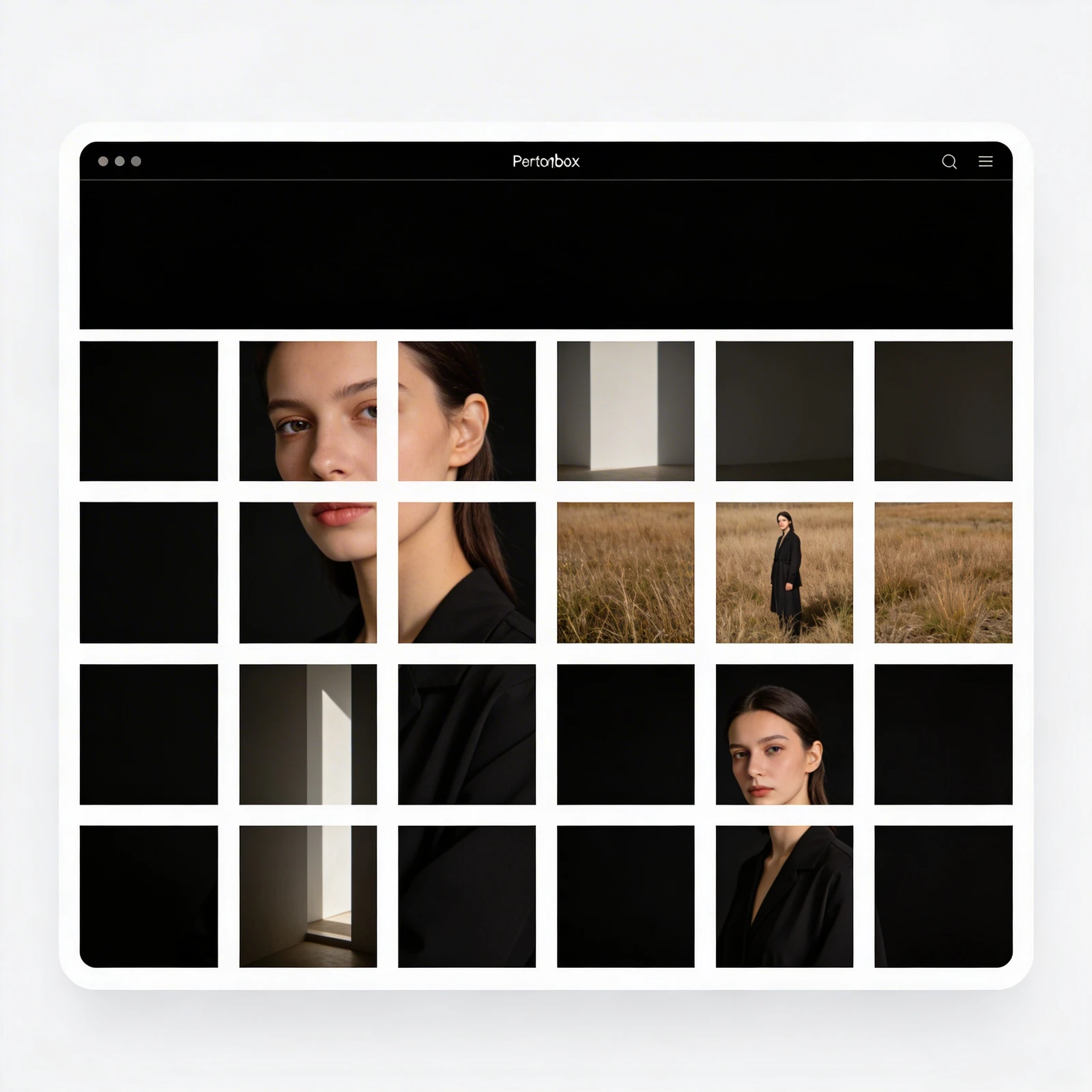
Building a portfolio that honors your retouching shouldn't require code. With Portfoliobox, you can effortlessly upload your high-resolution assets and let specific creative architectures keep your imagery breathtakingly sharp — no manual server compression required.