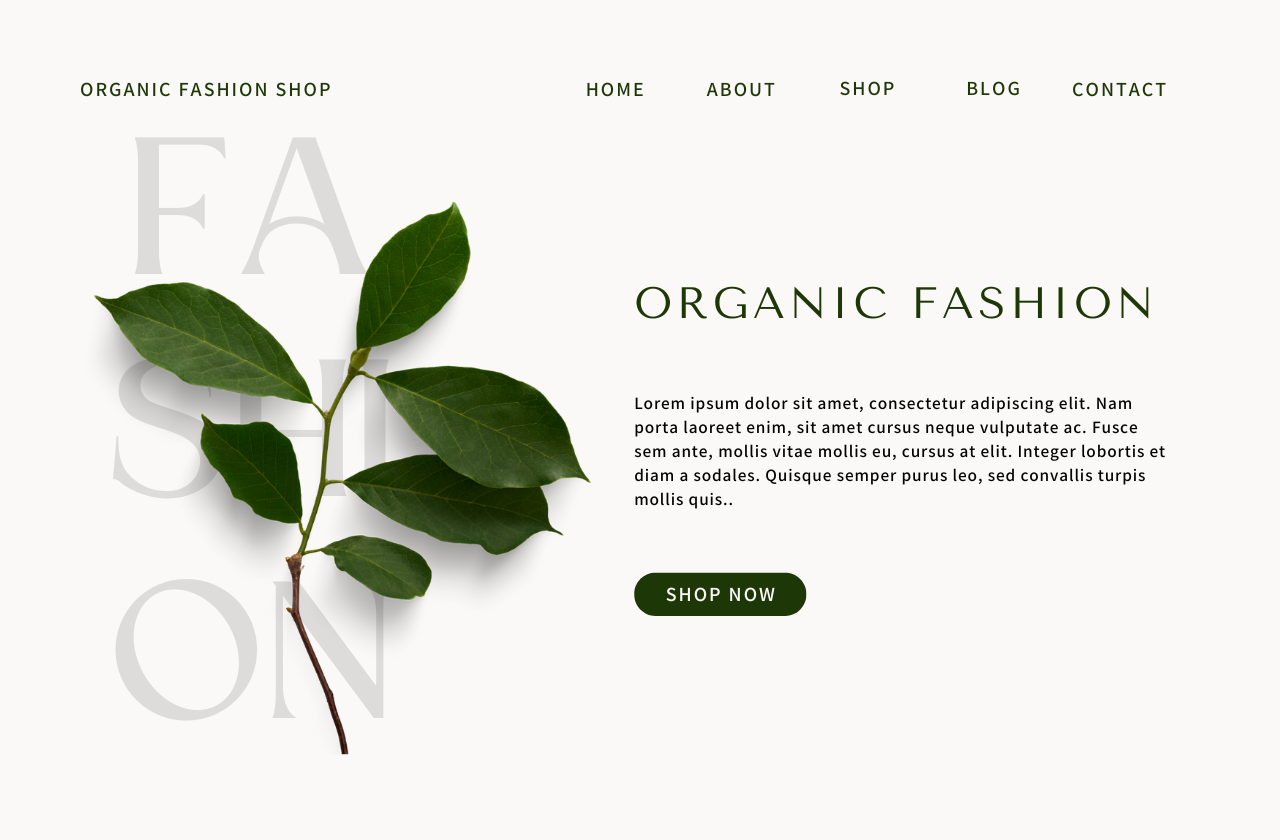
A call to action (CTA) is more than just a button on your website; it's a crucial component of digital marketing that guides your visitors toward your business goals. It is the tipping point between visitor and customer. This post explores what a CTA is and how to create one, and it provides numerous examples and best practices to help you design CTAs that convert.
What is a Call to Action?
A call to action (CTA) is a prompt on a website that tells the visitor to take some specified action. A CTA most often refers to using words or phrases that can be incorporated into sales scripts, advertising messages, or web pages, which compel an audience to act in a specific way. This is usually an instruction to your visitor to provoke an immediate response, usually using an imperative verb such as "call now," "find out more," or "visit a store today."
Write a call-to-action
Writing an effective call to action means crafting a message that is both compelling and specific, offering clear direction on what the user should do next. Here are a few tips:
- Use strong, actionable verbs like "Discover," "Start," "Join," or "Learn."
- Create urgency with phrases like "Offer ends soon" or "Limited availability."
- Be specific about what the offer is, for clarity and transparency.
- Keep it simple by avoiding overwhelming users with too many options. A clear, concise CTA like “Buy Now” or “Subscribe Here” reduces decision fatigue and guides users directly towards taking action.
- Focus on value; a call to action (CTA) should offer something valuable, such as an exclusive offer or information.
- Ensure your CTA is relevant to the page content and consistent with your brand message.
- Place CTAs in strategic locations where they are easily noticeable and accessible.
- Use colors that stand out from the rest of your page but still fit within your brand palette.
- Make sure your CTA button is large enough to be easily tapped on mobile devices but not so large it distracts from content.
- Clear, readable fonts are crucial for CTAs. Avoid overly decorative fonts that might reduce legibility.
Examples
E-commerce websites
- Shop Our Newest Arrivals
- Claim Your Free Gift
- Browse Our Selection Now
- Place Your Order Online Today
- Order Today
Service providers
- Book Your Dream Vacation Now
- Schedule Your Appointment
- Get Your Free Quote
- Start Your Journey Towards Better Health
- Learn More
- Schedule Your Free Consultation Today
Educational & informational services
- Download Our Guide
- Register for the Webinar Now
- Read Our Latest Blog Post
- Sign Up for Our Newsletter
- Watch the Full Video
- Subscribe Now to Receive Exclusive Content
Promotions & special offers
- Enter to Win
- Join Now and Save
- Book Your Seat
- Subscribe & Get 10% Off Your First Order
- Save 20% Now
Community & social engagement
- Discover More
- Become a Member
- Get weekly inspiration
- Help Us Make a Difference, Donate
- Join Our Newsletter
- Register Now
Encourage contact or engagement
- Work With Me
- Learn More
- Chat with us
- Request a Callback
- Leave Us Your Feedback
- Connect With Our Team
Integrating calls to action on your Portfoliobox site
One effective approach is to create a dedicated CTA page. This method focuses visitor attention on a single, strong action you want them to take. Creating a dedicated CTA page is particularly useful for specific campaigns or promotions, directing users precisely where you need them most.
- Navigate to Create
- Under Other templates, choose Call to Action
- Select a template that fits your design needs
Check our Template Gallery to see all the Call to Action templates available at Portfoliobox
Alternatively, you can enhance any existing page on your Portfoliobox site by adding dynamic Call to Action elements such as sign-up forms, buttons, or shopping cart buttons. This method offers the flexibility to seamlessly integrate CTAs within your content, making it easy for users to engage without disrupting their browsing experience. To add these elements:
- Right-click on any existing element on your page
- Select Add element below
- Then, choose the appropriate CTA element from the list.
Conclusion
A well-crafted call to action can transform passive browsers into active participants, helping you achieve your website's objectives. Whether you’re looking to increase sales, boost subscriptions, or simply improve user engagement, effective CTAs are key. Use these tips and examples to refine your approach and create CTAs that not only capture attention but also convert visitors into loyal customers.