Adding third-party integrations is a simple way to make your portfolio more interactive and functional. With Portfoliobox, you can easily embed music, scheduling tools, forms, maps, and even design prototypes using dedicated embed templates.
What you can embed
Inside your admin panel, click Create → Sound and Embed → Embed and Widget, and you’ll find templates for popular tools like:
- Calendly, PickTime, Resurva – let clients schedule meetings or sessions.
- Spotify, Bandcamp, Deezer – embed your latest music or podcast.
- Figma, Marvel, CodePen – share prototypes, mockups, or code demos.
- Google Maps, Google Calendar, Google Slides – display events, presentations, or locations.
- Typeform, Elfsight, Common Ninja – add surveys, quizzes, or contact forms.
- Speaker Deck, Kuula 360, Sketchfab, ShapeSpark – show immersive or 3D content.
- Buy Me a Coffee, PayPal Donate – receive tips or donations.
When to use them
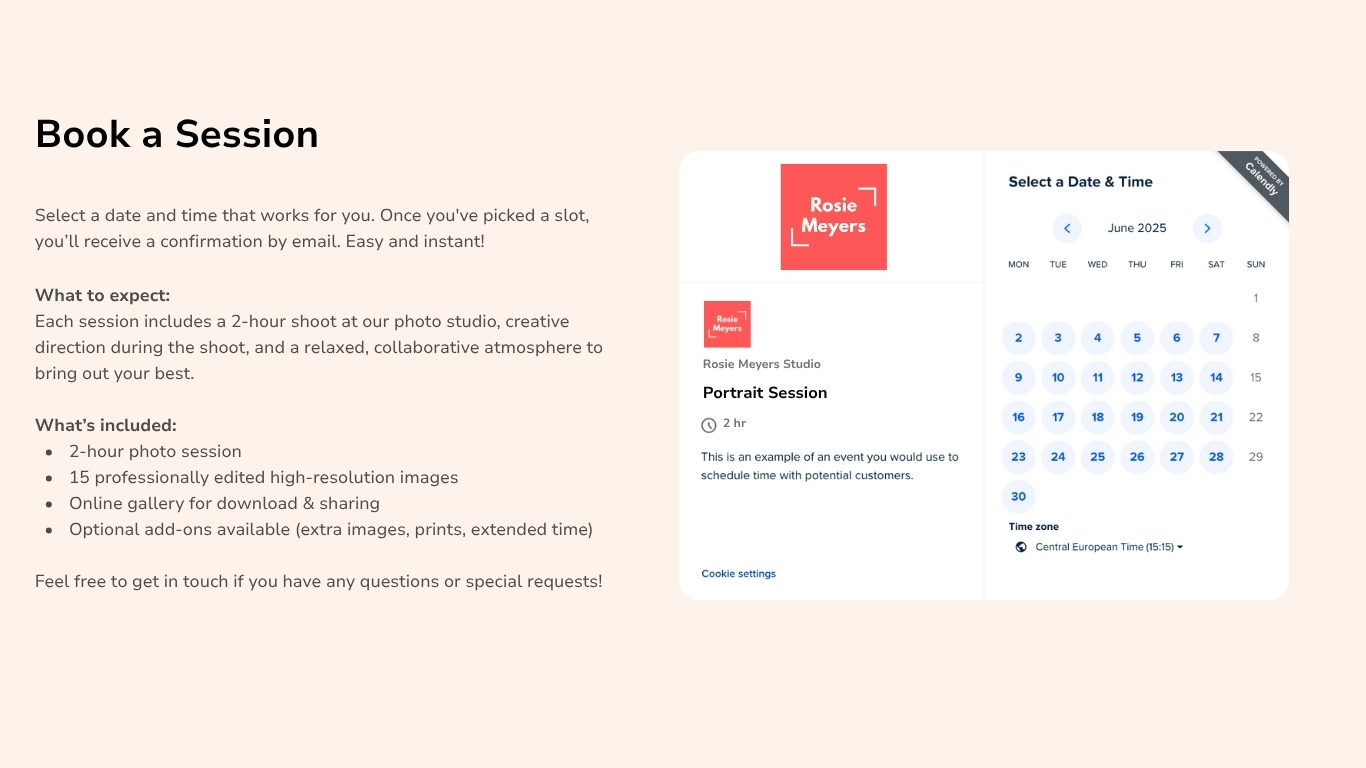
Photographers can add a booking calendar with Calendly so clients can book a session directly.
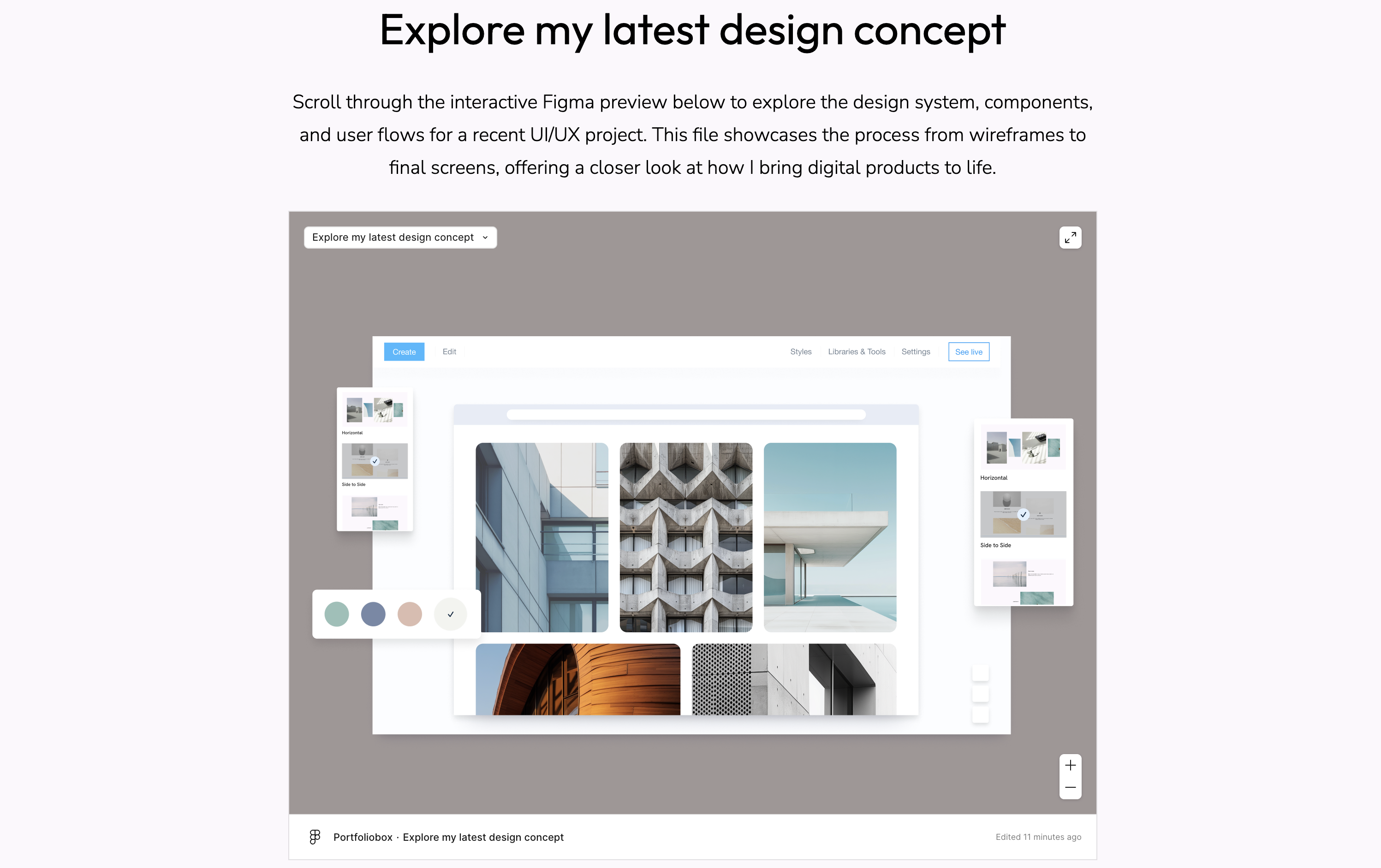
Designers can showcase a Figma or Marvel file to walk through their latest concept.
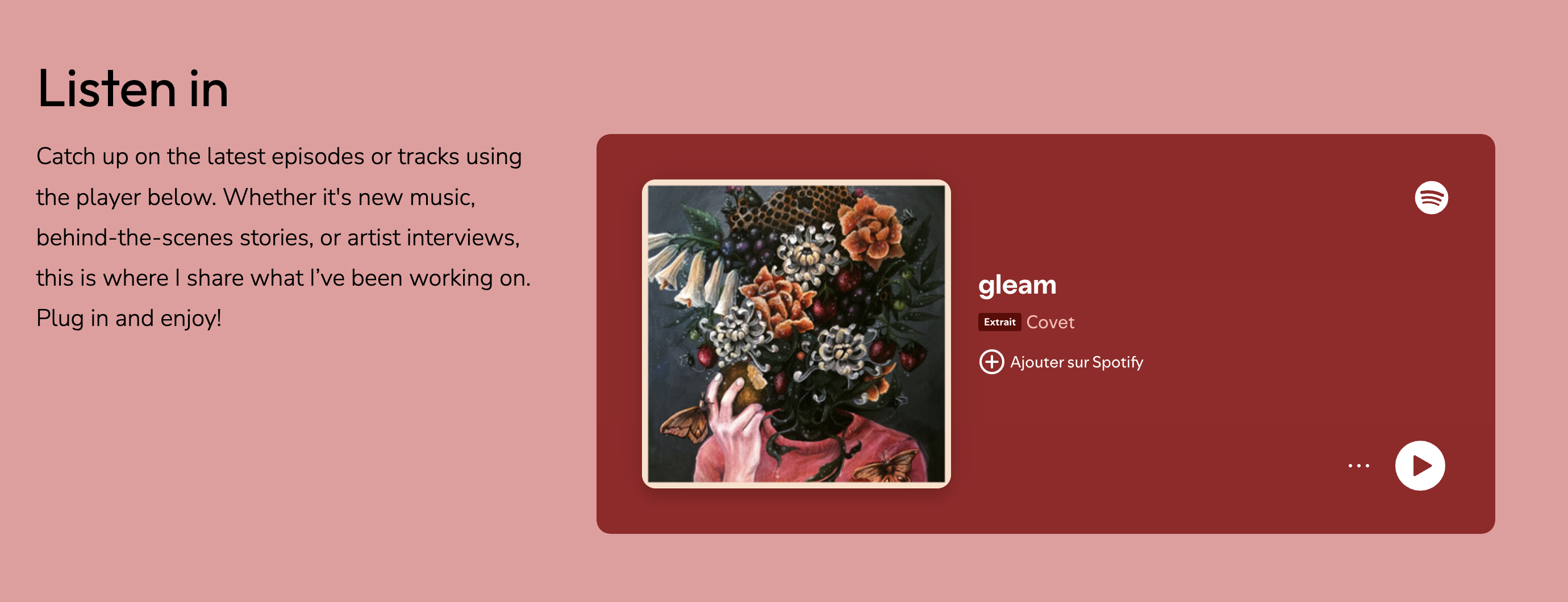
Musicians and podcasters can embed a Spotify or Bandcamp player on a dedicated audio page.
Coaches and freelancers can gather client feedback or inquiries with Typeform.

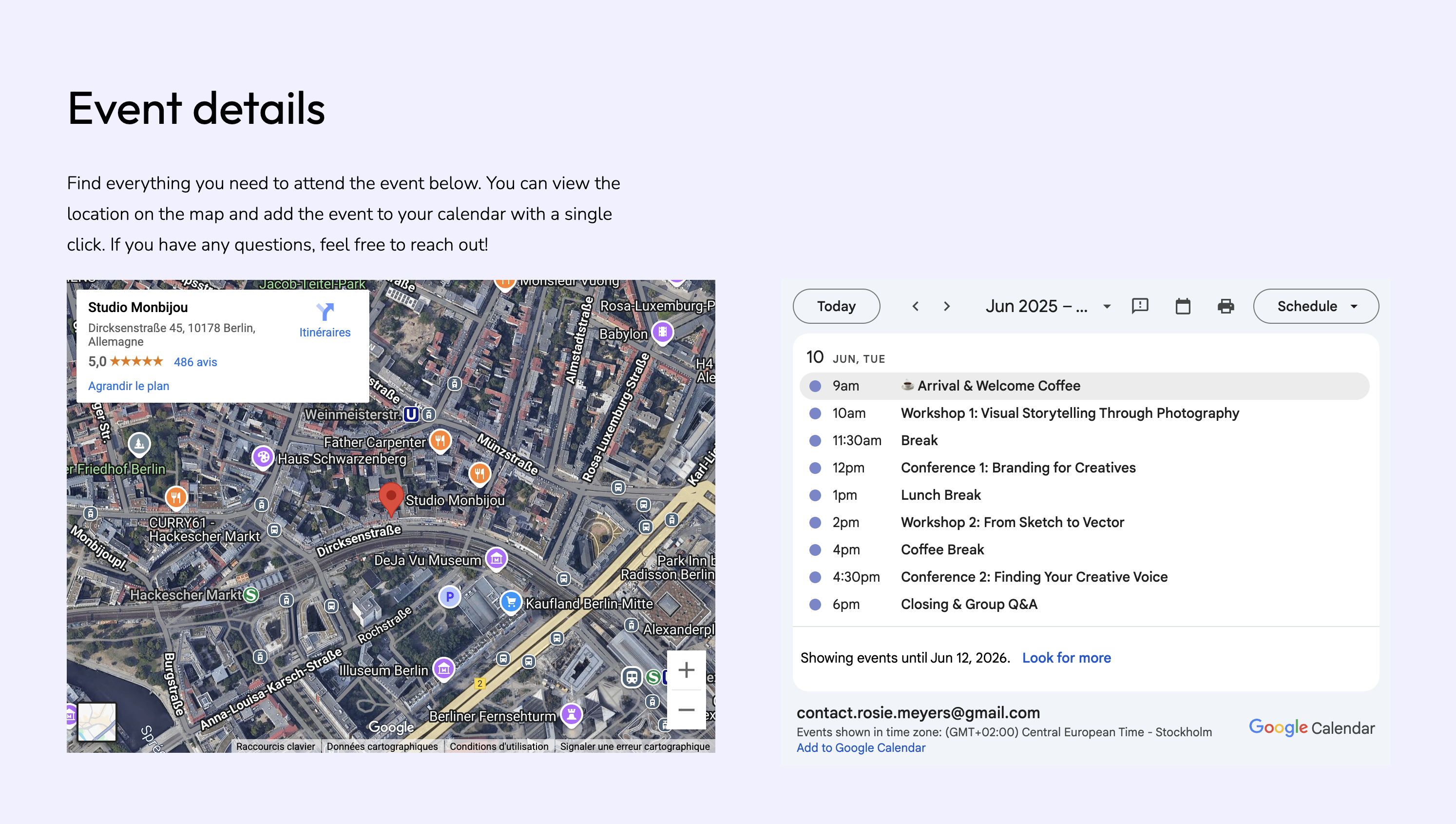
Event creators can embed a Google Map or Google Calendar to provide key event info.
How to add an embed
- Click Create in your admin panel.
- Go to Sound and Embed → Embed and Widget.
- Choose the tool you want to add.
- Paste in the embed code or ID of your integration, depending on the content you're adding.
A few extra tips
- You can create a full page using the integration or embed the widget as a section within a longer layout.
- For more advanced needs, visit our help page.
Portfoliobox makes it easy to add extra functionality to your portfolio without needing to write code. If you’re showcasing your work, collecting bookings, or sharing a podcast episode, these embedded widgets help you do more—all in one place.