For many illustrators, creating the art is the easy part. The real anxiety begins when they realize they need to present that art online. They open a website builder, stare at a blank template, and immediately feel overwhelmed. "I'm a digital painter, not a web designer," they think.
However, figuring out how to make a design portfolio is entirely within your skillset. You already understand composition, color theory, and visual hierarchy. Building a website is simply applying those exact same principles to a digital layout. Here is a deep dive into how to architect a portfolio website that elevates your illustration career.
1. Treat the Website as an "Invisible Frame"
The most common mistake illustrators make when designing their portfolio is trying to make the website itself a piece of art. They use bright, textured backgrounds, complex fonts, and wild animations.
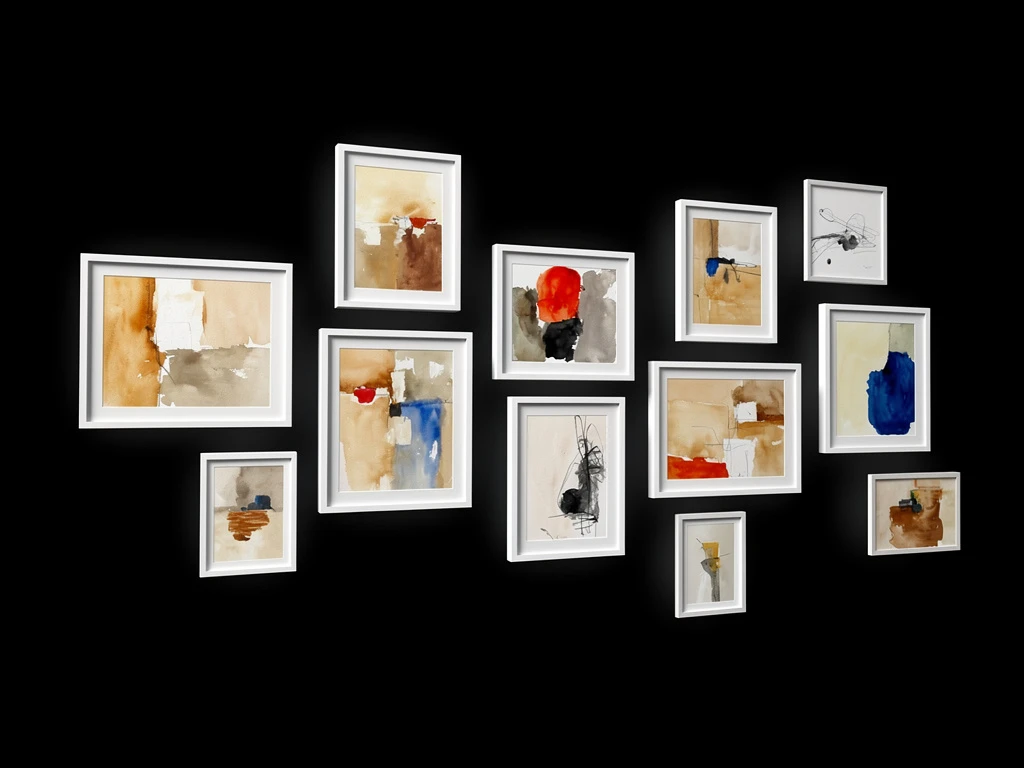
When you do this, the website actively competes with your illustrations. To make a successful design portfolio, you must embrace the "invisible frame" concept. Look at high-end contemporary art galleries: white walls, simple black text, bright lighting. Your website should emulate this. Use stark white or deep black backgrounds and minimalist typography. The design must get out of the way so your vibrant, detailed illustrations can command 100% of the viewer's attention.
2. Master Visual Pacing
If you place 30 illustrations into a tight, uniform square grid, you create visual fatigue. The viewer's eye doesn't know where to rest.
Apply the rules of composition to your layout. When figuring out how to make a design portfolio, use asymmetrical grids (like a masonry layout). Place a massive, full-width landscape painting next to a tight, vertical character portrait. Make some images large and others small. This creates "visual pacing," mimicking the layout of a high-end magazine. It keeps the art director engaged as they scroll down the page.
3. The Architecture of Navigation
An art director at a major video game studio does not want to scroll past your children's book illustrations to find your concept art. Your navigation must solve the client's problem instantly.
Structure your website deliberately:
- Home: A massive "hero" image of your best work to create instant impact, followed by a curated selection of your top pieces across all disciplines.
- Galleries (Dropdown): Categorize your work sharply (e.g., "Concept Art," "Editorial," "Publishing").
- About/Contact: A professional biography written in the third person, alongside a frictionless contact form.
- Store (Optional): A seamlessly integrated e-commerce page to sell physical prints or digital assets.
4. Show the Creative Process
Illustrators are hired to solve visual problems, not just render pretty pictures.
To elevate your design portfolio, include dedicated "Case Study" pages for your largest projects. Do not just show the final book cover; show the initial rough thumbnails you sent to the publisher, your color studies, and the final line work. Adding brief text explaining the creative brief proves to clients that you have a reliable, professional pipeline.
5. Prioritize High-Resolution Rendering
Finally, a beautiful layout is useless if the images themselves look terrible. Ensure you are building on a platform that does not aggressively compress your files. Your vector lines must remain crisp, and your digital brushstrokes must remain textured when a client zooms in.
You already have an eye for design; you just need the right tool to execute it. With Portfoliobox, you can utilize pre-built, elegant gallery structures and build a stunning, bespoke design portfolio in minutes — no coding required.