Sort the menu links
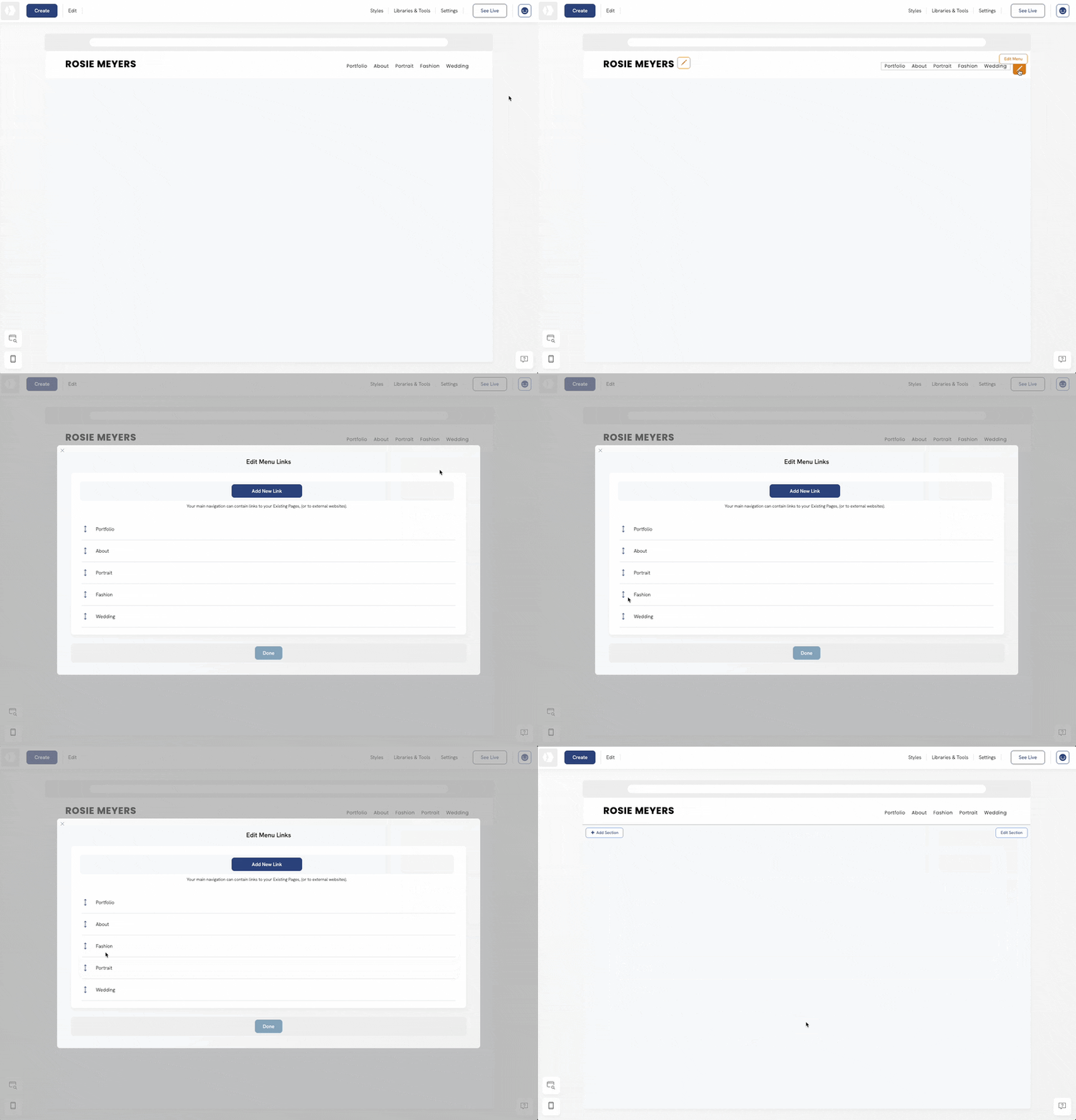
Want to arrange or sort the menu links on your portfolio? Portfoliobox makes it easy with a simple drag-and-drop menu editor. In just a few clicks, you can organise your navigation exactly how you want it.
To sort the menu links:
- Click the Pen Icon next to the menu links
- Click Edit Content.
- Drag & drop the menu link to the new position.