When an architect finally decides to digitize their physical portfolio, the first instinct is to Google "architecture portfolio templates" and install the cheapest, most popular masonry grid they can find.
At first glance, the template looks fine. But the absolute second the architect begins uploading their actual professional work, the template fractures. The horizontal master-plan of a city park gets automatically cropped into an aggressive square. The towering rendering of a 60-story skyscraper is shrunk down until it is completely illegible. The careful architectural sequencing developed over months of studio work is violently overridden by the mathematical code of a generic layout theme.
The harsh reality of web design is that standard, rigid web templates are built for graphic designers and wedding photographers who shoot in standardized aspect ratios. They are fundamentally incapable of handling the extreme dimensional variance required by architecture. Here is why you must abandon rigid templates and embrace dynamic component layouts.
The Problem: The Aspect Ratio Massacre
Architecture operates at extreme dimensional ends. A site analysis diagram might be a massive 16:9 panoramic rectangle, while the rendering of a structural column might be an extreme 9:16 vertical sliver.
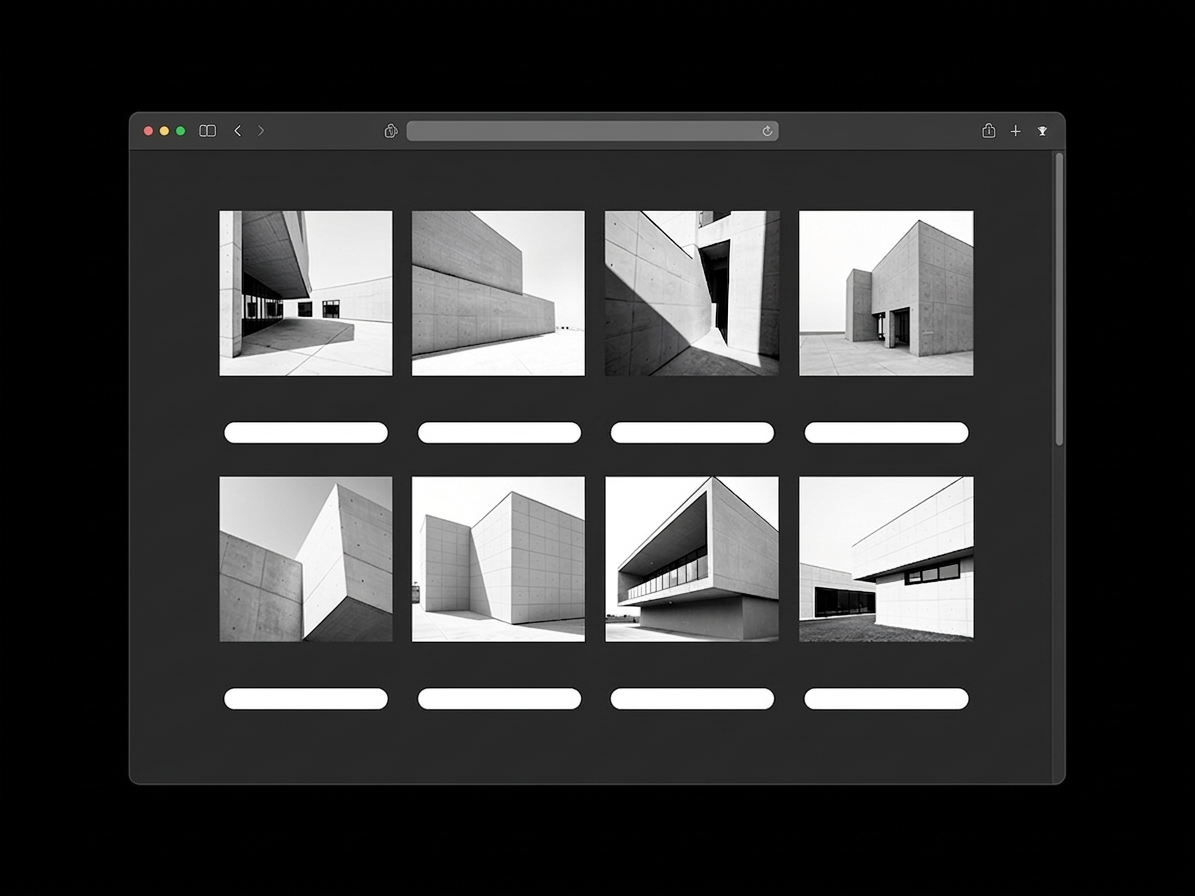
A rigid portfolio template enforces "image uniformity." It commands the CSS code to make every single image upload conform to a perfect 1:1 square thumbnail so the grid looks "neat." When this happens to architectural drawings, disaster strikes. Your vertical skyscraper has its top and bottom sheared off. The site plan is aggressively cropped, removing the contextual topography entirely. You are literally allowing a cheap piece of code to destroy months of drafting labor.
The Solution: You must utilize a platform that natively supports 'Uncropped Masonry' or 'Fluid Grids'. These dynamic systems respect the native aspect ratio of your uploaded file. If you upload a massive vertical portrait slice, the grid automatically shapes itself around the image without ever cropping a single pixel.
The Problem: The Inability to Group Micro-Assets
An architectural case study is not merely twenty photographs. It is a mix of massive macro-renders and tiny, microscopic detail shots (like a zoomed-in CAD detail of a handrail joinery).
If you use a rigid template, every image is given the exact same visual weight. A tiny handrail detail is blown up to the exact same size as the master exterior rendering, creating a terrifying, chaotic user experience that lacks any visual hierarchy.
The Solution: You must abandon locked 'Themes' in favor of 'Block Building'. A dynamic portfolio allows you to stack different structural components vertically. You can insert a massive, full-bleed hero block for the exterior render, and then place a 4-column 'micro-grid' block immediately beneath it to cleanly organize the tiny CAD details. You construct the website logically, exactly like you construct a building.
The Problem: Breaking the Chronological Narrative
Rigid templates often enforce a severe separation between text and imagery. They force the user to write an 800-word block of essay text at the top of the page, followed by an endless scrolling gallery of 30 images at the bottom.
Because architectural case studies are deeply chronological (Concept > Foundation > Framing > Finish), forcing the viewer to read all the text before seeing the corresponding image completely destroys your narrative pacing.
The Solution: A dynamic platform allows for inline text integration. You can easily insert a title and a descriptive paragraph explaining the concrete pour, directly followed by the photograph of the concrete pour. You lead the client down the page contextually, keeping the explanation physically tied to the visual proof.
Do not allow a badly coded website theme to auto-crop your meticulous masterplans. By moving your firm to Portfoliobox, you unlock completely dynamic, uncropped component systems that respect your native aspect ratios and allow you to stack your case studies like a true architect — no coding required.