For decades, the physical photography portfolio book was the ultimate symbol of a working professional. Bound in heavy leather or encased in an archival clamshell box, a carefully sequenced stack of 11x14 matted prints carried a physical weight that commanded absolute respect in agency waiting rooms.
Today, while the physical "book" still holds a tactile romanticism in high-end editorial circles, an art director is infinitely more likely to hire you via a digital URL long before they ever agree to an in-person meeting.
However, many traditional photographers struggle deeply when translating their physical book into a website. The instinct is to simply dump JPGs onto an infinite scroll, completely destroying the sequential pacing that made the physical book so powerful. Here is a deep-dive on how to mathematically and conceptually translate the magic of a physical folio into a web environment.
The Concept of the 'Spread'
In a physical portfolio, the photographer operates using "spreads." When an editor turns the page, they are presented with two images sitting side by side. The relationship between the left page and the right page creates an immediate narrative dialogue.
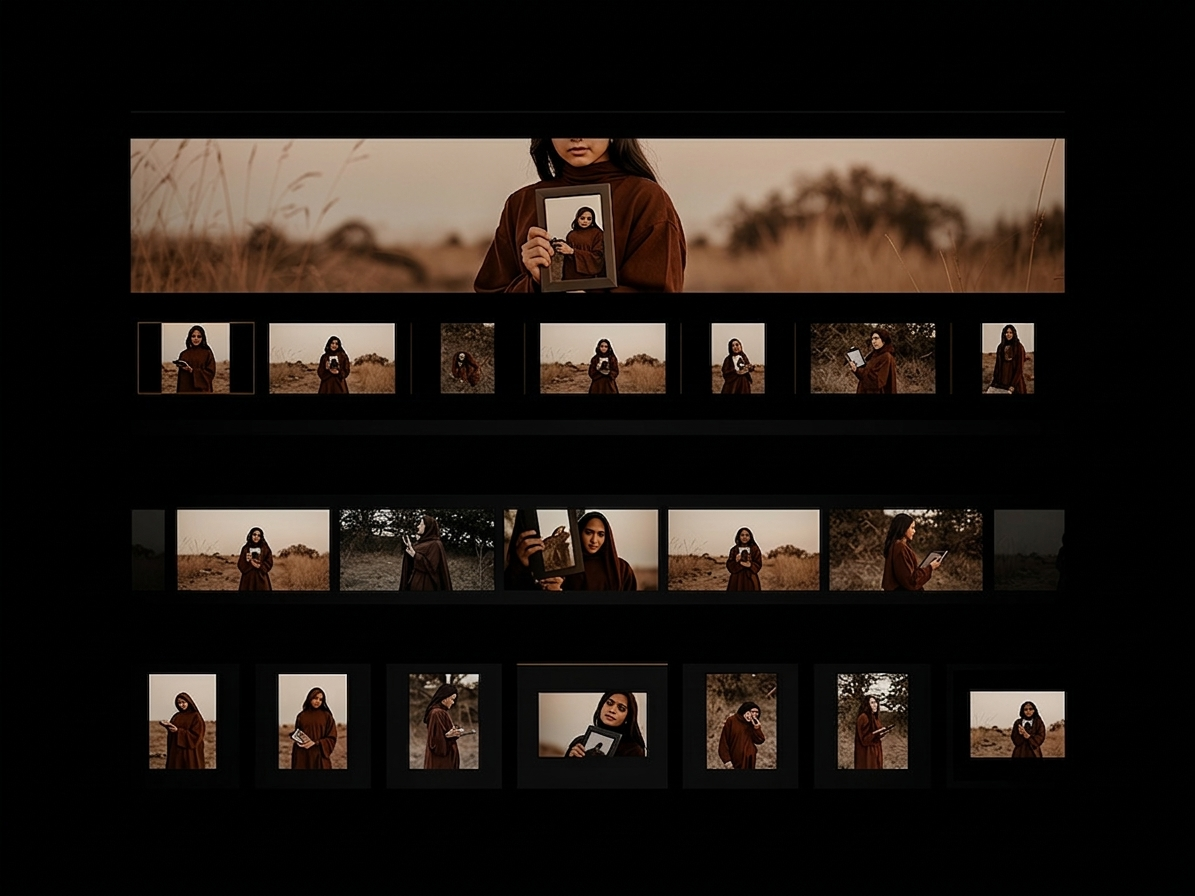
Most standard vertical-scroll websites destroy the spread concept. To fix this digitally, you must seek out a website builder that allows for localized grid breaking. Instead of a single column of vertical images scrolling infinitely downwards, construct your digital layout using a 2-column or 3-column asymmetric grid. Pair a wide, complex landscape image next to a tight, simple macro portrait. By physically interlocking the borders of the digital frames next to each other, you synthesize the exact narrative dialogue of turning a physical page.
White-Space is the Digital Mat Board
When preparing a physical book, no professional photographer glues an 8x10 print edge-to-edge onto black cardboard. The photograph is always centered within a thick, pristine white archival mat to give the image room to breathe and separate it from its environment.
When translating this online, aggressive full-bleed photography should be used sparingly. The digital equivalent of the mat board is empty container margins (white-space). By surrounding your digital images with massive expanses of stark white or deep black background, you artificially raise the perceived value of the photograph in the exact same manner a physical museum gallery does.
Digital Sequencing and Pacing Strategies
A physical book naturally forces the viewer to slow down. The tactile friction of literally turning a heavy acetate page prevents the editor from simply skimming to the end in three seconds.
The digital scroll, conversely, encourages high-speed skimming. To combat this, you must force the viewer's eye to pause.
- The Hero Introduction: Begin the digital gallery exactly like a physical book cover: a massive, undeniable statement image that requires a full browser height.
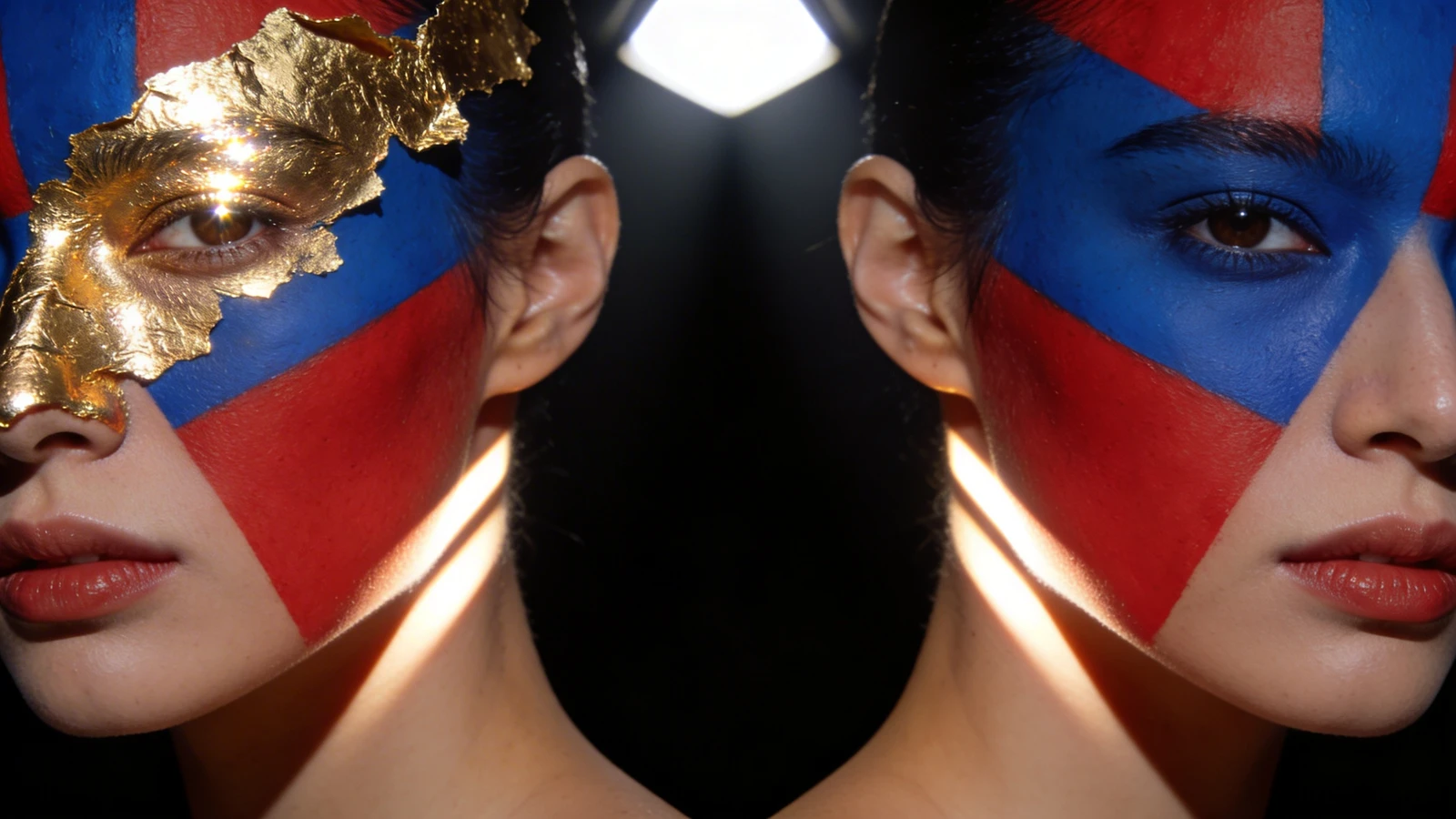
- The Diptych Interruption: After three standard scrolling shots, insert a "diptych" (two vertical images sitting flush next to each other). This breaks the vertical rhythm and forces the eye to scan horizontally.
- The Textural Pause: In a physical book, photographers often include an abstract "texture" shot (a shadow, a piece of fabric, an out-of-focus light) roughly halfway through to serve as a visual palette cleanser. Do this online. Insert a minimalist, abstract image mid-scroll to break up the dense commercial work.
Integrating Physical Branding Digitally
The physical book communicates brand before it is even opened. Is it bound in rough linen, or sleek brushed aluminum?
Digitally, this framing is achieved entirely through typography and layout structure. If your physical book is elegant, modern, and high-fashion, your website should not utilize chaotic animations, messy cursive fonts, or neon colors. The digital architecture must exactly mirror the physical styling. Choose one primary sans-serif font for navigation, and one elegant serif font for your artist biography. Keep the user interface completely invisible so the photography dominates the experience.
Transitioning a deeply curated physical book to the screen requires precise editorial control, not rigid templates. With Portfoliobox, you can orchestrate vast margins, dynamic page-turning diptychs, and unmetered visual spreads that perfectly emulate the physical gallery experience — no coding required.