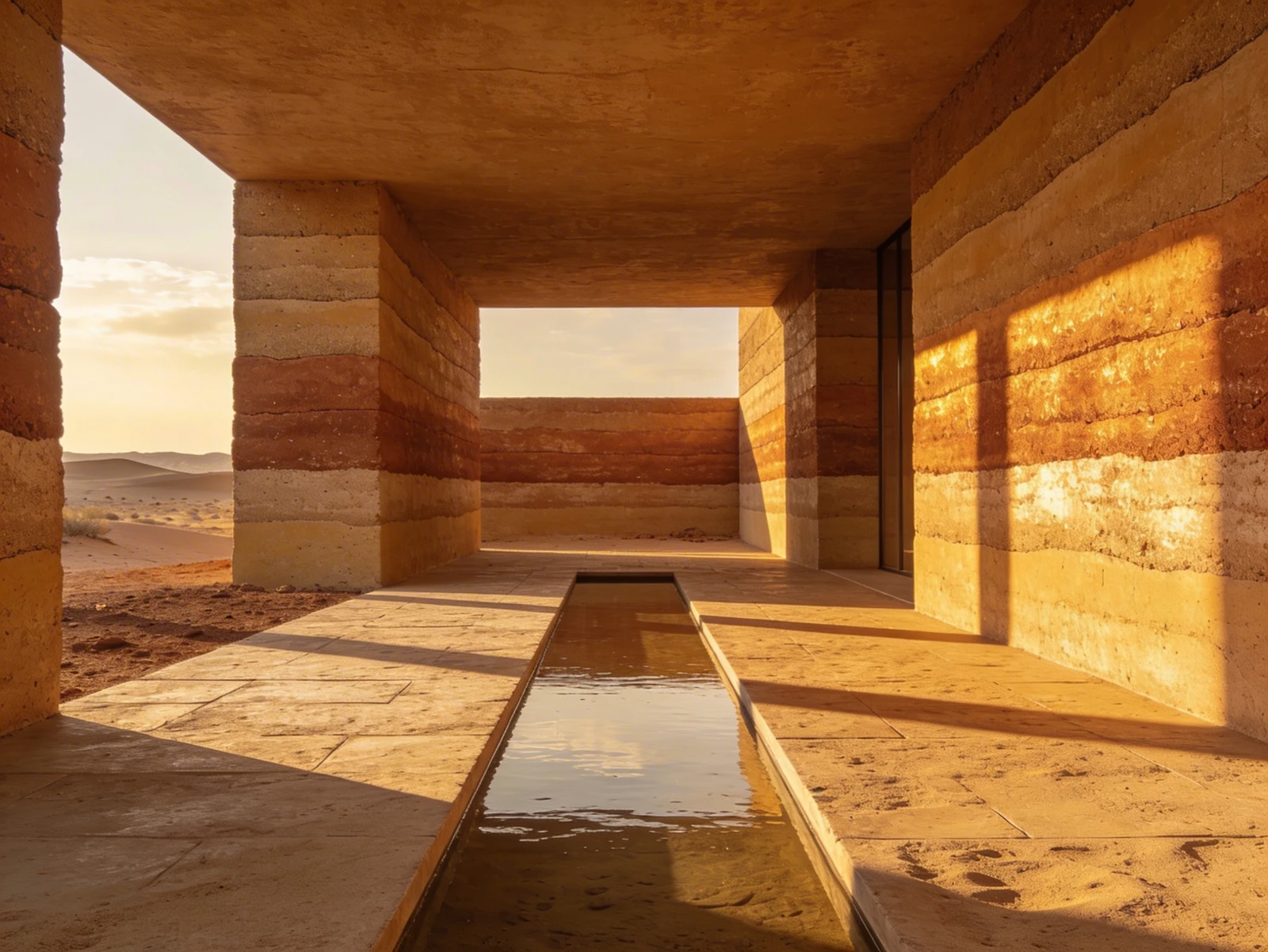
While traditional architects design structures that remain physically frozen in time, landscape architects design living, breathing organisms. A public park or a massive corporate plaza looks entirely different in the stark grayness of February than it does in the lush, vibrant humidity of July.
This temporal instability is the beauty of the profession, but it is a nightmare to digitize. When a landscape architect builds a standard website portfolio, they frequently upload a single, massive wide-angle photograph of their park during peak summer, and move on.
A single photograph fundamentally lies to the client. It fails to communicate the genius of how you engineered the drainage, how you selected drought-resistant native grasses, and how you orchestrated the massive topographical shifts required to make the space function year-round. Here is exactly how to structure a landscape architecture portfolio that proves absolute environmental mastery.
The Mandate of the 'Seasonal Timeline'
When a city council hires you to design a $5 million riverfront park, they are buying a four-season asset. You must prove you designed for all four seasons.
Inside your portfolio case study, never rely on a single chronological upload. Establish a localized gallery specifically titled "Temporal Shifts." Within this block, upload photographs from the exact same physical vantage point taken across the year. Show the stark, structural elegance of the dormant oak trees in winter right next to the explosive canopy of summer.
By prioritizing the timeline over a single "perfect" moment, you prove to prospective clients that your design logic survives the harsh realities of the actual climate.
Translating the 'Planting Plan'
A massive mistake made by junior landscape designers is uploading highly technical "Planting Plans" directly into their primary web gallery alongside atmospheric renders.
To a client, a planting plan just looks like thousands of tiny, confusing overlapping circles covered in illegible Latin text.
You must translate your botanical logic into accessible data. Instead of forcing the client to decode a massive CAD blueprint, utilize "Progressive Disclosure" on your website.
- Upload the massive, beautiful exterior render of the meadow first.
- Beneath the render, insert a clean, typographical 3-column list explicitly defining the "Core Flora Palette" (e.g., listing Native Fescue, Creeping Thyme, and Heritage Oaks).
- Only place the actual microscopic CAD Planting Plan at the absolute bottom of the page, isolated with massive white margins, serving purely as proof of technical rigor for any contractors reviewing the site out of curiosity.
Anchoring the Topography
Unlike traditional architects who often start with a flat, cleared concrete pad, landscape architects inherit incredibly difficult topographies.
If you transformed a steep, unbuildable cliff face into a stunning series of terraced retaining walls, the client cannot fully grasp the achievement by just looking at the final wall. You must anchor the project in the original geographic trauma.
Start the digital case study with the raw topographical map (the GIS data or drone photogrammetry). Beside it, write a short contextual paragraph: "The site suffered a severe 45-degree watershed runoff making foundational stability impossible. We instituted a series of subterranean Gabion walls..."
When a client reads that you conquered extreme physical geography before they see the stunning final result, they understand that they are hiring an engineer, not simply a gardener.
Your living, complex environments demand dynamic digital architecture. With Portfoliobox, landscape studios can cleanly organize massive temporal photography sliders, isolate heavy topographical CAD blueprints in unmetered grids, and elegantly format botanical lists into readable, modern typography — no coding required.