When applying to highly competitive B.Arch (Bachelor of Architecture) or Fine Art foundational programs, admissions counselors use your digital portfolio to evaluate one specific metric: cognitive endurance.
Can you take a single, complex visual theme and explore it obsessively over an entire semester without losing focus? This concept is formally known as the 'Sustained Investigation'.
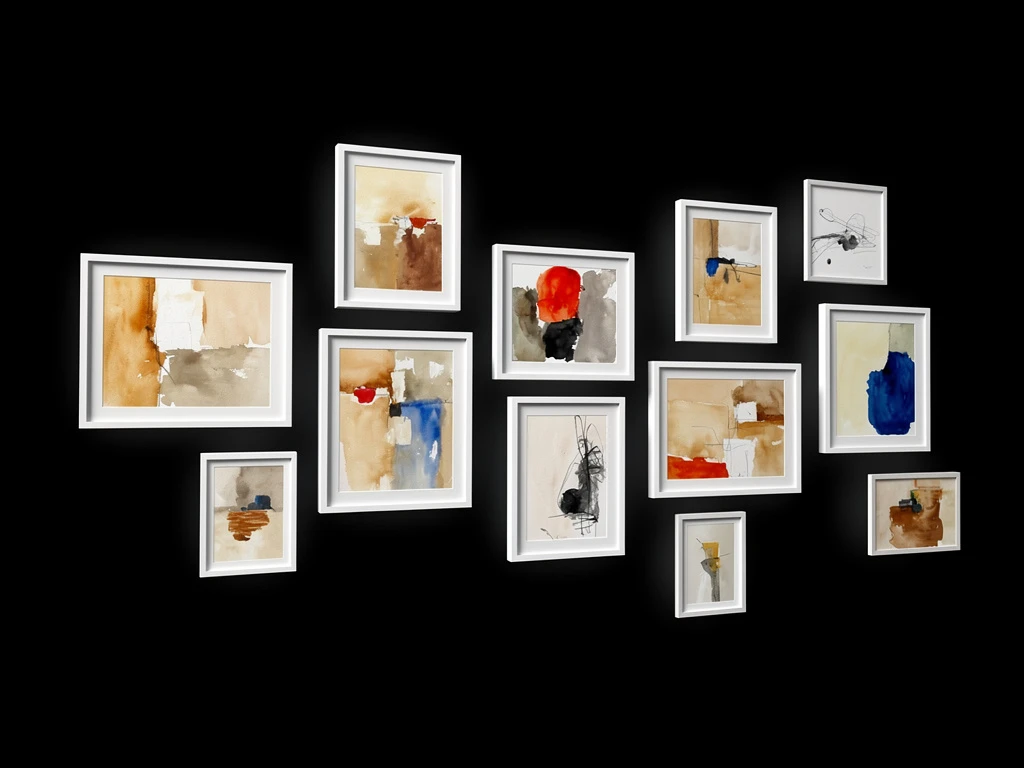
Many students make the mistake of treating their 2-D Art and Design admission boards like a greatest-hits album. They randomly stitch together a charcoal drawing of a shoe, a watercolor painting of a bird, and a digital poster they made for a school play. While these three artworks might be technically flawless, they demonstrate absolutely zero thematic endurance. The admissions board will assume the student lacks the academic rigor required to survive a five-year architectural thesis.
Here is how to prepare and digitize your 2-D admission boards to prove rigorous, sustained conceptual investigation.
Formulating the 'Thesis Anchor'
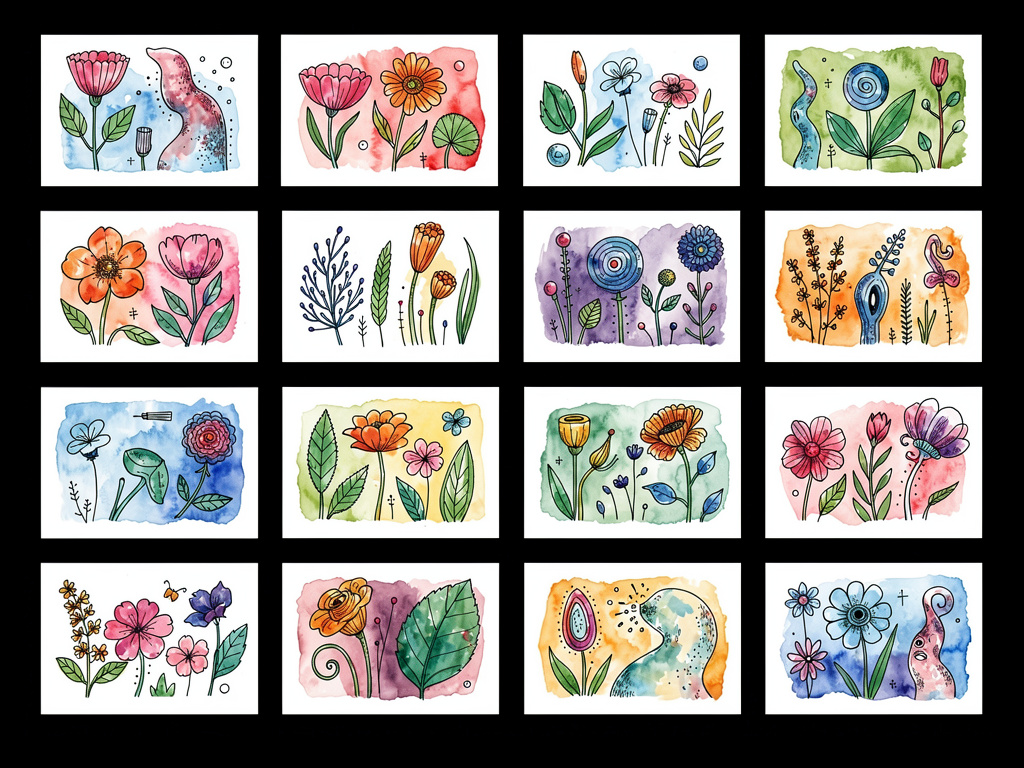
A successful Sustained Investigation is not just a collection of fifteen similar drawings; it is a visual answer to a specific question.
Before you format your digital portfolio, you must write your "Thesis Anchor." This is a single, provocative sentence that defines the entire body of work you are about to show.
For example, instead of naming your gallery "Charcoal Portraits," name it: "An exploration of how synthetic lighting warping human facial geometry induces psychological isolation."
Place this Thesis Anchor at the absolute top of your digital web page in a massive, unmistakable font. You are forcing the admissions counselor to view every single piece of artwork underneath it through the lens of that specific question. This immediately elevates your work from high school art class to university-level academic research.
The Law of Iterative Pacing
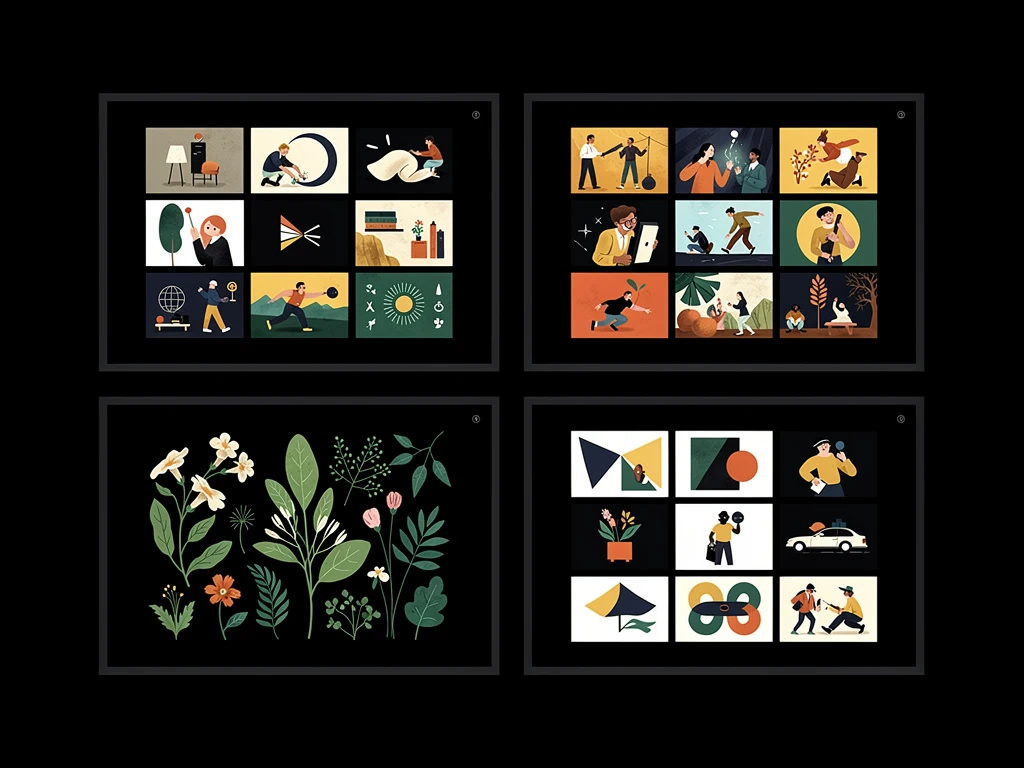
Once your thesis is anchored, you must construct the chronological sequence of the artwork itself. The layout of the website must prove that your ideas evolved over time.
Do not put your three best, final masterpieces at the very top of the page. You must pace the viewer.
- The Raw Setup (Images 1-4): Begin with your early, rough sketches. Upload unedited, raw photographs of your sketchbook pages showing the initial ideation.
- The Process Pivot (Images 5-9): Show a shift in medium. Perhaps your charcoal drawings weren't answering the thesis question deeply enough, so you shifted to painting with coffee stains. The admissions board loves to see a student hit a wall and pivot creatively.
- The Resolution (Images 10-15): Conclude the webpage with your massive, highly-polished final 2-D boards. The viewer now understands exactly how much suffering and experimentation it took to arrive at this final result.
Eliminating the Physical 'Glitches'
The quickest way to undermine your academic rigor is through sloppy digital archiving.
When you digitize your physical 2-D boards, you must eradicate "glitches"—the physical artifacts of bad photography.
- If you painted with heavily textured oil paints or glossy acrylics, using a camera flash will create massive white circular hotspots (glare) that destroy the color data.
- You must photograph your boards using indirect natural window light, or use polarizing filters on your studio lights to cut the glare entirely.
- Once digitized, crop the image mathematically perfectly. If the admissions board can see the messy floor of your bedroom around the edges of your canvas, your perceived professionalism vanishes.
Synthesizing Text and Image Layouts
The final requirement of a 2-D admission board is the annotation constraint. You are frequently required to explain the material choices and the specific thought process behind individual pieces.
Your web layout must support seamless image-and-text integration. Do not bury your explanations in a separate PDF document or at the bottom of the page. Ensure your template allows you to build a 2-column grid, where the high-resolution artwork sits beautifully on the left, and the concise, perfectly formatted academic explanation sits flush on the right.
Securing your place in an elite university design program requires a digital presentation that mirrors college-level discipline. With Portfoliobox, students can effortlessly construct sequential, text-integrated exhibition galleries formatted exactly as admissions officers demand — no coding required.