Architectural visualization operates at the absolute cutting edge of digital rendering technology. You might spend an entire week using massive GPU servers to render a breathtaking, ray-traced image of a skyscraper facade in 8K resolution.
Yet, when you upload that masterpiece to your standard digital portfolio and view it on a Retina display, it suddenly looks muddy. The crisp edges of the glass mullions are pixelated. The subtle gradients of the sky have banded into ugly blocks of color.
The problem is not your rendering engine; the problem is your digital architecture display protocol. The internet is inherently hostile to massive file sizes. If you simply drag your raw 50MB TIFF file into a generic website builder, the platform's algorithm will violently compress the image to save server space, permanently destroying your hard work.
To ensure your renders look as pristine online as they do inside Lumion or V-Ray, you must execute the following optimization workflow.
The 'Web-Safe' File Format Hierarchy
Architects love lossless file formats like TIFFs or massive PNGs because they preserve infinite data. However, you can never upload these to a live portfolio website. They will cause the page to take thirty seconds to load, forcing clients to bounce.
You must optimize your renders using modern web formats:
- WebP (The Modern Standard): WebP provides incredibly high visual fidelity at half the file size of a standard JPEG. If your portfolio platform supports WebP, this should be your exclusive format for rendering exports.
- JPEG (The Reliable Fallback): If you must use JPEG, export the image at exactly 80% to 85% quality from Photoshop. Pushing it to 100% quadruples the file size without visibly improving the rendering quality on standard monitors.
- SVG (For Blueprints Only): Never upload an AutoCAD floor plan as a standard image file. If your platform supports it, export vector drawings perfectly mathematically using SVG files. They load instantly and remain perfectly sharp even if the user zooms in 500%.
Anchoring the 4K Dimension
A common misconception is that rendering a 10,000-pixel-wide image guarantees it will look amazing online.
Instead of arbitrarily rendering massive dimensions in your 3D software, restrict your final horizontal output to exactly 3840 pixels wide (standard 4K resolution) or maximum 2560 pixels wide (standard 1440p).
When you export your image to exactly match the hardware dimensions of an Art Director's premium monitor, you prevent the website browser from having to "guess" how to scale the image algorithmically. It maps pixel-to-pixel perfectly, guaranteeing the sharpest possible texture presentation on luxury displays.
Embedding 'Deep Zoom' Capability
If an architectural client is reviewing your portfolio, they will invariably want to scrutinize the micro-details. Did you align the brick coursing correctly?
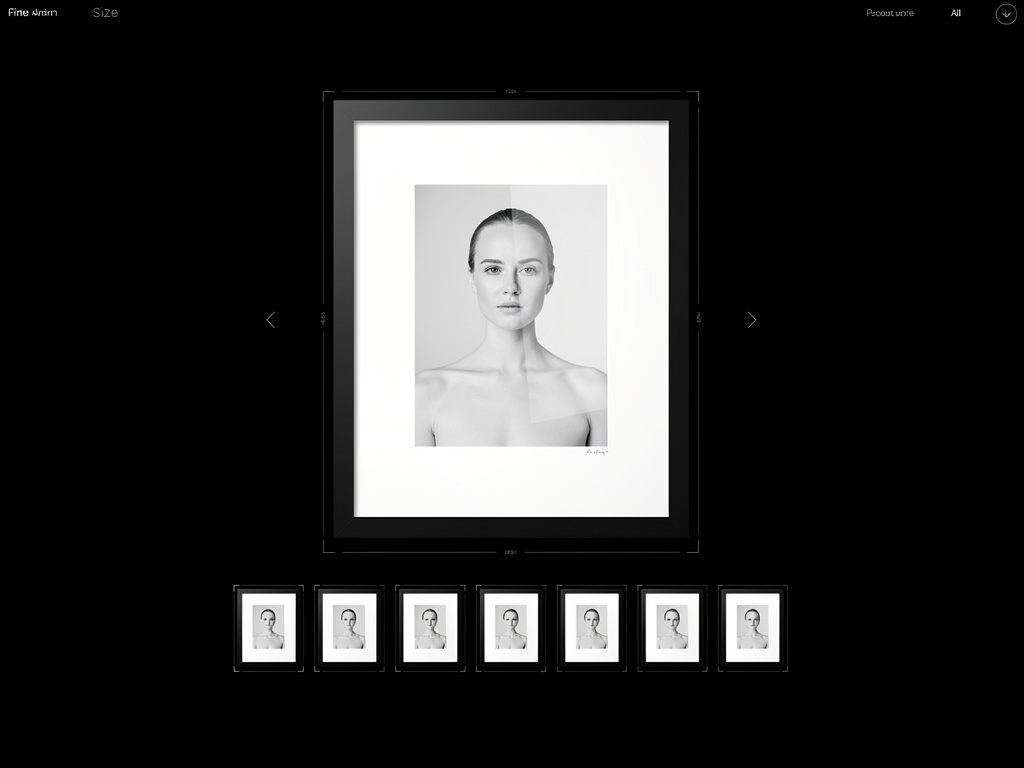
If your website forces the user to right-click and "Open Image in New Tab" just to zoom in, you have failed the interface layout. You must select a professional portfolio platform that supports native 'Lightroom' or 'Deep Zoom' functionality. When the user clicks the rendering inside your gallery, a dedicated, uncompressed lightbox should seamlessly overlay the screen, allowing them to drag and zoom deep into the physical texture of the rendering without breaking the browser frame.
The Crucial 'Color Space' Conversion
Why do your vibrant sunset renderings suddenly look muted, gray, and dull when you upload them to the internet?
You are likely exporting your renders or editing them in a massive color space like AdobeRGB or ProPhotoRGB. While these are great for printing physical architecture books, web browsers struggle to read them accurately.
Before uploading any rendering or photograph to your digital display, you must explicitly convert the color profile to sRGB. This is the universal language of the internet. Converting to sRGB ensures that the warm terracotta color you selected in your rendering engine looks exactly the same on an iPhone, a Dell monitor, and a giant LG television screen.
Rendering beautiful architecture is only half the battle; displaying it perfectly is the rest. With Portfoliobox, professional architects can bypass destructive compression algorithms utilizing unmetered, high-capacity CDNs engineered explicitly to preserve 4K architectural rendering details — no coding required.