When a commercial director or a fashion photographer hires a lead makeup artist (MUA) for a major campaign, they are not just hiring someone with technical skill. They are hiring a collaborator. They need an artist who understands the creative brief, can conceptualize a look, and can translate the overall artistic vision onto the model's face.
Most MUAs simply upload their final photos to their portfolio. However, top-tier artists understand that proving their creative process is just as important as the final result. By treating a section of your digital presentation like a mood board website, you can visually communicate your conceptual depth and secure higher-paying, creatively fulfilling contracts. Here is a guide on how to integrate this powerful tool.
What is a Mood Board Website Approach?
Traditionally, a mood board is a physical or digital collage of images, textures, colors, and text used to convey the "feeling" or visual direction of a project before it is executed.
Applying a mood board website approach to your portfolio means you don't just show the final magazine cover. Instead, you create a dedicated project page that walks the client through the entire creative journey.
Step 1: Dedicate Space for Project Studies
Instead of cramming 40 images onto a single scrolling gallery, create distinct "Case Studies" or "Project" pages for your most important editorial or commercial campaigns.
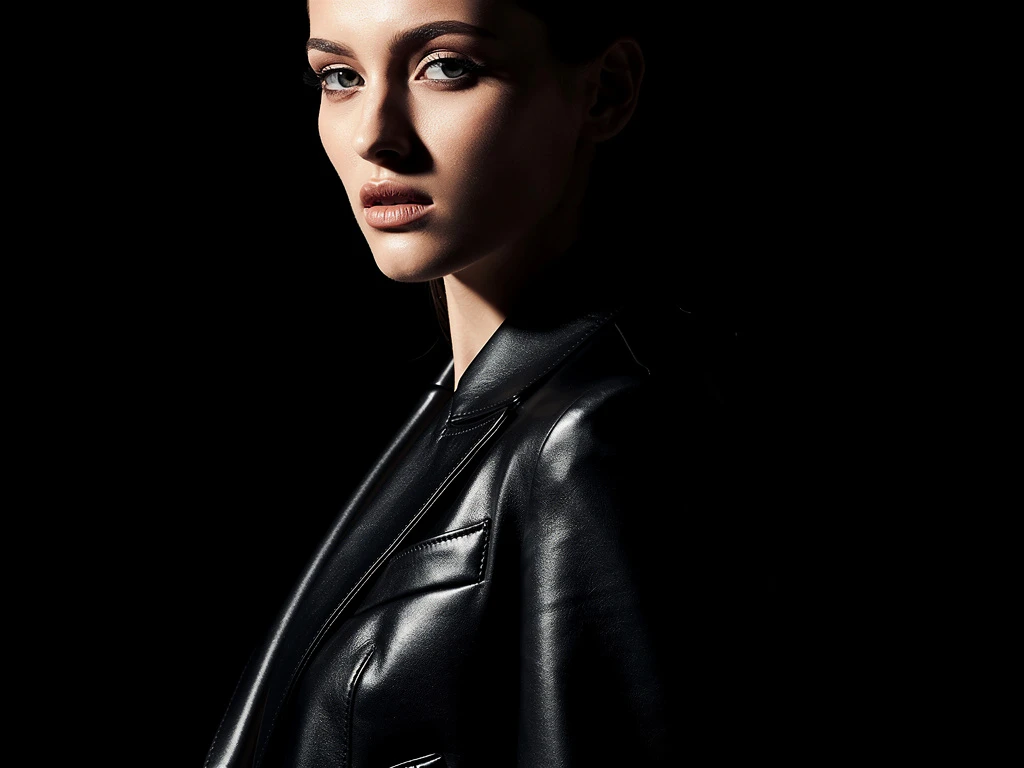
On this page, the final, retouched hero image should be prominent at the top. But below that, the page should transition into a mood board format.
Step 2: Show Your Visual References
Art directors love to see how your brain works. On your project page, include the visual references that inspired the look.
If you created a glossy, deconstructed red lip for a punk-inspired fashion editorial, include images of the textural references (like smeared paint or wet vinyl), the color swatches you developed, and any historical makeup references you pulled from. This proves that your makeup choices were highly intentional, not accidental.
Step 3: Highlight Texture and Process
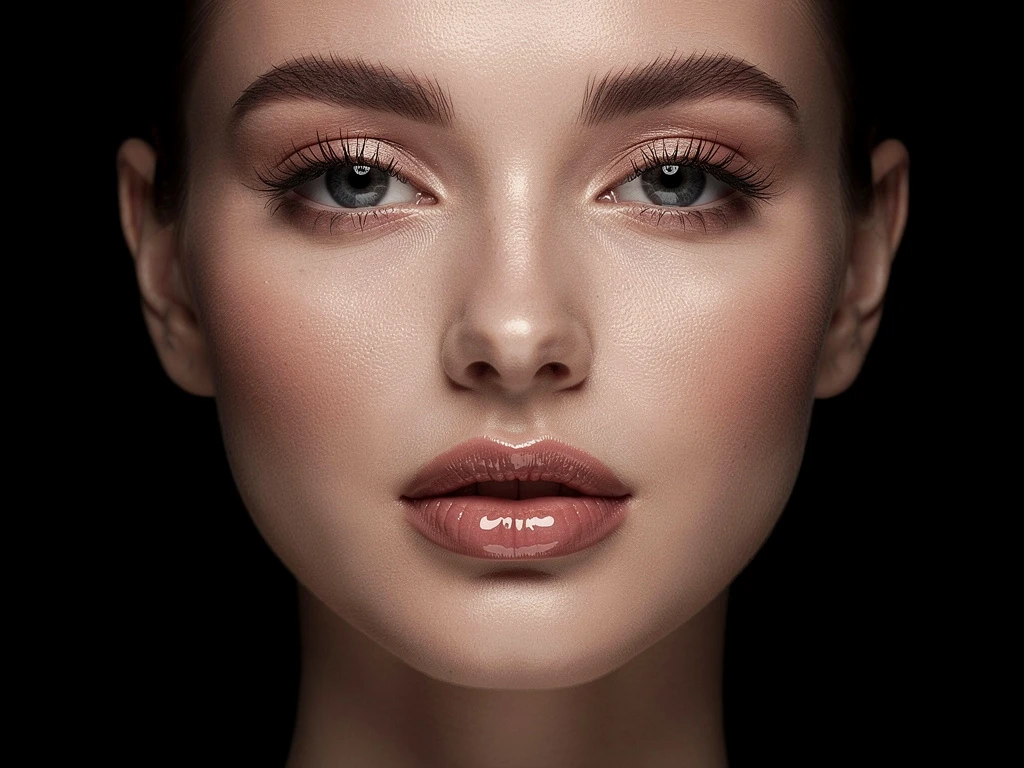
A mood board website format thrives on texture. Include high-resolution macro shots of the products you used. Show a close-up of the pigment mixing on your palette or a behind-the-scenes video clip (a cinemagraph) of you applying the final touches on set.
This behind-the-scenes texture adds a tactile, premium feel to your portfolio. It demystifies your process and builds trust with commercial clients who need to know you can execute under the pressure of a live set.
Step 4: Include the Written Brief
Finally, include a short block of text explaining the creative brief you were given and how your makeup design solved the client's problem.
Example: "The client requested a 'no-makeup makeup' look that would still register under harsh desert sunlight. I focused entirely on skin prep and used cream-based products to ensure a natural, hydrated glow that wouldn't read flat on camera."
Building a dynamic, multi-media project page requires a flexible platform. With Portfoliobox, you can effortlessly implement a mood board website approach, combining video, text, and high-resolution galleries to prove your creative vision — no coding required.