A few years ago, I sat across from a hiring manager for a senior product design role that I desperately wanted. I had spent weeks preparing my portfolio, packing it with beautiful, high-fidelity UI screens and complex user journeys. But when I presented my work, the manager stopped me on the second slide.
"These screens look fantastic," she said, squinting at the projector. "But how do these elements scale across the rest of the application? Where is your system?"
I froze. I had designed beautiful individual pages, but I hadn't documented the atomic elements—the buttons, typography scales, and spacing tokens—that held them together. I didn't get the job. That failure taught me a vital lesson: in modern product design, being able to create a design system portfolio is just as important, if not more so, than showing polished final screens.
Mastering the art of presenting a design system is how you elevate your brand from a UI designer to a strategic product leader. Here is how you can tell the story of your systems and win the clients (and jobs) you deserve.
The Challenge of Showcasing Systems
The problem with a design system is that it isn't inherently sexy. A client or art director can easily appreciate a stunning landing page or a clever app onboarding flow. But a grid of primary, secondary, and tertiary button states? A table defining hex codes and typography rem values? That can feel dry and technical.
If you just dump a link to a Figma file or a Storybook repository into your portfolio, you will lose your audience. The secret to a successful design system portfolio is narrative. You must explain why the system exists, not just what it is.
Step 1: Start with the Chaos
Every good story needs a villain, and in the world of product design, the villain is usually inconsistency.
When presenting a design system in your portfolio, start by setting the scene. What was the state of the product before you intervened? Perhaps the engineering team was using forty different shades of gray. Maybe the time-to-market for a new feature was painfully slow because every component had to be designed from scratch.
By outlining the chaos, you establish the business problem. You show the hiring manager or client that you understand the financial and operational cost of bad design infrastructure.
Step 2: The Audit and the Strategy
Once you have established the problem, explain your approach. Don't just skip to the final UI kit. Show the messy middle.
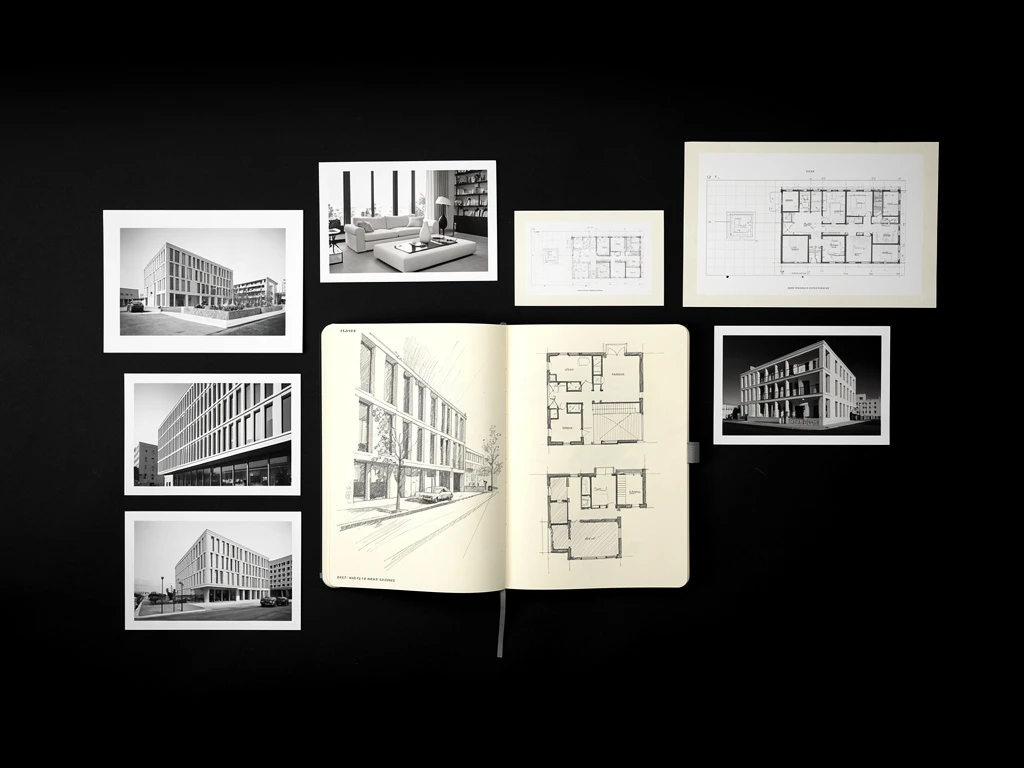
Did you print out every single button currently live on the site and put them on a wall? Did you run a workshop with the engineering team to agree on naming conventions? Show a photograph of that wall of buttons. Show a screenshot of the spreadsheet where you audited the typography.
This part of your portfolio demonstrates your leadership. It proves that you can rally cross-functional teams around a shared vision and tackle complex, unglamorous work to achieve a strategic goal.
Step 3: Presenting the Artifacts (With Context)
Now it is time to show the actual components. But instead of showing a massive, overwhelming library of every asset, curate it.
Highlight the foundational elements—color, typography, spacing, and iconography. Then, show how those atoms combine into molecules (like a search bar) and organisms (like a site header).
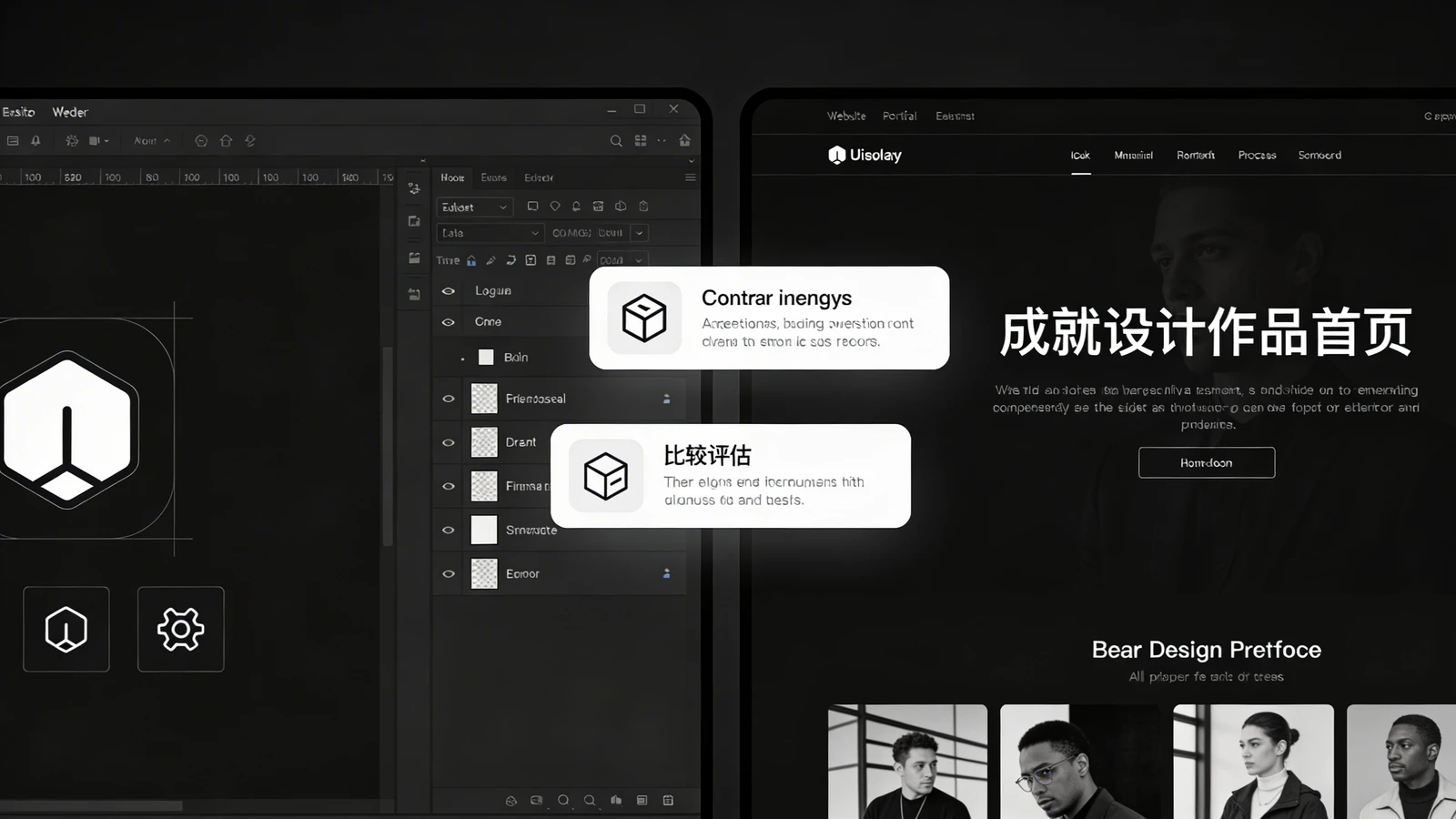
Crucially, you must show the system in action. Place a raw component library next to a finished, high-fidelity screen that utilizes those components. This visual connection helps stakeholders understand how the dry, technical system translates into a beautiful, consistent user experience.
Step 4: The Impact and The Aftermath
The conclusion of your design system story must focus on the results. A design system is a tool, and tools are measured by their utility.
Did the system reduce design handoff time by 50%? Did it allow the marketing team to launch landing pages without engineering support? Did it drastically reduce front-end bugs?
Include metrics and testimonials from engineers or product managers. When you conclude your case study with tangible business results, you cement your status as a high-value strategic partner.
Your Portfolio is Your Ultimate System
After that failed interview years ago, I completely restructured my digital presence. I began treating my own portfolio as a design system, ensuring my brand was consistent, modular, and easy to update. The next time I presented my work, I didn't just show screens; I showed the infrastructure that made those screens possible. I got the job.
Building your portfolio doesn't have to be complicated. With Portfoliobox, you can create a stunning portfolio website in minutes — no coding required. Use it to showcase your systems, tell your professional story, and elevate your design brand.