Architects are trained to think in three dimensions, navigating scale, materials, and light. Yet, when it comes time to build a portfolio, many professionals struggle to translate that spatial brilliance into a flat, two-dimensional screen. The result is often a sterile digital archive that fails to communicate the true value of the work.
To stand out in a competitive industry and attract high-tier clients, you must master the art of architecture display. It is not just about uploading photos; it is about curating an experience. Here is how to elevate your brand through strategic presentation.
The Problem: The Archive Approach
The most common mistake in architecture display is treating the portfolio as a comprehensive archive. Dumping every rendering, CAD drawing, and construction photo onto a web page overwhelms the viewer.
Potential clients—whether they are homeowners looking for a residential remodel or developers seeking commercial design—do not want to sift through your hard drive. They want to be guided through a curated narrative. If your website looks like a filing cabinet, you are failing to demonstrate your ability to curate and edit, which are essential architectural skills.
The Solution: Editorial Pacing and Hierarchy
To master architecture display, you must adopt an editorial mindset. Treat each project on your website like a feature article in a premium design magazine.
1. Establish the Context First
Never start a case study with a close-up detail shot or a complex floor plan. Begin with a hero image that establishes the context—the building in its environment, or a wide shot that captures the mood of the interior. Ground the viewer before asking them to understand the details.
2. Mix Mediums Intentionally
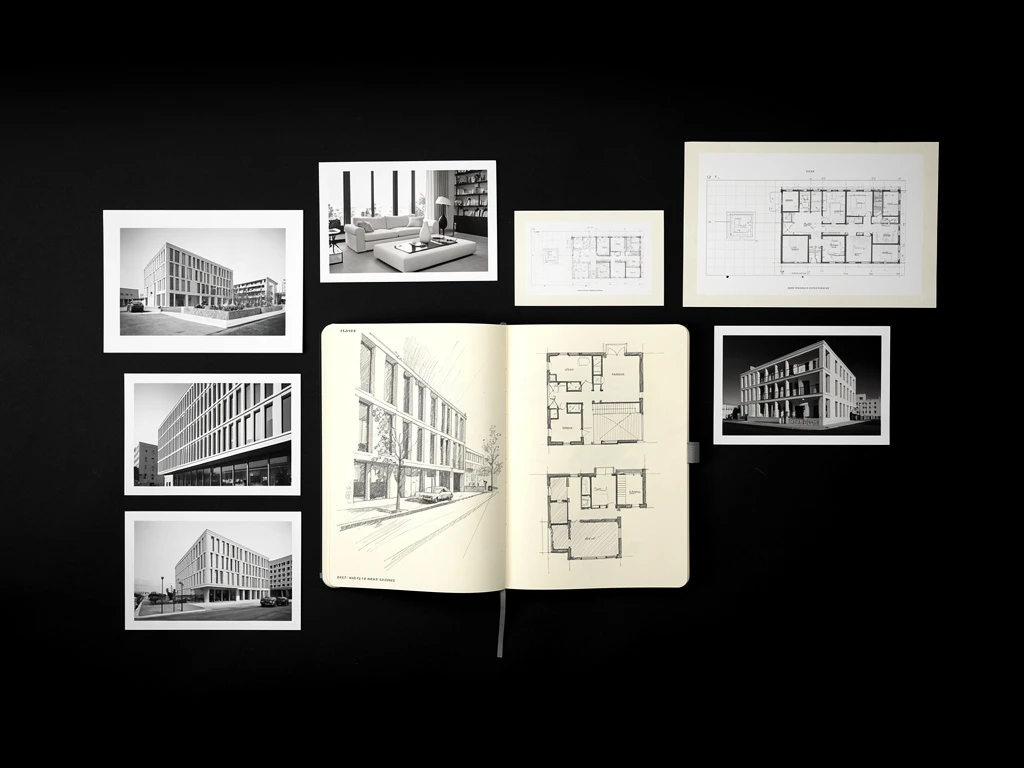
A strong architecture display weaves different types of media together to tell the full story of the project. Show the initial concept sketch next to the final photorealistic render. Display the material board alongside a photograph of the finished room. This proves that you can move seamlessly from abstract concept to built reality.
3. Curate for the Screen
Remember that most clients will view your portfolio on a laptop or a phone. Detailed, A0-sized construction documents are illegible on a 13-inch screen. If you must include technical drawings to demonstrate competence, simplify them. Use clean, high-contrast line weights that read well digitally, ensuring your architecture display is accessible to laypeople and professionals alike.
Building your portfolio doesn't have to be complicated. With Portfoliobox, you can create a stunning portfolio website in minutes — no coding required.