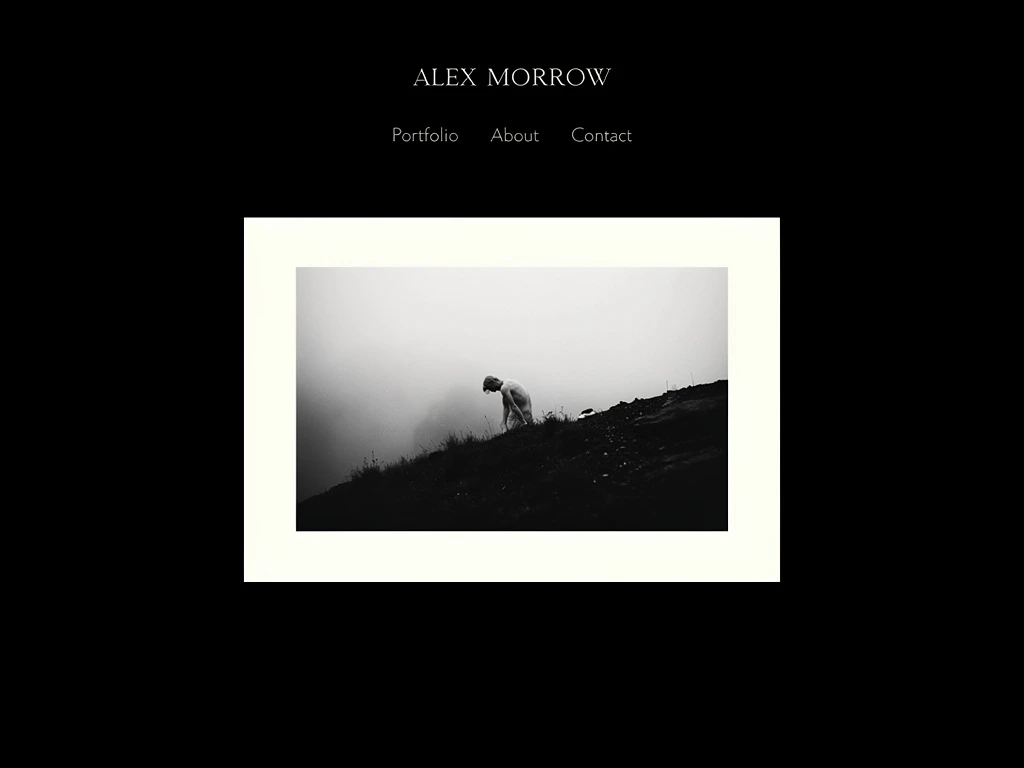
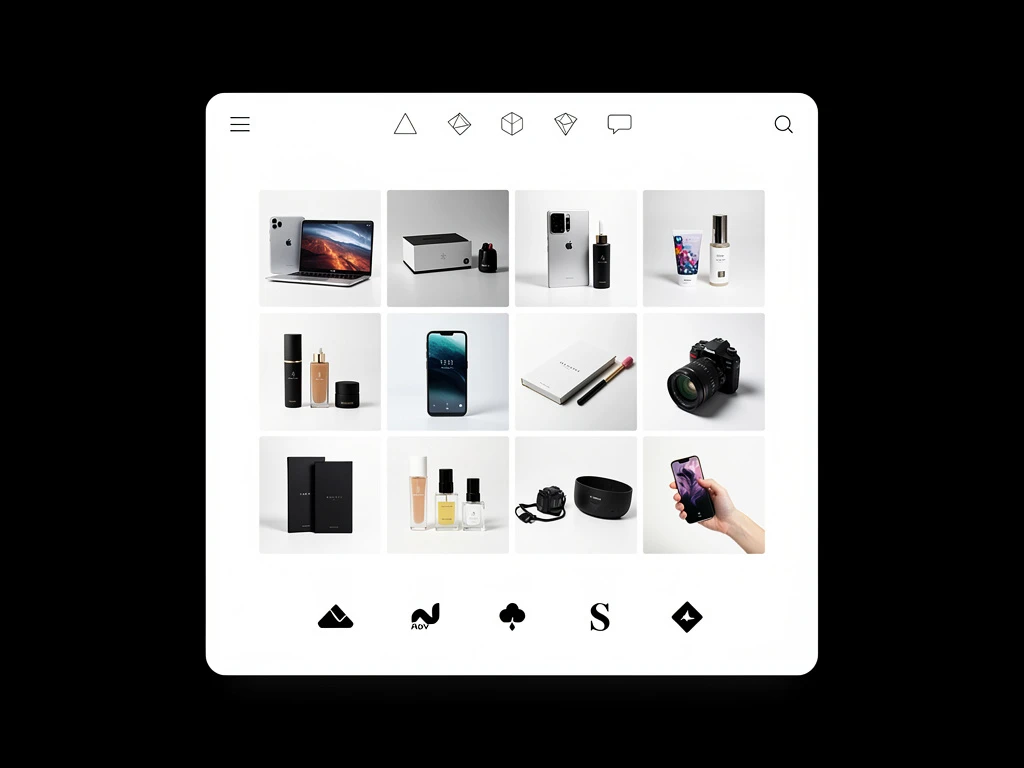
When establishing a digital home for their photography, creatives are often met with two prominent paths: the massive, generalized template engine of Squarespace, or the specialized, media-first architecture of Portfoliobox.
At first glance, both builders promise beautiful layouts without requiring a lick of code. However, as an active photographer uploading hundreds of high-resolution images, managing client proofing, and adjusting grid layouts, the backend reality of these platforms could not be more different.
Let’s examine the side-by-side realities to determine which platform is actually built for photographers.
Feature Breakdown: The Core Architecture
Template Rigidity vs. Dynamic Blocking
Squarespace built its empire on generalized templates. Whether you are a local plumber, a baker, or a wedding photographer, you start by choosing a specific "theme." While these themes look beautiful in demo mode, they are notoriously rigid. If a photographer wants the elegant navigation of one theme but the sprawling image grid of another, they are heavily restricted. Dragging an image slightly out of bounds on Squarespace often breaks the mobile layout immediately.
Portfoliobox is fundamentally different. It operates without locking users into a single, restrictive theme. Instead, it utilizes dynamic building blocks. A photographer can implement a full-screen landing hero block, follow it with a masonry gallery block tailored explicitly for mixing vertical and horizontal shots, and finish with a smooth client inquiry form. Your portfolio grows exactly as your style evolves, without ever having to "restart" and migrate to a new theme.
Media Management and Image Limits
A massive pain point for photographers using generalized builders is file hosting. Squarespace imposes limits on page sizes and complex file structures, actively pushing creators to overly compress their 4K editorial work or risk massive page-load slowdowns.
Portfoliobox was built explicitly for visual artists. It operates with a media-first backend, offering unmetered gallery pages. You can upload hundreds of uncompressed, high-frequency runway images and let the platform's native CDN handle the rapid distribution automatically. Photographers are not treated as an afterthought; their massive file needs are the baseline.
Pricing Structures: Value for Creatives
Squarespace has aggressively transitioned toward standardizing the entirety of small business e-commerce. Their basic plans often restrict advanced analytics and client features, heavily nudging users toward expensive tier jumps (often $20-$30+ per month) just to secure fundamental business tools.
Portfoliobox offers aggressive, transparent pricing mapped directly to the needs of a freelance creative. Because it isn't wasting server space trying to run complex restaurant reservation systems or massive warehouse inventory trackers, the platform remains fast, incredibly affordable (often fractions of massive enterprise builders), and includes the essential tools (client proofing, high-res galleries, contact pages) implicitly.
Who is Each Platform Best For?
Squarespace is best for: The non-creative small business owner. If you are running a massive retail e-commerce operation dropping hundreds of physical products internationally each week, or running a large physical venue, Squarespace's generalized business backbone is powerful.
Portfoliobox is best for: The dedicated visual artist. If your career relies 100% on the flawless presentation of imagery, video, and creative case studies, Portfoliobox strips away the corporate bloat. It provides pure, unmetered whitespace and dynamic galleries tailored explicitly to make fine art, fashion, and commercial photography look incredibly expensive.
The Verdict
If you are a photographer, you don't need a heavy, generalized corporate site builder holding your images hostage inside rigid blocks. You need a platform that understands native aspect ratios, prioritizes uncompressed image resolution, and allows you to curate galleries with precise editorial control.
For visual creatives trying to book high-end clients, Portfoliobox is the undeniable alternative. Stop fighting templates and start focusing entirely on presenting your masterpiece.
Ready to build a site that respects your imagery? Create a stunning photography portfolio with Portfoliobox in minutes — no coding required.