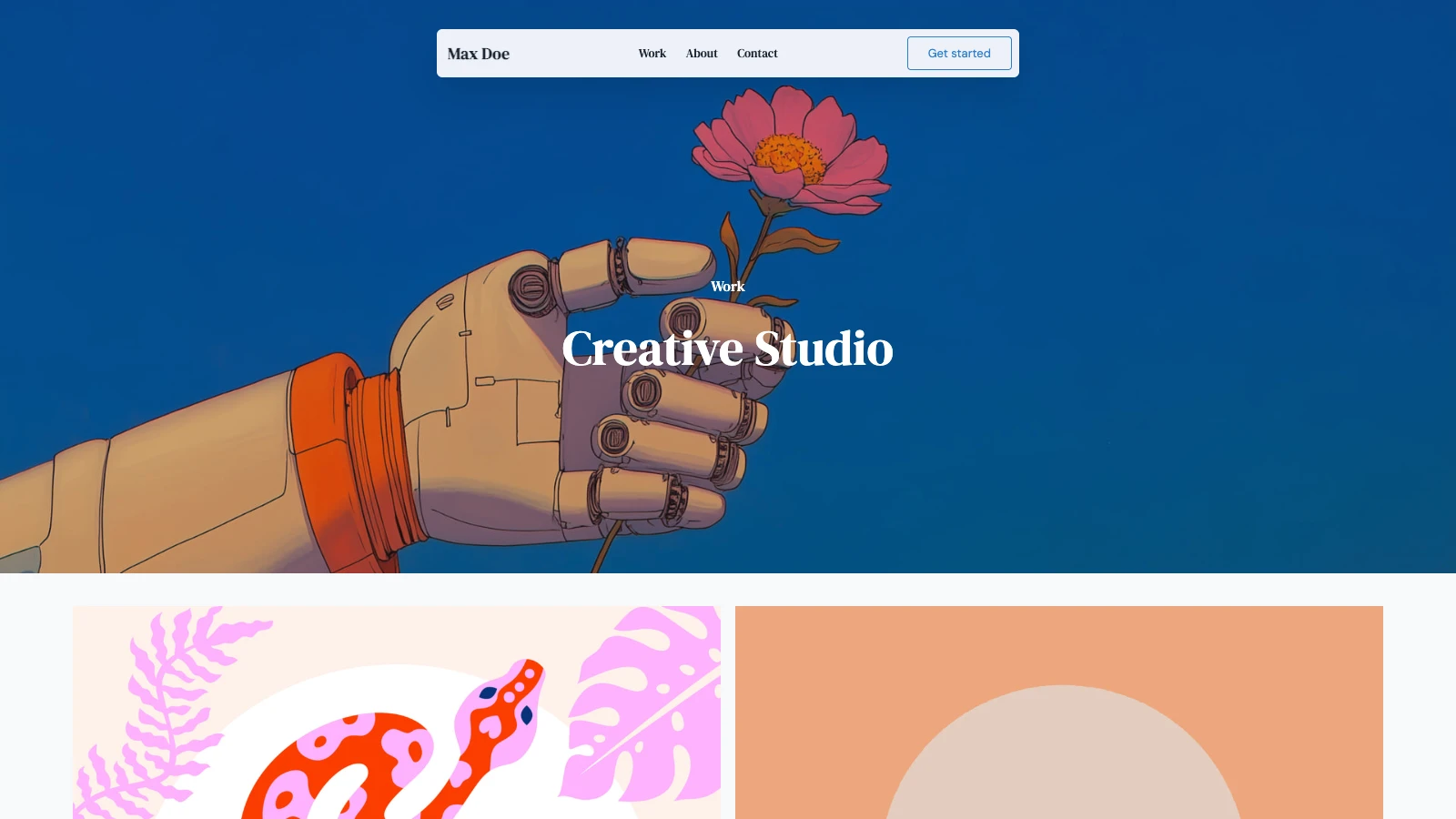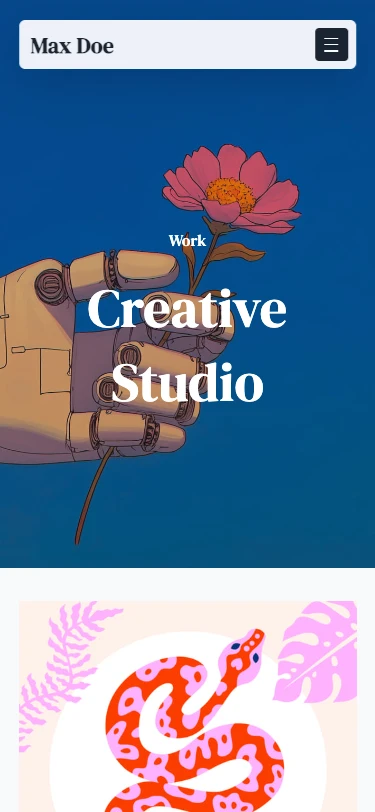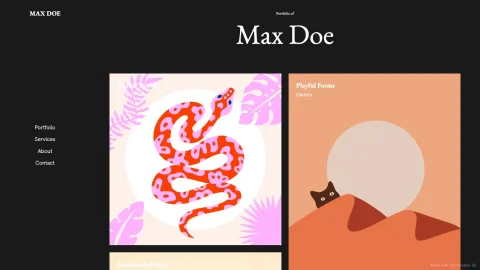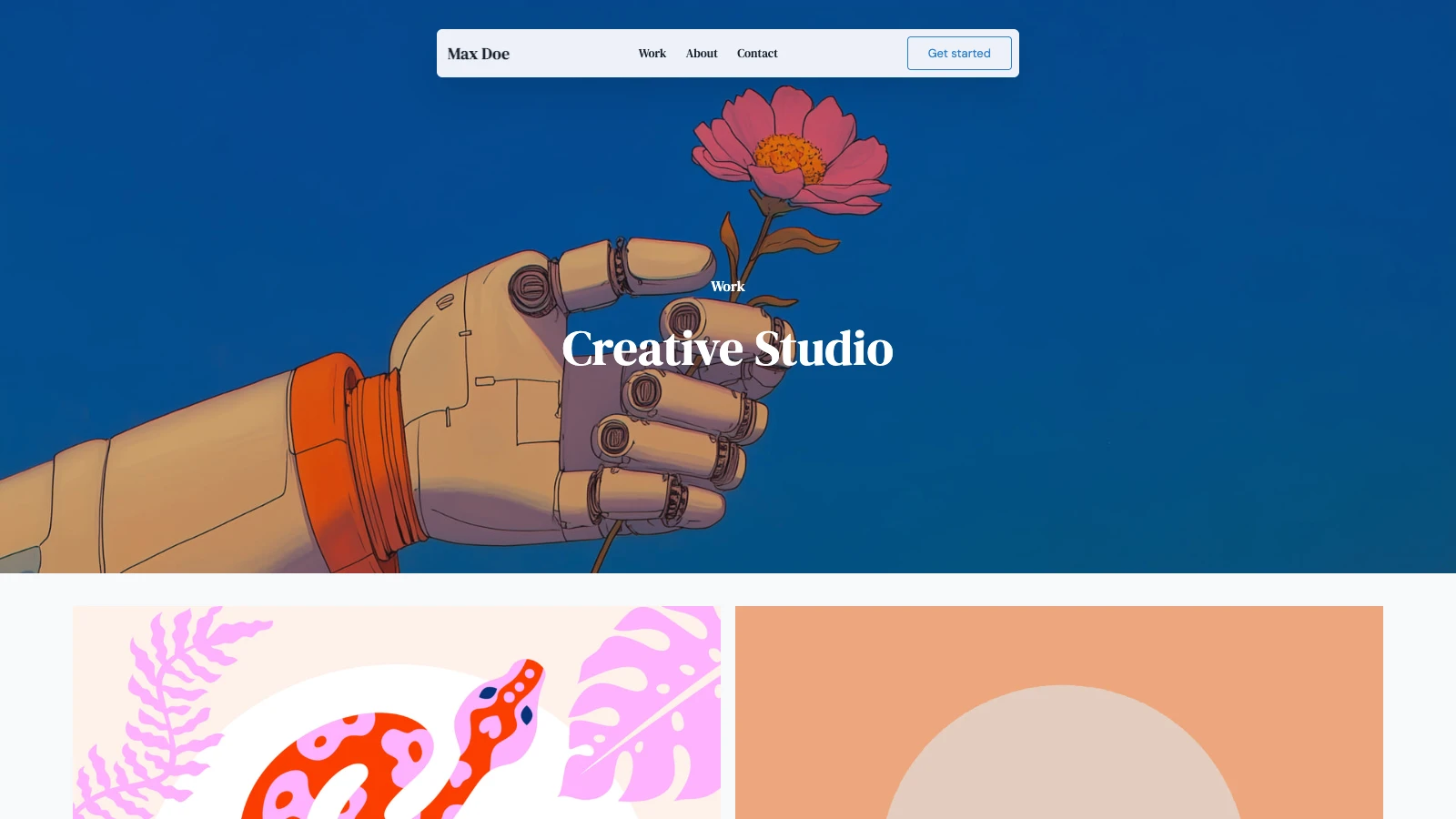
A playful, bright illustration portfolio that opens on a big colourful cover. A floating pill menu, a warm display serif and square cards with rounded corners give characters, patterns and picture-book work a lively frame.
A portfolio page with large-scale image grid, lightbox viewing, and project categories.
Clean, minimal layout for your story, a portrait, and your background.
Simple contact form with social links and location.
You can easily add new pages, remove ones you don't need, and customize everything to fit your work.
Every color, font, and spacing value can be changed. Keep the dark look or switch to light — it's your portfolio.
Large-scale image grids that give your work the space it deserves. Full-bleed, lightbox, and slideshow viewing.
Change every color, font, and layout detail — or mix in sections from other templates.
Your portfolio automatically adapts to any screen size, from phone to 5K monitor.
Optimized image delivery and edge hosting keep your portfolio fast worldwide.
Your portfolio automatically adapts to any screen. Whether your clients are on a phone or a 5K monitor, Lykke keeps your work perfectly framed.