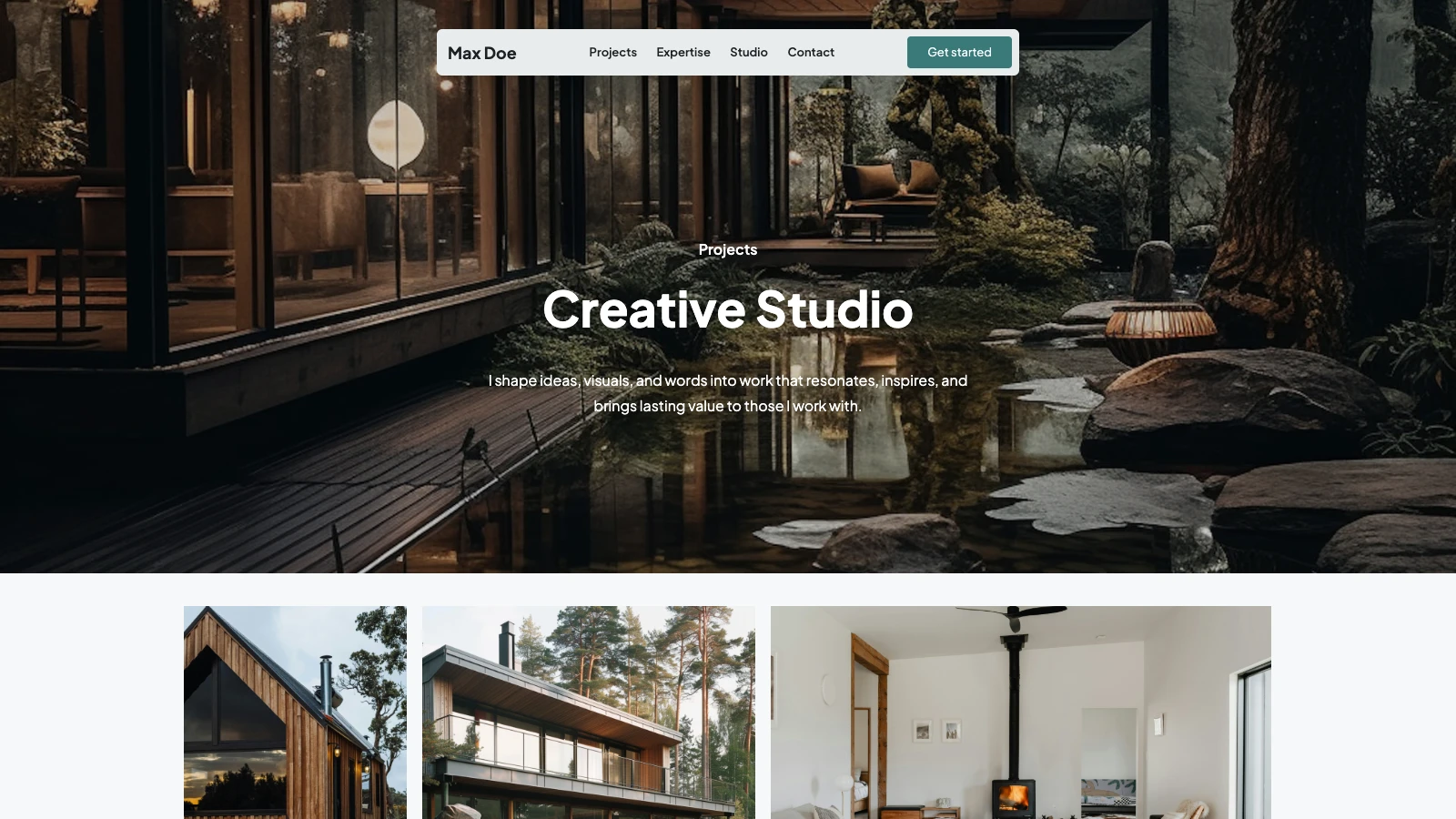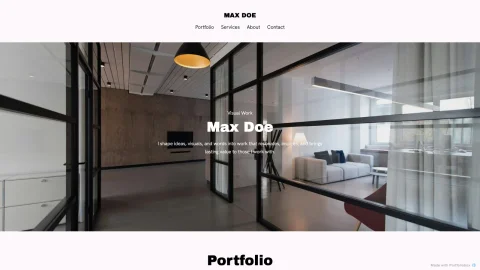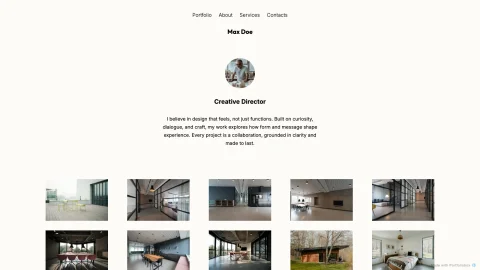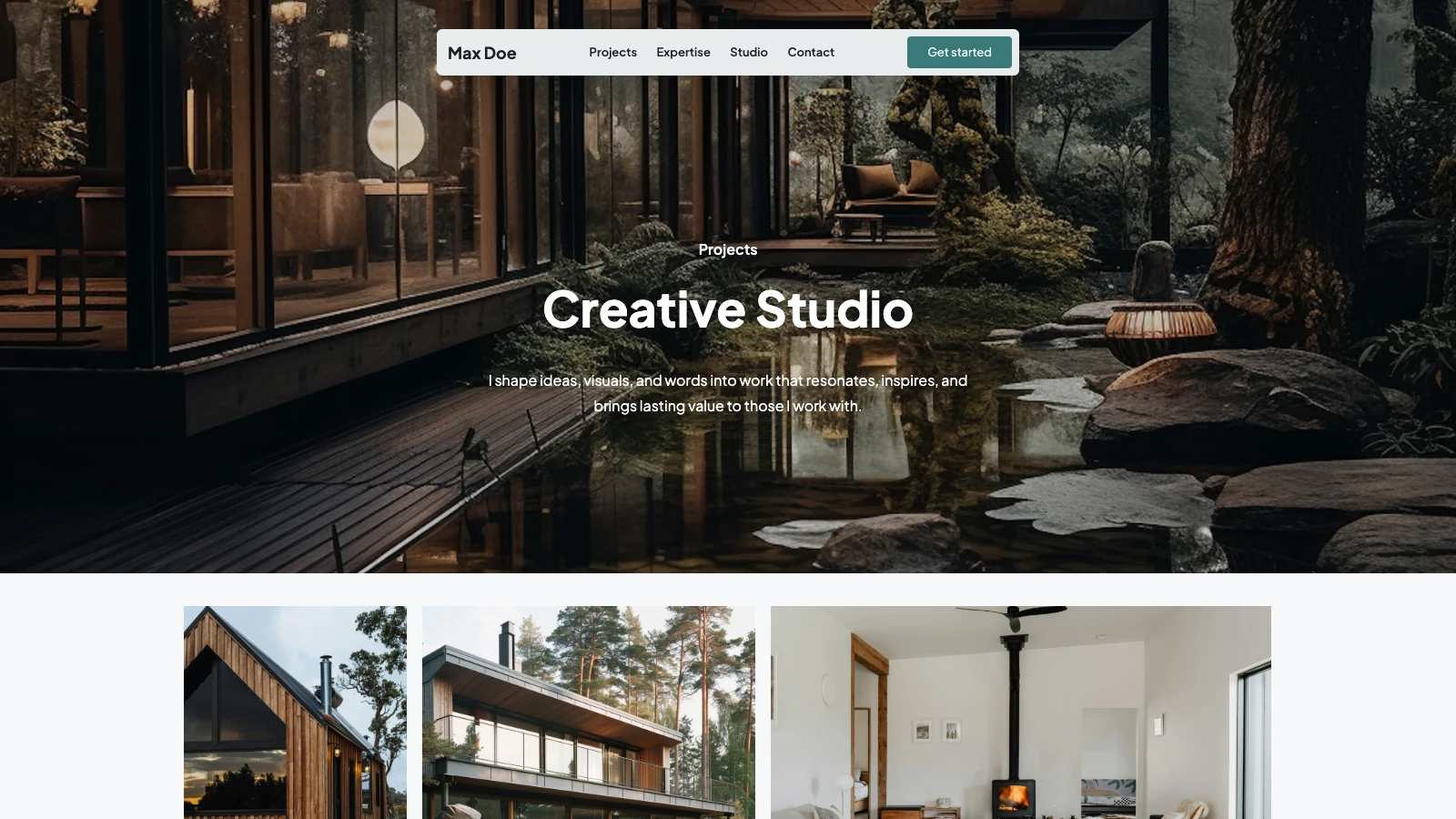
A calm, spacious architecture portfolio built like a practice website. Big building photographs carry each project, a clear grotesk keeps it professional, and separate Expertise and Studio pages tell clients what you do and who you are.
A portfolio page with large-scale image grid, lightbox viewing, and project categories.
Present your services with pricing, session types, and a booking option.
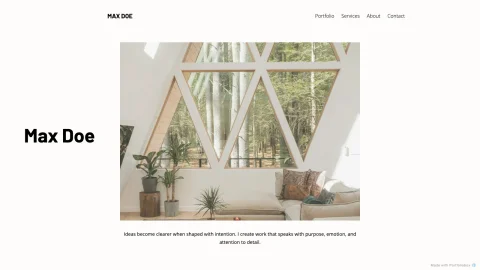
Clean, minimal layout for your story, a portrait, and your background.
Simple contact form with social links and location.
You can easily add new pages, remove ones you don't need, and customize everything to fit your work.
Every color, font, and spacing value can be changed. Keep the dark look or switch to light — it's your portfolio.
Large-scale image grids that give your work the space it deserves. Full-bleed, lightbox, and slideshow viewing.
Change every color, font, and layout detail — or mix in sections from other templates.
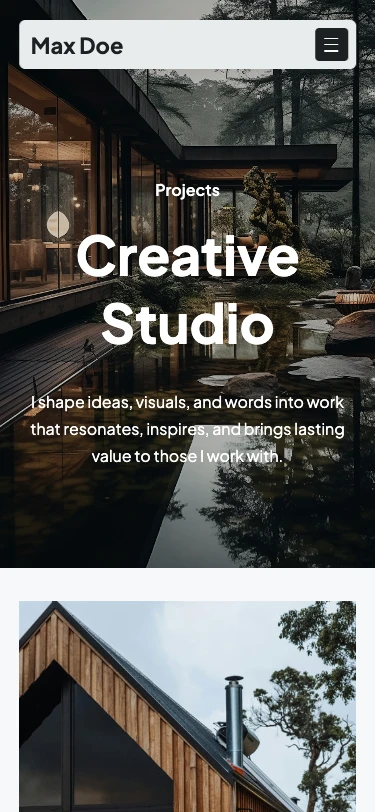
Your portfolio automatically adapts to any screen size, from phone to 5K monitor.
Built-in SEO tools help your portfolio get found on Google and other search engines.
Your portfolio automatically adapts to any screen. Whether your clients are on a phone or a 5K monitor, Gorm keeps your work perfectly framed.