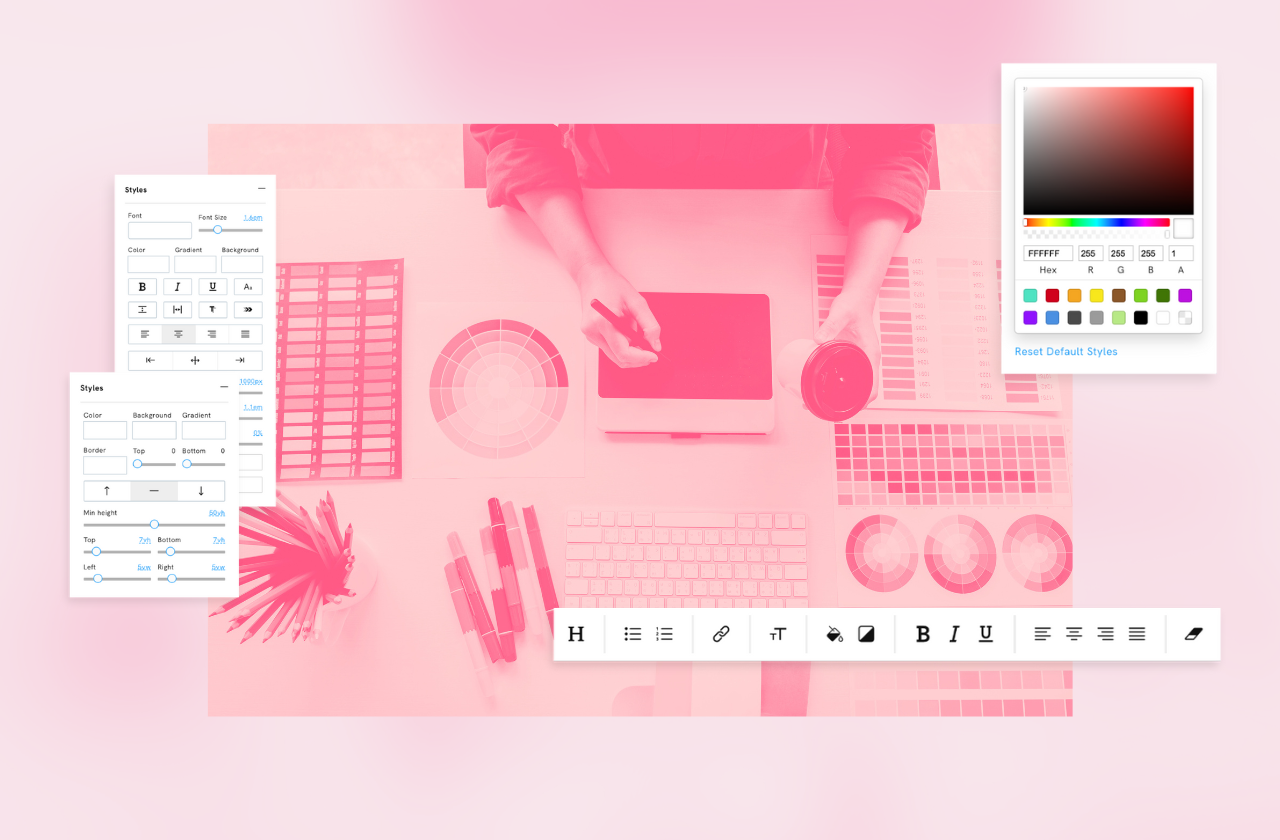
Great news for all Portfoliobox users! We're excited to introduce our latest update — a completely redesigned visual style editor that changes how you style and customise your website. This new editor simplifies the design process, making it more intuitive and visually engaging.
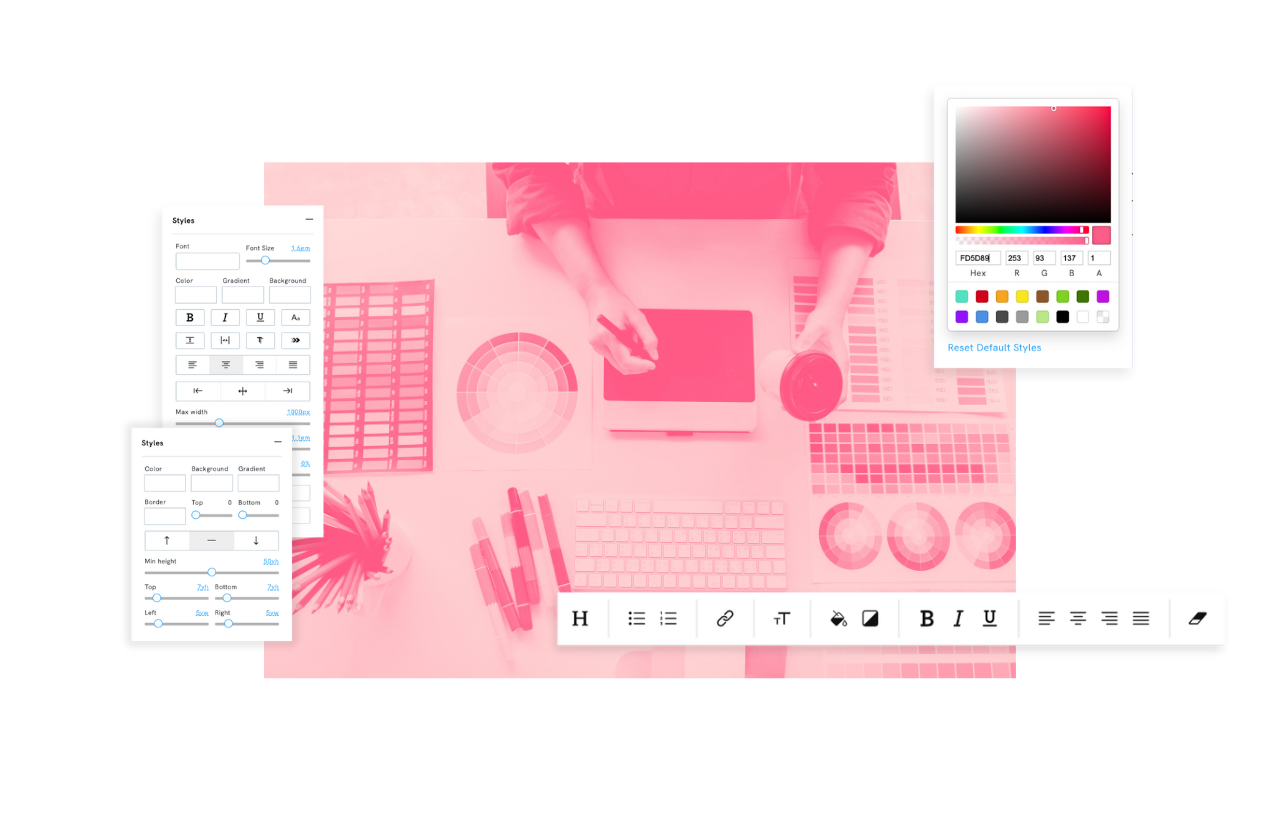
The new style editor
Our new style editor has been thoughtfully redesigned to provide a more visual and interactive experience. Here’s what you can look forward to:
- Enhanced Visual Interface: The editor now features a clean, modern interface that visually represents changes as you make them, allowing you to see adjustments in real-time.
- Simplified Navigation: We’ve streamlined the navigation within the editor to make it easier to find and adjust the settings you need without hassle.
- Expanded Customization Options: From fonts and colours to spacing and alignment, the expanded range of customisable options gives you complete creative control over the appearance of your text, buttons, links, and more.
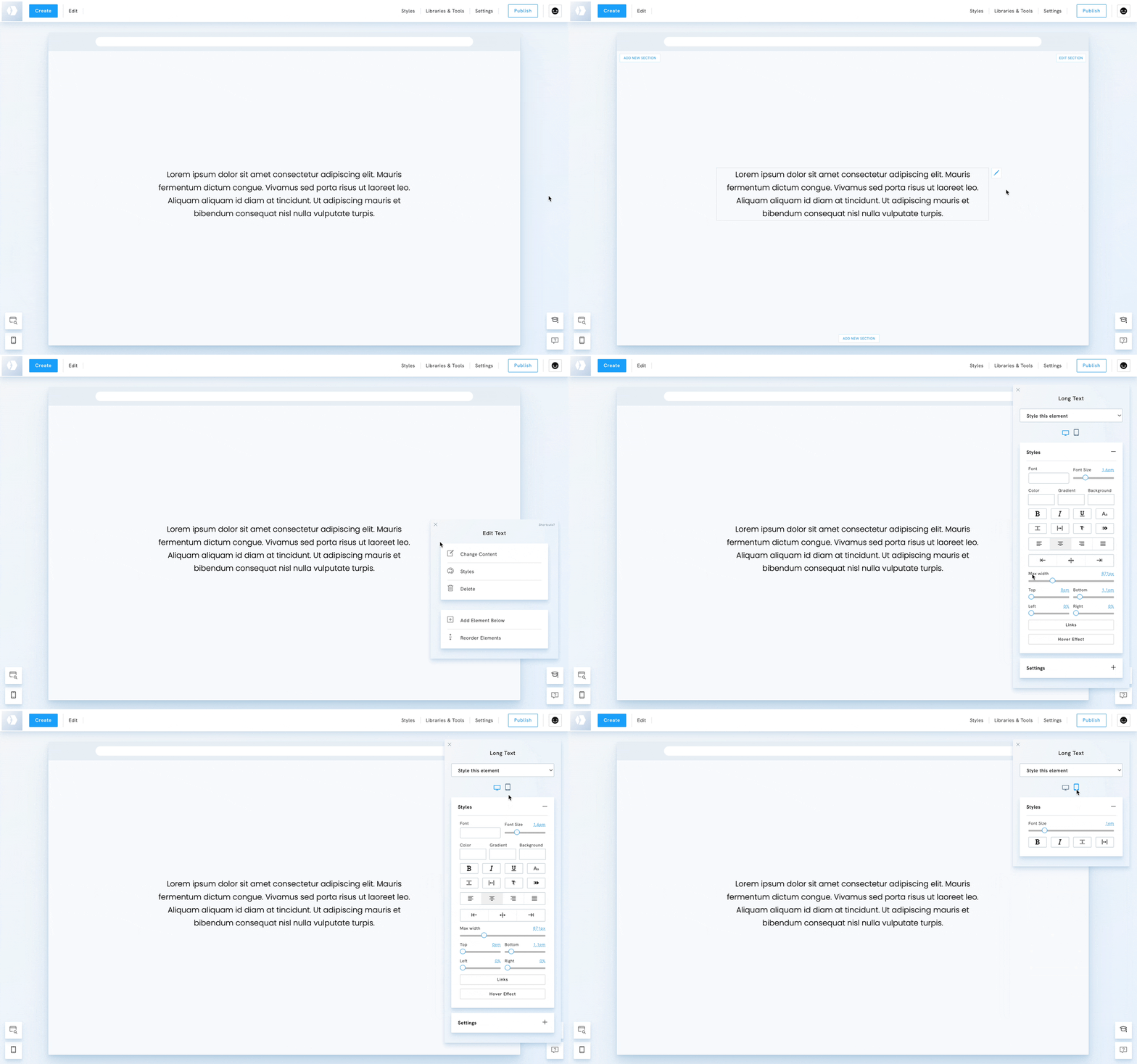
Detailed overview of the long text style editor
Depending on the type of element, the settings will differ. For text, you will be able to edit the Font Size, Font Weight, Line Height, Letter Spacing or even Margins. For an image, you will be able to edit its height and position.
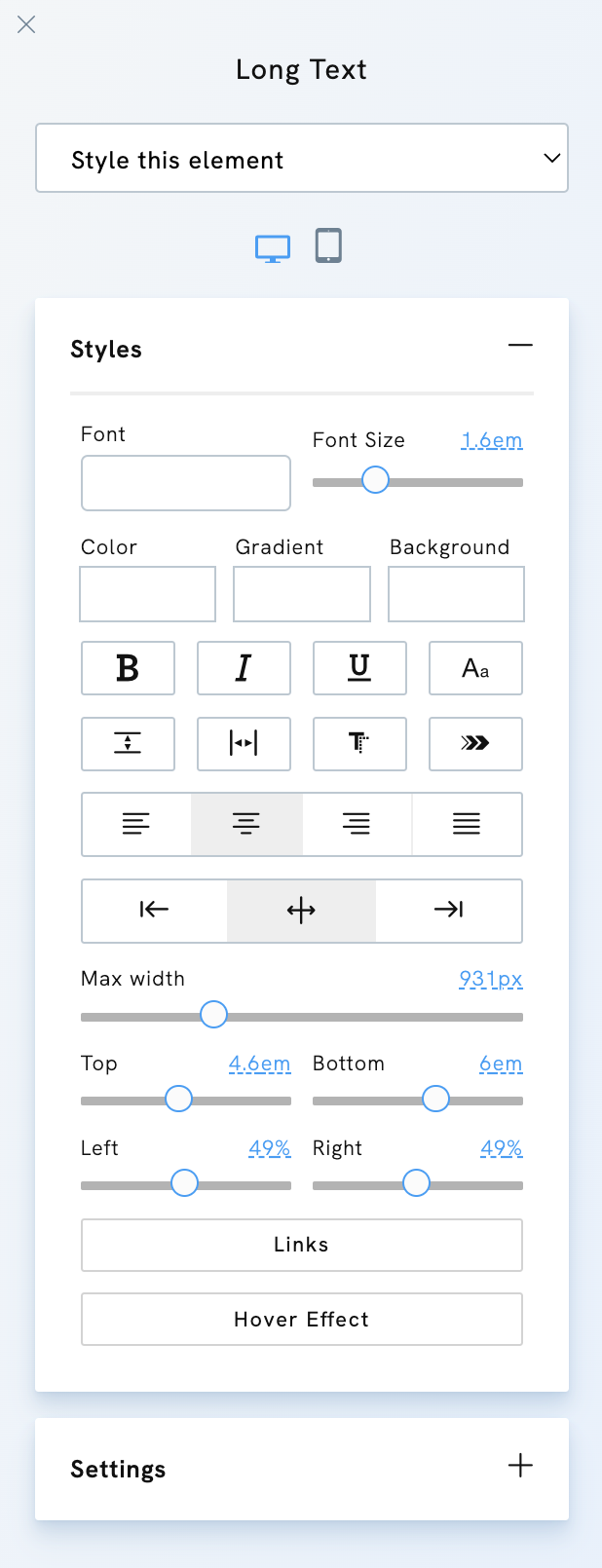
Take, for example, our updated style editor for the 'Long Text' element. It includes intuitive controls for:
- Font Adjustments: Easily select a font and edit the text size through a simple slider.
- Color and Gradient Tools: Quickly modify text colour, gradients or add a background colour with just a few clicks.
- Text Styling Options: Bold (B), Italic (I), Underline (U), Uppercase Toggle (Aa).
- Spacing: Line height, letter spacing.
- Text Effects: Text-shadow and transition animation.
- Alignment Option: Text-align, element position, and max width.
- Padding & Margin Controls: Fine-tune the spacing around your text to align perfectly with the rest of your page content.
- Link Styling and Hover Effects: Customize how links appear within your text and set hover effects to create dynamic interactions for visitors.
- Reset Styles: Reset the element styles back to default settings.
Element-specific or global styles
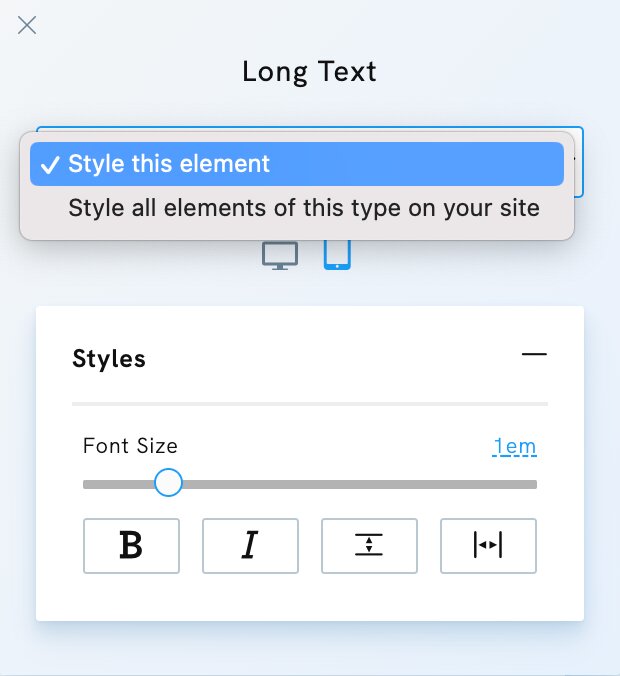
Use the dropdown menu in the Style Editor to style this specific element or All elements of this type on your website.
Mobile styles
Click the mobile icon in the Style Editor to access the mobile styles of the element.
Start exploring the new features today and experience the ease of crafting a beautiful, professional website that stands out in the digital landscape.