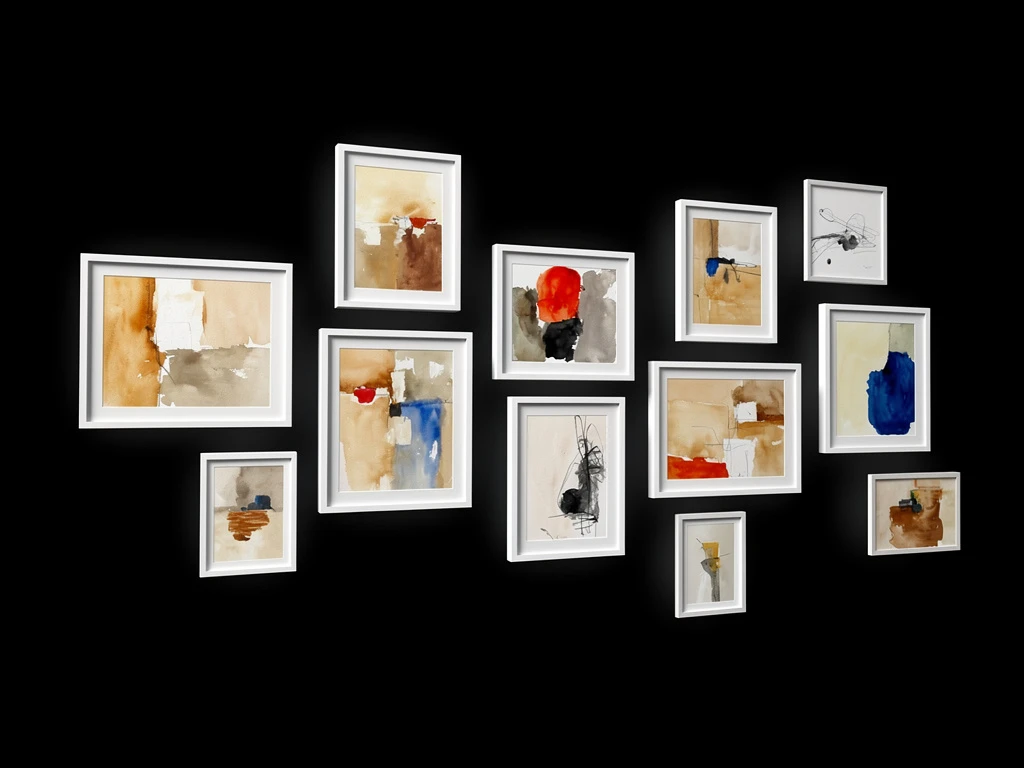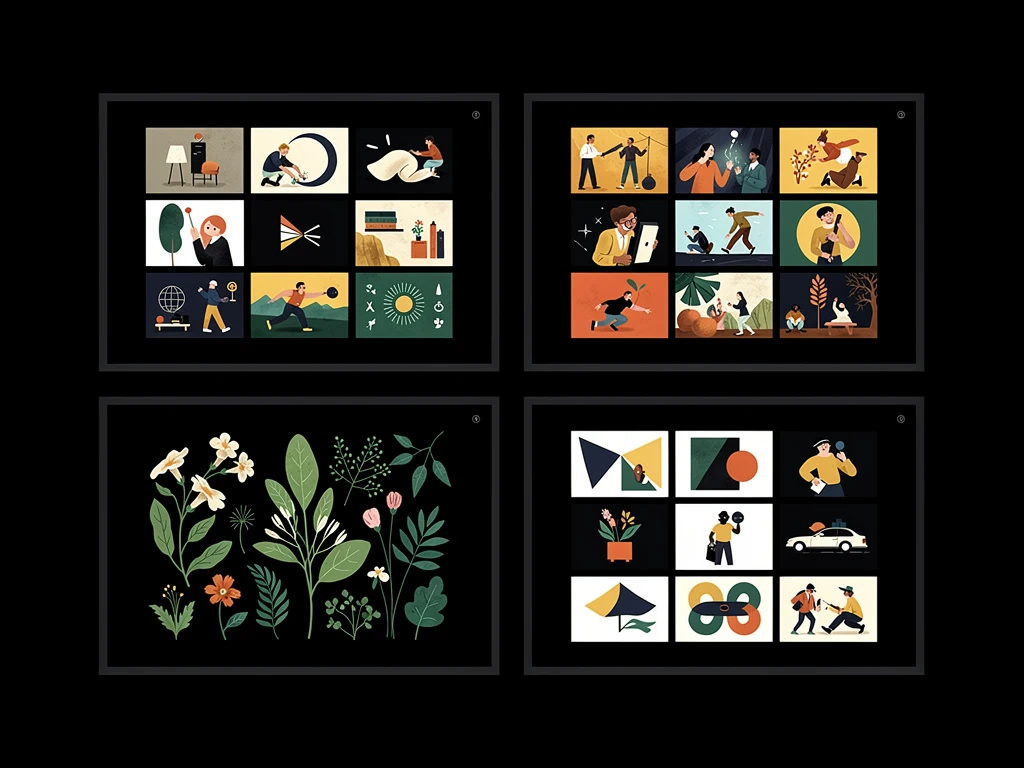
Five years ago, Maya, a junior art director, made a controversial decision: she entirely stopped carrying her incredibly heavy 15-inch laptop to client meetings. Instead, she began conceptualizing branding mood boards, sketching typography, and executing final vector deliverables entirely on her iPad Pro.
Her workflow was entirely frictionless. She could sketch an advertising concept while sitting on a train, immediately airdrop it, and refine the vector art inside Adobe Illustrator for iPad identically to her desktop workflow. However, when it came time to actually apply for a Senior Art Director at a massive advertising agency, she hit a structural wall.
Her entire body of work lived exclusively inside the Procreate app gallery on her tablet. When the agency asked for her URL, she realized she had no professional mechanism to deliver her mobile creations to a desktop-first corporate world. Relying on an Instagram feed for commercial graphic design was a guaranteed rejection. Here is how modern iPad-native designers are bridging the gap between tablet creation and professional web presentation.
Stop Relying on the Social Scroll
The most dangerous assumption an iPad designer makes is that drawing on a mobile device means presenting on a mobile app.
When you limit your portfolio strictly to a scrolling social media feed, you surrender your design authority. Art directors do not evaluate professional campaigns on a chaotic three-inch screen while dodging advertisements. They want to open a URL on a massive 27-inch studio monitor and study your bezier curves, your typography spacing, and your color palettes in high-fidelity.
To command professional commercial rates, your work must be extracted from the closed Apple ecosystem and hosted on an independent, high-resolution digital portfolio domain.
The 'Export to Web' Execution Phase
Digital artists using Procreate or Affinity Designer frequently struggle with color profiles when moving from the iPad's incredibly vibrant Liquid Retina display to standard web browsers.
If your illustrations and graphics look muddy or dark the second you email them to yourself, you are experiencing color space compression. To prepare your iPad work for a professional portfolio:
- Never export as a flat visual from a screen recording. Always export the native canvas.
- Utilize web-safe profiles. When establishing your canvas on the iPad, ensure your color profile is anchored to sRGB, not massive print-safe CMYK gamuts. The internet runs on sRGB; forcing it means your vibrant digital art will render accurately on every client's monitor automatically.
- Limit the 'Time-Lapse' bloat: While Procreate's native time-lapse export is fun for social media, do not clog your professional portfolio with them. Agencies want to evaluate the final polished graphic design, not watch you sketch it for thirty seconds.
Contextualizing the 'Flat' Art
The fundamental problem with designing exclusively on a tablet is that the final output is completely flat. Sending an agency a flat, 2D graphic of a logo design does not prove you understand how that logo lives in the real world.
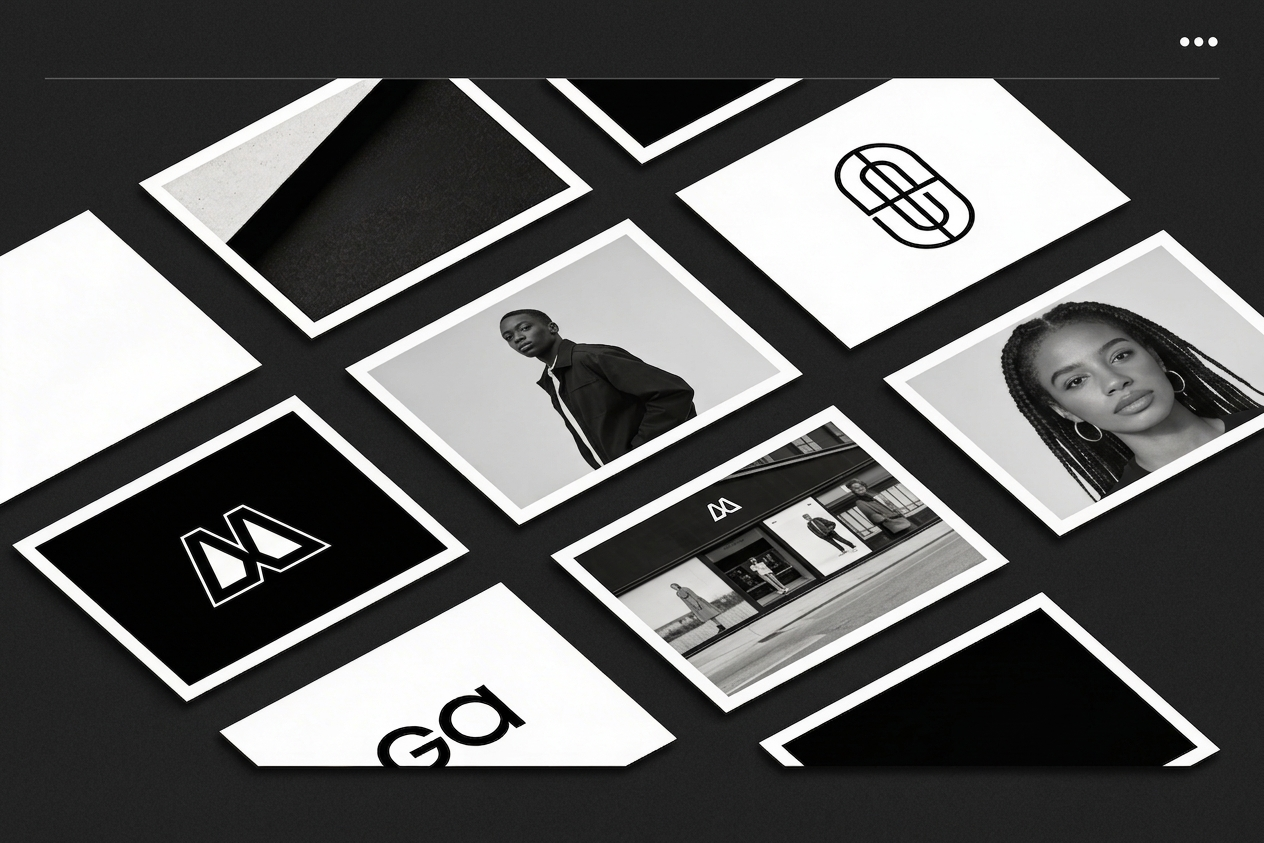
To instantly elevate your iPad work, you must adopt Digital Mockups. If you sketch a beautiful branding identity on your tablet, do not just upload the flat logo to your portfolio. Export the graphic, overlay it onto a high-resolution mockup template of a physical billboard, a business card, or a retail product box, and upload the mockup as your final portfolio hero image. This explicitly proves to the agency that you understand physical scale and commercial integration.
Selecting a Mobile-Agnostic Builder
The irony of modern design is that you might create all your work on a mobile device, but your website builder still requires a clunky, desktop-only backend.
If your creative workflow is entirely mobile, you cannot rely on website platforms that break or require complex code when updated via a tablet browser. You need a platform engineered for intuitive, drag-and-drop structural logic regardless of the device generating the assets.
Your iPad Pro is a professional studio; your website must reflect that standard. With Portfoliobox, iPad-native graphic designers can effortlessly upload their sRGB exports directly into breathtaking, unmetered layout grids that command desktop-tier respect — no coding required.