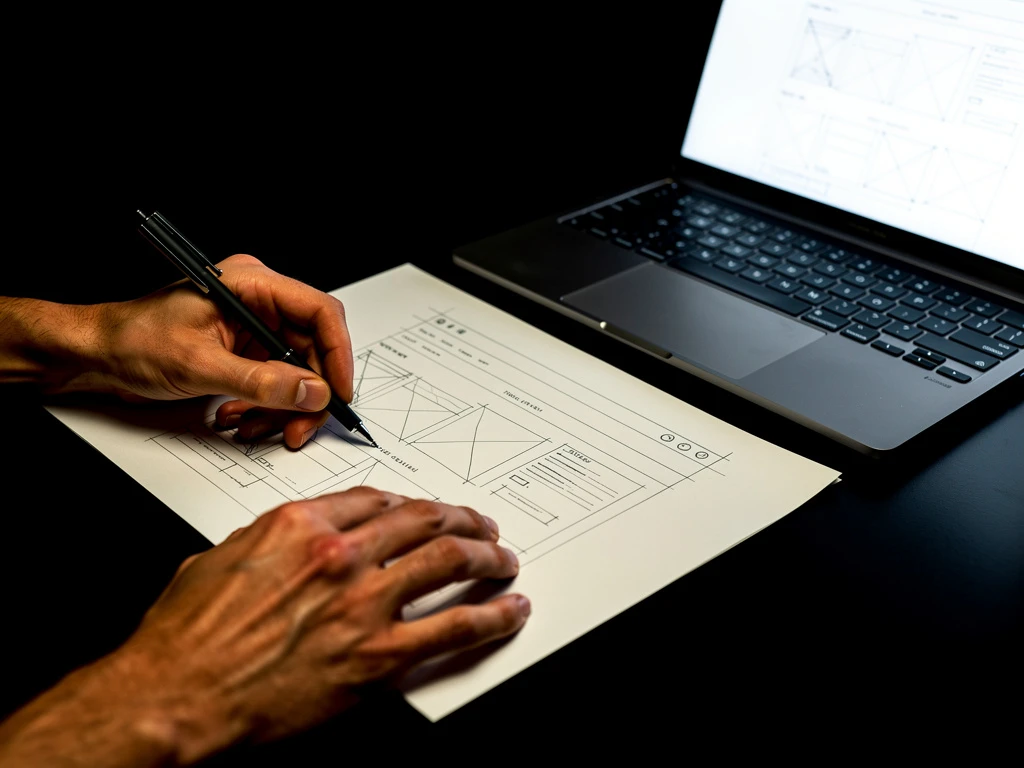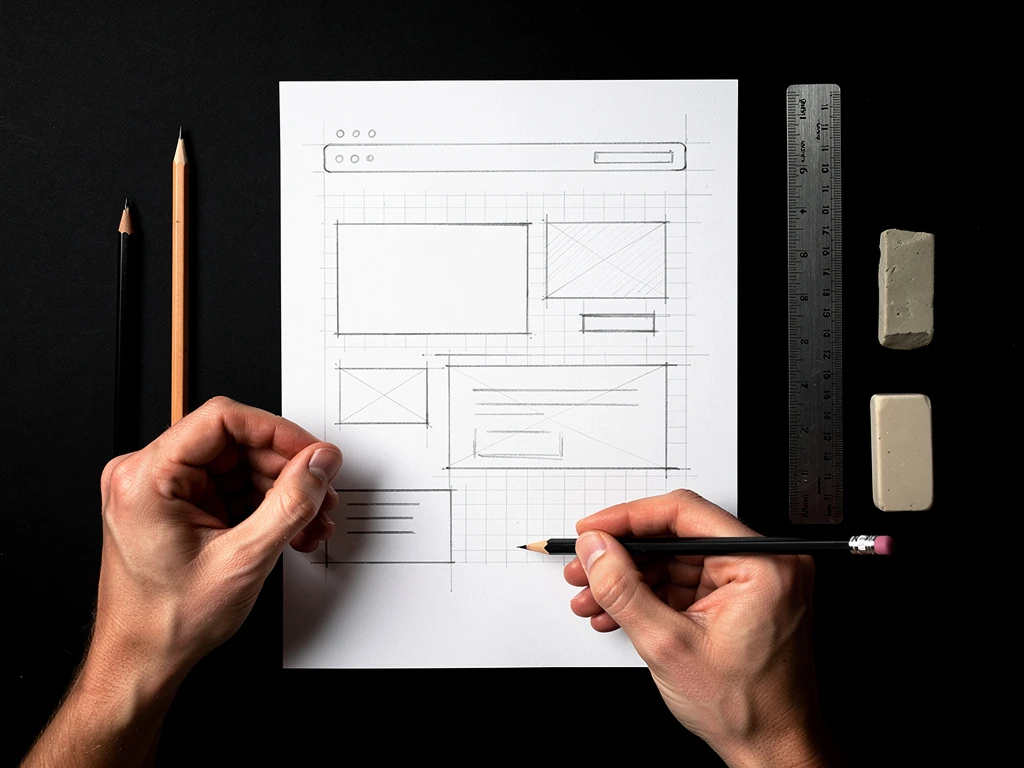
The primary reason creative professionals and young freelancers fail to launch their digital portfolios is not a lack of technical coding skill; it is a lack of asset preparation.
When an artist decides to build a website, they invariably make a massive logistical error. They launch the digital website builder first. They open a completely blank, terrifyingly void digital container, and stare at it, completely paralyzed. Because they have not prepared their written typography or cropped their photography, they attempt to construct the building while simultaneously trying to manufacture the bricks.
This results in "Template Fatigue." The artist spends twenty hours nervously swapping between ten different UI layouts, hating all of them, and ultimately closing the laptop. Building a high-converting digital presentation requires total analog discipline. You must build your entire career structure offline first. Here is the exact B2B checklist required to fully launch a professional portfolio effortlessly.
Step 1: The 'Content Quarantine'
You are legally not allowed to open your website builder until the "Quarantine" is complete.
Create a single dedicated folder on your local computer hard drive. You must rigidly populate this folder with precisely optimized digital assets.
- The Hero Images: Select exactly five breathtaking, massive visual projects to act as your primary Home Page grid. Do not upload fifty; select the five absolute best.
- The Format Lock: Take these five massive images into Adobe Photoshop or Lightroom natively.
- Ensure the color profile is locked to sRGB (guaranteeing exact web color matching).
- Export them at a maximum dimensional width of 1500 Pixels Wide. (This guarantees they remain incredibly sharp on 4K monitors, but compresses the file size down to 400KB to ensure lightning-fast server load execution).
Step 2: Drafting the Typography Offline
A massive, beautifully formatted web image is completely useless to a corporate recruiter if it lacks institutional context.
If you attempt to write your complex "Project Case Study" paragraphs directly inside the tiny text-input boxes of your web browser, you will make grammatical errors and suffer writer's block.
The Text Protocol: Open a raw Notepad or Microsoft Word document offline. Draft your corporate copy strictly using standardized B2B formatting.
- The Artist Biography: Write exactly one paragraph (no more than 4 sentences) explicitly written in the Third-Person (e.g., "John Smith is an editorial illustrator navigating...").
- The Didactic Captions: Below the bio, pre-write the captions for the five Hero Images you selected in Step 1. They must include exactly three parameters: Client Name / Target Medium / Date of Execution.
When you have proofread this document perfectly, save it directly into the Quarantine folder.
Step 3: The Mindless Web Execution
If you have executed Step 1 and Step 2 flawlessly, the actual "website building" process is completely mindless. It is simply a drag-and-drop structural assembly.
When you finally open your website builder platform, you are no longer attempting to "be creative." You are acting as a digital logistics manager.
- You select an "Uncropped Masonry" visual grid.
- You drag the five flawlessly compressed JPEGs from your Quarantine folder onto the screen simultaneously.
- You copy and paste the mathematically proofread paragraph from your Word document directly into the 'About Me' text block.
By separating the emotional stress of choosing the art from the technical stress of uploading the art, you can launch a completely bespoke, perfectly formatted corporate web presence in under ninety minutes.
Mastering internet infrastructure requires total analog preparation. By mapping out your asset quarantine completely offline before logging into Portfoliobox, visual originators leverage unmetered content delivery networks, automated dynamic masonry styling, and absolute structural precision to guarantee a flawless B2B launch velocity — no coding required.