The Advanced Placement (AP) 2D Art and Design portfolio is often the first significant logistical hurdle a young creative faces. For high school students aspiring to enter competitive collegiate graphic design, fine art, or foundational architecture programs, securing a high AP score is a profound advantage.
While the College Board requires a specific digital submission format, you are passing up a massive opportunity if you only upload your files to their internal portal.
Admissions officers at universities like RISD or Pratt want to see your work presented inside a professional, independent digital ecosystem. They want to see that you take yourself seriously as an artist outside the confines of a high school classroom. However, taking a 24x36 inch physical collage you spent months building and successfully translating its texture to a digital screen is incredibly difficult. Here is the exact guide to digitizing your AP work legitimately.
The Mandate of Flawless Photography
The primary reason students fail their digital AP submissions has nothing to do with their actual artistic talent; it is purely due to terrible photography.
If you take a photograph of your charcoal drawing indoors using the yellow overhead lights of your kitchen, the image will look muddy, grainy, and distorted. Admissions officers will assume the actual drawing is muddy.
How to Copy-Stand Your Work:
- Find Soft, Indirect Light: Take your 2D artwork outside on a bright, but completely overcast day, or place it in the shade of a massive building. Direct sunlight creates harsh shadows; overcast light is perfectly, naturally diffused.
- Eliminate Distortion: Lay the artwork completely flat on the ground. Stand directly over it, ensuring your smartphone or DSLR camera lens is perfectly parallel to the paper. If the camera is tilted even slightly, the square edges of your artwork will warp into a trapezoid.
- True Black/White Clipping: Once photographed, pull the image into basic editing software to adjust the contrast. Ensure the "white" of the paper in the photo is actually white, not a sickly yellow-gray.
Segmenting the "Sustained Investigation"
The AP portfolio is heavily graded on your "Sustained Investigation"—your ability to conduct a prolonged, iterative visual exploration of a single concept.
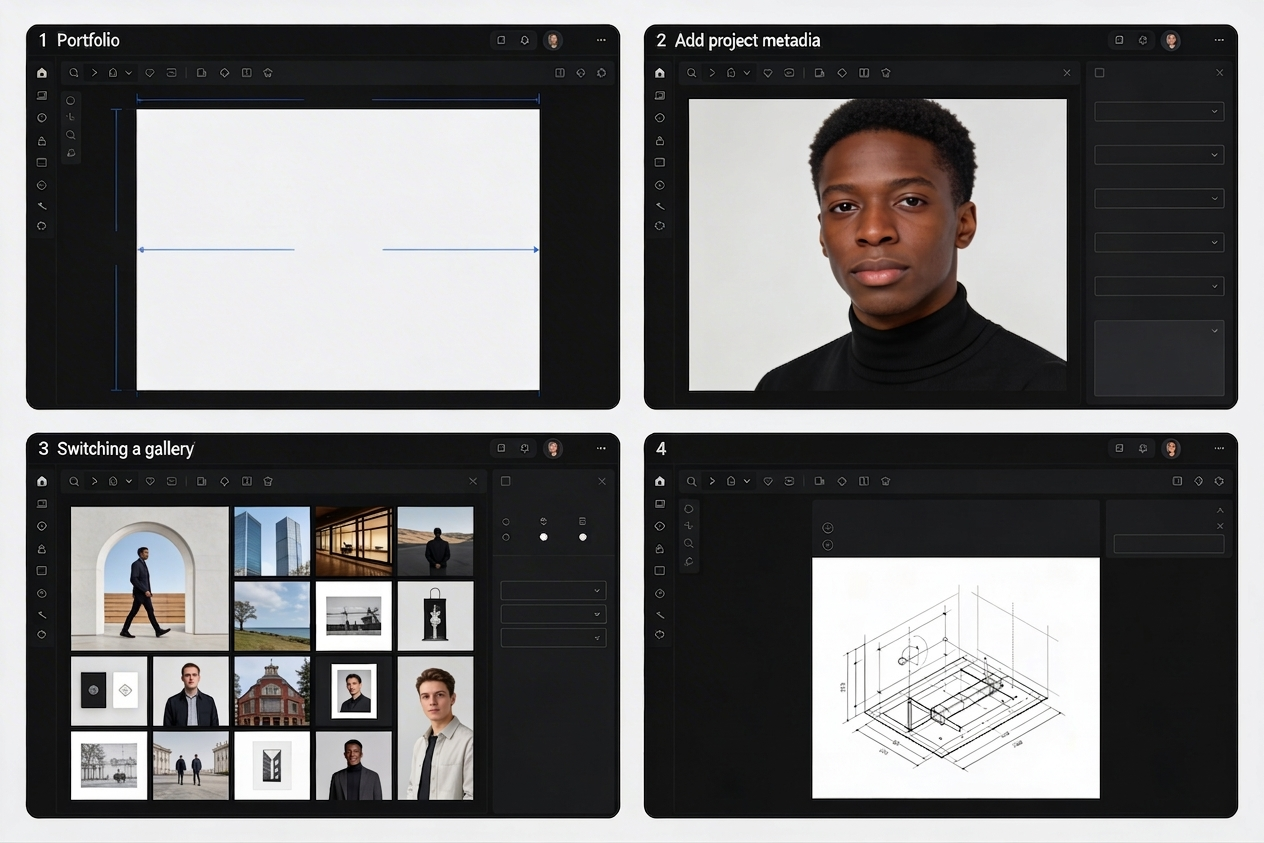
When uploading this to your personal portfolio URL for college admissions, you must structurally segregate this from your general "best work." Create a distinct navigation link labeled Sustained Investigation: [Your Concept Title].
Do not just upload the finished paintings. The entire point of the investigation is the process. Upload sequence matters:
- First, upload your mind-maps, written brainstorms, and crude sketchbook thumbnail drawings.
- Second, upload the "failed" experiments or color tests.
- Finally, upload the polished, finalized 2D pieces.
By physically forcing the admissions officer to scroll through your raw, iterative process before seeing the final result, you prove you have the cerebral stamina required for intense university critiques.
Formatting the Annotations Elegantly
Both the AP board and university admissions demand written context. Why did you use this material? How does it serve your thesis statement?
A massive mistake high school students make is uploading their artwork, and then writing a massive, 500-word block of essay text at the absolute bottom of the webpage. The reviewer will not scroll back up to cross-reference the text with the image.
You must utilize 'inline text blocks' or caption routing natively on your website. Every single image you upload should have a short, elegantly formatted 2-sentence description resting immediately beside or beneath it. Tie the specific visual decision directly to the specific written explanation seamlessly.
Transitioning from a high school student to a university-level creative demands a mature digital footprint. With Portfoliobox templates, ambitious students can easily structure their complex AP layout formats and 'Sustained Investigation' grids utilizing sleek, unmetered university-standard templates — no coding required.