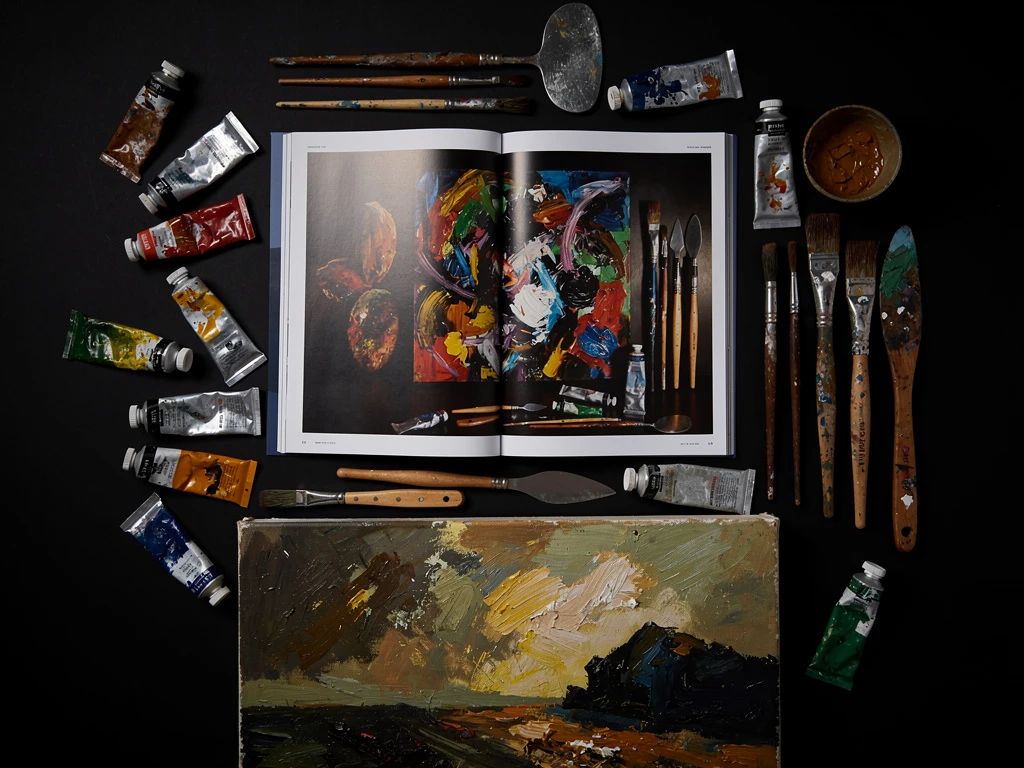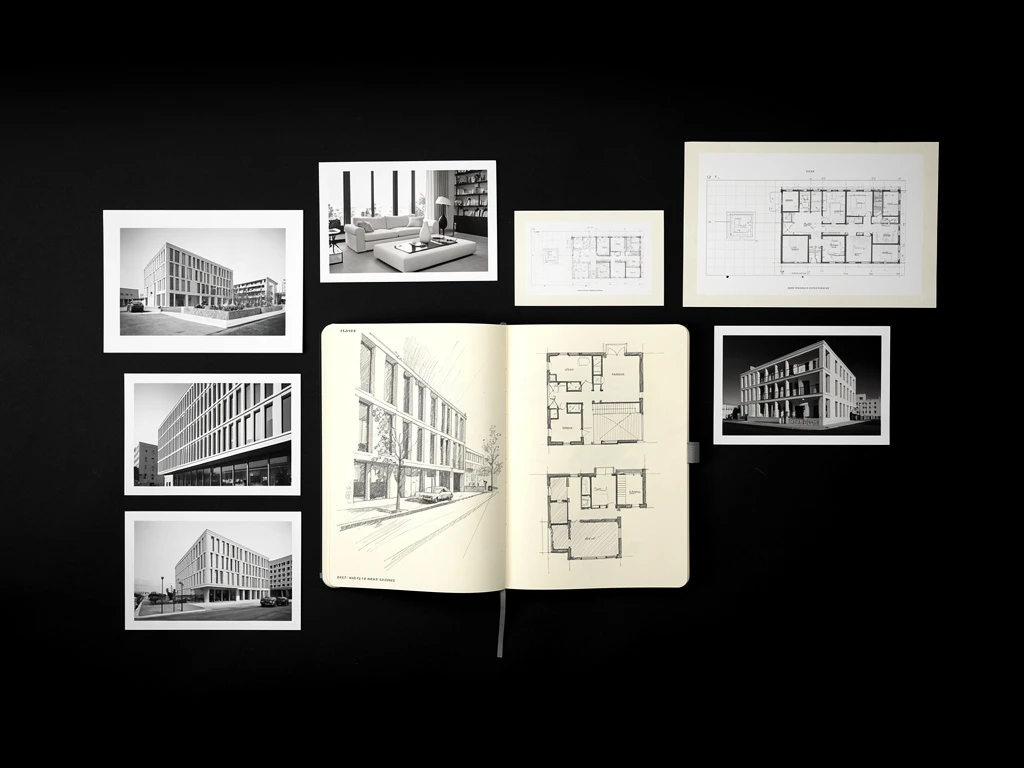
For any creative professional—whether you are a graphic designer, a freelance writer, or a photographer—your website is the ultimate bottleneck for your income. You can spend thousands of hours mastering your craft, but if the link you send to a potential client leads to a messy, confusing website, you will not get hired.
Many creatives assume that if they simply upload their work to the internet, clients will magically appear. However, a portfolio is not a digital storage drive; it is a highly targeted sales presentation. If you want to stop competing on price and start commanding luxury rates, you must treat your website like a high-end storefront. Here are the 5 crucial steps to create an online portfolio that actually books premium clients.
Step 1: Execute a Ruthless Purge
The biggest mistake amateurs make is trying to show volume. They upload every project they have ever touched, assuming the client will eventually find something they like.
The Professional Approach: Premium clients are looking to minimize risk. They judge you by your weakest project. If you have 8 brilliant projects and 12 mediocre ones, the client will focus on the mediocre ones. Curate your portfolio brutally. Only upload the 6 to 10 absolute best projects that represent the exact type of high-paying work you want to attract.
Step 2: Establish the "Invisible Frame"
Amateurs try to make their websites look "creative" by using textured backgrounds, bright gradient colors, and chaotic scroll animations. This creates visual clutter that actively competes with the creative work.
The Professional Approach: Create a "White Cube" aesthetic. Use a stark white or pure black background. Use a highly legible, minimalist sans-serif font. The web design must disappear completely so that the vibrant details of your creative work become the sole focus of the client's attention.
Step 3: Write Deep-Dive Case Studies
Uploading a flat JPEG of a finished project is not enough. Clients do not just buy final images; they buy your ability to reliably solve their business problems.
The Professional Approach: Transform your image galleries into case studies. When a client clicks on a project, show them the final result, but also show them the process. Include your rough sketches, wireframes, or mood boards. Write a brief, two-paragraph explanation of the client's initial problem and the specific strategy you used to solve it. Proving your intellectual process justifies a premium price tag.
Step 4: Use Contextual Mockups
A digital file on a screen feels cheap. You must prove the physical value of your work.
The Professional Approach: Never just upload a flat file. If you designed a brand identity, use high-resolution digital mockups to show that logo embossed on a leather notebook or printed on a premium business card. Contextualizing your work in the real world significantly increases its perceived value.
Step 5: Integrate Frictionless Commerce
If a client loves your work but has to search for a "Contact Me" page just to ask how much you charge, you will lose impulse bookings.
The Professional Approach: Integrate a seamless e-commerce block directly onto your services page. Allow the client to view your pricing, click a button, and securely purchase a consultation call or a digital asset immediately via credit card.
To execute these steps flawlessly, you need a visual-first platform. With Portfoliobox, you have access to the minimalist layouts, massive hero sliders, and zero-commission e-commerce tools required to create an online portfolio that commands premium rates — no coding required.