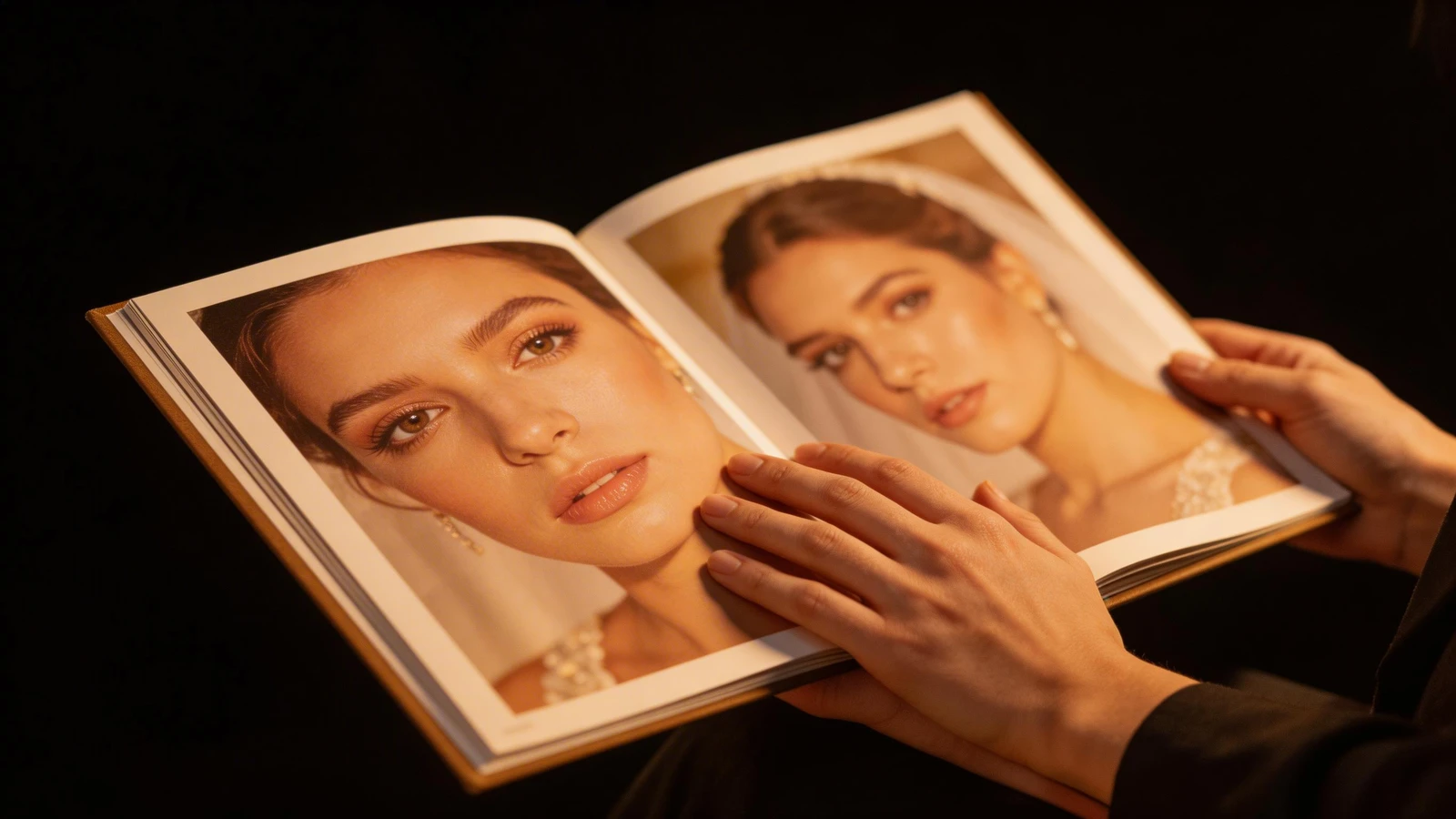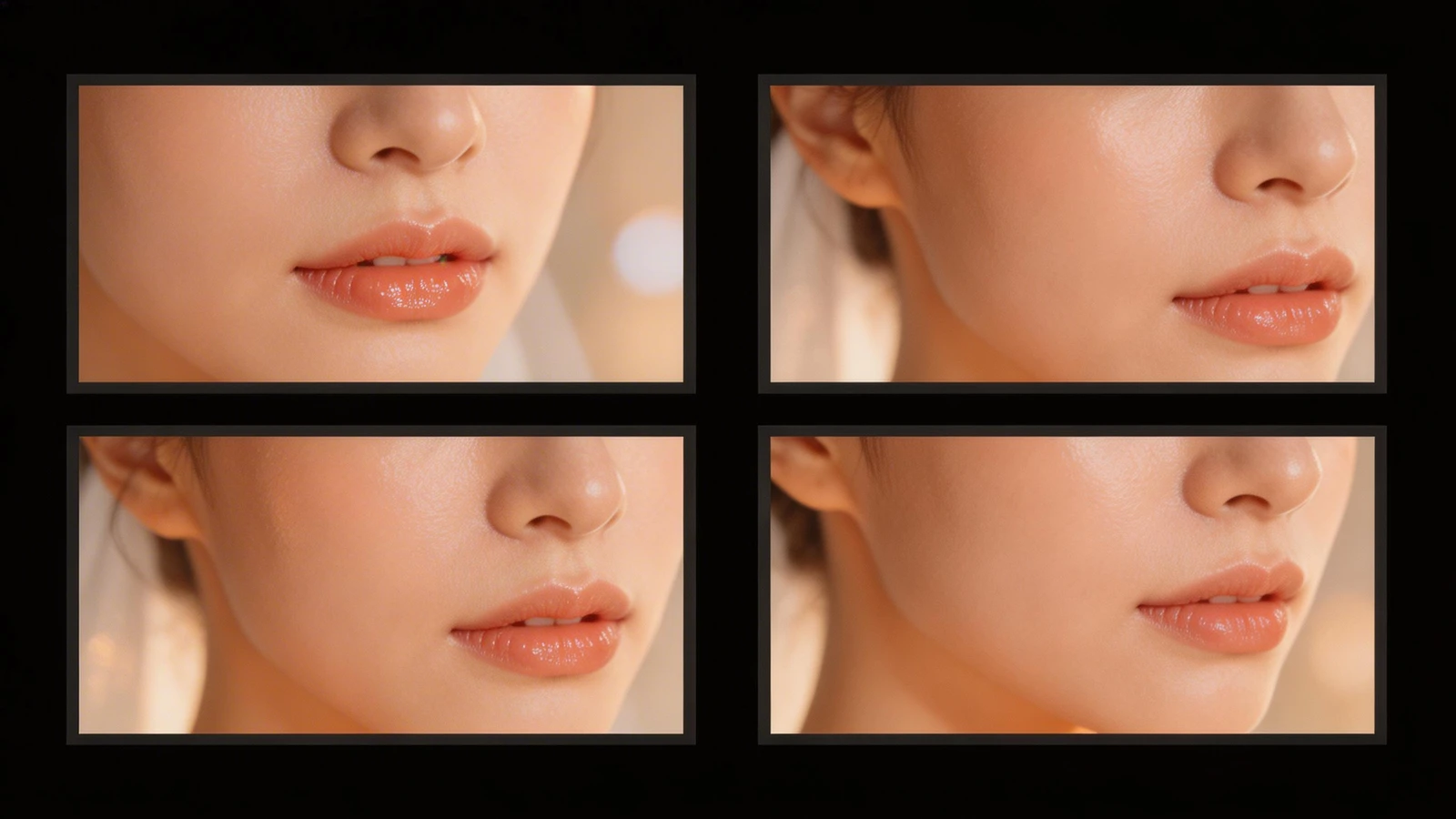
For a professional makeup artist (MUA), Instagram is a great place to build an audience, but a dedicated portfolio website is where you actually book high-paying clients. Whether you specialize in bridal, editorial, special effects (SFX), or film, creative directors and brides alike need a professional, distraction-free environment to view your high-resolution work.
With dozens of website builders on the market, choosing the right one can be overwhelming. We have compiled a list of the top 10 portfolio websites for makeup artists, examining the pros, cons, and specific features of each, and explaining why Portfoliobox consistently ranks as the ultimate choice for beauty professionals.
1. Portfoliobox
Portfoliobox is built specifically for creatives, making it the premier choice for makeup artists who need a highly visual, customizable platform without the hassle of coding.
Pros:
- Zero Coding Required: You don't need to learn CSS to create a stunning, agency-grade website.
- Unrestricted Gallery Layouts: Unlike other platforms that force you into rigid templates, Portfoliobox allows you to mix and match gallery styles on a single page. You can display your macro beauty shots in a large slider and your bridal tear sheets in a masonry grid.
- E-commerce Ready: Sell digital courses, presets, or physical beauty products directly from your site without paying third-party fees.
- Client Galleries: Easily set up password-protected galleries for brides or commercial clients to review their test shoots.
Cons:
- Because it is tailored for creatives, it may lack some of the heavy enterprise-level blogging features of platforms like WordPress (though most MUAs do not need this).
2. Squarespace
Squarespace is a massive, general-purpose website builder known for its sleek, modern templates.
Pros:
- Beautiful out-of-the-box templates.
- Strong built-in marketing and newsletter tools.
Cons:
- Very rigid templates. If you want to move an image slightly off-grid to create a dynamic editorial layout, you often have to fight the system or use custom code.
- Expensive monthly tiers, especially when adding e-commerce features.
3. Wix
Wix is a highly popular drag-and-drop builder that offers complete freedom over element placement.
Pros:
- Intuitive drag-and-drop editor.
- Massive app market for adding third-party integrations (booking calendars, etc.).
Cons:
- The freedom can lead to messy, unstructured designs if you aren't careful.
- Websites can sometimes load slowly due to heavy backend code, which is detrimental when showcasing high-resolution beauty macros.
4. Format
Format is a portfolio builder aimed primarily at photographers, but occasionally used by other visual artists.
Pros:
- Good client proofing tools.
- Clean, minimalist aesthetic.
Cons:
- Templates are heavily optimized for photography, meaning they can feel restrictive for an MUA wanting to integrate video reels or detailed service menus.
5. Adobe Portfolio
Included free with an Adobe Creative Cloud subscription, this is a common entry-level choice.
Pros:
- Free if you already pay for Photoshop/Lightroom.
- Integrates seamlessly with Behance.
Cons:
- Extremely limited customization. All Adobe Portfolios tend to look identical.
- No built-in e-commerce or advanced client management tools.
6. WordPress
WordPress powers a massive percentage of the internet and offers infinite customization.
Pros:
- Limitless customization via plugins and themes.
- Exceptional SEO capabilities.
Cons:
- Steep learning curve. You are responsible for your own hosting, security updates, and plugin management. It is often too technical for an MUA who just wants to showcase their work.
7. Pixpa
Pixpa is an all-in-one platform geared toward creators and small businesses.
Pros:
- Affordable pricing tiers.
- Built-in store and client galleries.
Cons:
- Templates can feel slightly dated compared to the modern, ultra-sleek designs offered by Portfoliobox.
8. Carbonmade
Known for its playful branding, Carbonmade is a fast, simple portfolio builder.
Pros:
- Very fast setup.
- Fun, quirky design elements.
Cons:
- Lacks the professional, high-end polish required to book luxury bridal or high-fashion editorial campaigns.
9. Fabrik
A UK-based portfolio builder that focuses on simplicity and speed.
Pros:
- Intelligent themes that adapt to your content automatically.
- Good integration with Vimeo and YouTube for makeup reels.
Cons:
- Smaller user base means fewer community resources and integrations.
10. Jimdo
An AI-driven website builder designed to get small businesses online quickly.
Pros:
- AI builds the initial site for you based on a few questions.
- Very user-friendly for absolute beginners.
Cons:
- The AI-generated sites are highly generic. You cannot achieve the bespoke, high-end editorial look required for a top-tier makeup portfolio.
How to Choose the Right Platform
When selecting a platform, a makeup artist must prioritize image quality, layout flexibility, and the ability to seamlessly integrate video (for before/after reels and application techniques).
While general builders like Squarespace offer nice templates, they are rigid. Portfoliobox sits at the perfect intersection of ease-of-use and total creative freedom. It allows your work—the flawless skin textures, the bold editorial colors, and the delicate bridal details—to take center stage.
Building your professional beauty portfolio shouldn't require a degree in web design. With Portfoliobox, you can create a stunning, customized website that elevates your makeup brand in minutes — no coding required.