As a design professional, your portfolio website is more than just a place to store images—it is an active demonstration of your taste, your understanding of user experience, and your technical competence. Choosing the right platform to host this crucial business asset is a major decision. Two names frequently arise in discussions among creatives: Readymag and Portfoliobox.
Both platforms cater to visually driven professionals, but they approach website building from entirely different philosophies. Readymag positions itself as a blank canvas for digital publications and highly custom micro-interactions, while Portfoliobox focuses on streamlining the portfolio creation process to help creatives get their businesses online fast and efficiently.
If you are torn between the two, this comprehensive Readymag vs Portfoliobox comparison will help you decide which platform aligns with your career goals.
The Core Philosophies
Before diving into specific features, it is important to understand the fundamental difference in how these platforms operate.
Readymag operates like a digital editorial tool. It provides a completely free-form canvas where you can drag elements anywhere, much like working in InDesign or Figma. It is incredibly powerful for designers who want to micromanage every single pixel, animation, and scroll behavior. However, this freedom comes with a notoriously steep learning curve and a time-consuming build process.
Portfoliobox, on the other hand, is built specifically for portfolio creation. It utilizes highly refined, customizable templates that already incorporate best practices for digital portfolios. It is designed to get out of the designer's way, allowing you to upload your case studies and launch a stunning, professional website in hours, not weeks.
Feature-by-Feature Comparison
Let's look at how Readymag vs Portfoliobox stack up in the areas that matter most to design professionals.
1. Ease of Use and Build Time
Readymag: Because it starts as a blank canvas, building a portfolio in Readymag is essentially designing a website from scratch. You must define every responsive breakpoint manually. If you enjoy the granular process of web design and have weeks to dedicate to your portfolio, this is a plus. But if you need to get your work online quickly to pitch a client, the process can feel overwhelming and tedious.
Portfoliobox: Speed and efficiency are where Portfoliobox dominates. The platform provides a curated selection of templates designed specifically for creative case studies. You simply select a layout, customize the typography and colors to match your brand, and drop in your content. The learning curve is practically non-existent, meaning you can focus your energy on curating your work rather than fighting with a web builder's interface.
2. Mobile Responsiveness
Readymag: Mobile optimization in Readymag requires significant manual intervention. Because you are placing elements freely on a desktop canvas, those elements do not naturally stack for mobile screens. You have to build the mobile layout almost independently. If you forget to adjust a text block for the mobile view, your site will look broken to half of your visitors.
Portfoliobox: Every template in Portfoliobox is inherently responsive. As you build your desktop site, the platform automatically scales, stacks, and optimizes your galleries and text blocks for mobile and tablet viewing. You can trust that an art director reviewing your portfolio on their phone will have a flawless experience, with zero extra effort on your part.
3. Displaying In-Depth Case Studies
Readymag: For highly experimental case studies that rely on complex scroll-triggered animations or unconventional navigation, Readymag offers unmatched creative freedom. It excels at creating editorial-style "experiences."
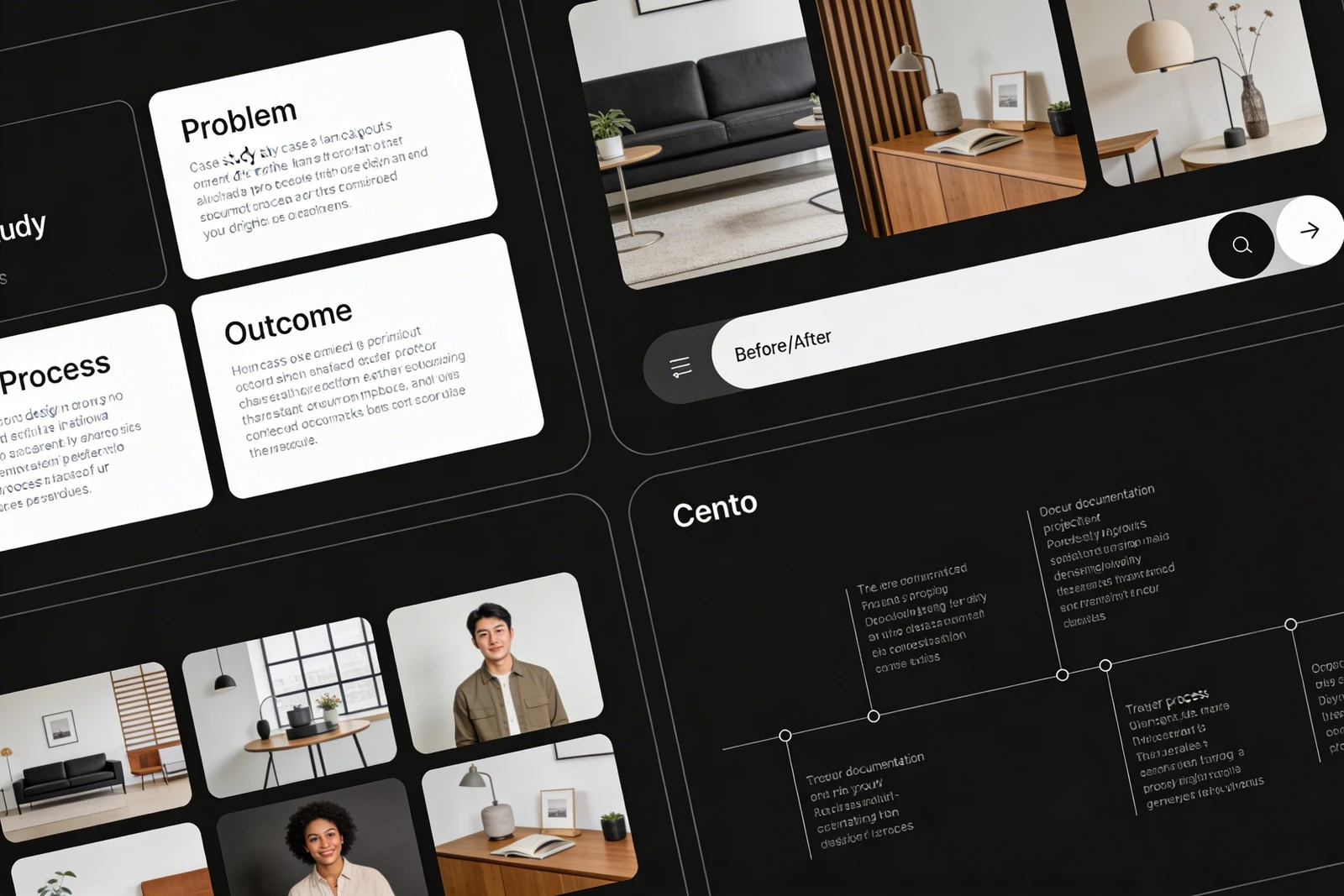
Portfoliobox: For the majority of UI/UX, graphic, and product designers, clients want clarity over complexity. They want to read the brief, see the wireframes, and understand the final solution. Portfoliobox excels at presenting deep, structured case studies clearly and professionally. The clean, modern layouts ensure that your actual design work remains the focus, rather than the website's flashy animations distracting from it.
Pricing Structures
Cost is a significant factor when managing your freelance business expenses.
Readymag can become expensive quickly. While they offer a free tier, it is heavily restricted (limited pages, Readymag branding, no custom domain). To unlock custom domains, advanced typography, and remove platform branding, you must upgrade to their higher-tier subscriptions, which are priced at a premium aimed at agencies rather than individual freelancers.
Portfoliobox offers a much more straightforward and budget-friendly pricing model. Their paid plans are significantly more accessible for independent designers while still providing all the professional features required: custom domains, unbranded sites, comprehensive ecommerce options, and massive storage for high-resolution case studies.
Who Each is Best For
Choose Readymag if:
- You are a web designer whose primary goal is to showcase your ability to code complex, custom micro-interactions and scroll animations.
- You have the time and patience to build and maintain multiple responsive layouts manually.
- You want your portfolio to feel like an interactive digital magazine rather than a traditional business website.
Choose Portfoliobox if:
- You are a UI/UX, graphic, or product designer who needs to present clean, highly structured case studies to clients.
- You want a flawless, mobile-responsive website without having to build it manually.
- You value your time and want to launch a professional, client-ready digital identity in an afternoon.
- You want a cost-effective solution that scales with your freelance business.
The Verdict
If your portfolio's primary function is to serve as a wildly experimental art project, Readymag is a fantastic tool. But if your portfolio is a business tool designed to clearly communicate your value, showcase your design thinking, and get you hired, the choice is clear.
In the Readymag vs Portfoliobox debate, Portfoliobox provides the perfect balance of design flexibility and professional efficiency. It allows you to maintain total brand control while eliminating the technical friction of web development.
Stop wrestling with complex website builders and get back to doing what you do best: designing. With Portfoliobox, you can launch the portfolio your career deserves today — no coding required.