The graphic design industry primarily revolves around the manipulation of flat pixels. If a logo looks beautiful on screen, the job is effectively finished.
The industrial design industry operates under wildly different, infinitely heavier constraints. When a recruiter or a senior product development lead at a massive consumer electronics brand opens your digital portfolio, a "beautiful" 3D render of a futuristic smart-watch is completely useless if they suspect it cannot physically be manufactured.
An industrial design portfolio must visually prove an obsessive understanding of physical materials, ergonomics, factory tooling limitations, and engineering tolerances. If your website only consists of final, glossy Keyshot renders, you will be rejected immediately for lacking technical depth. Here is exactly how to structure an industrial design project case study to secure the interview.
The Absolute Necessity of the "Process" Arc
In industrial design, the final product is rarely the main selling point of your portfolio; the process of getting there is the product.
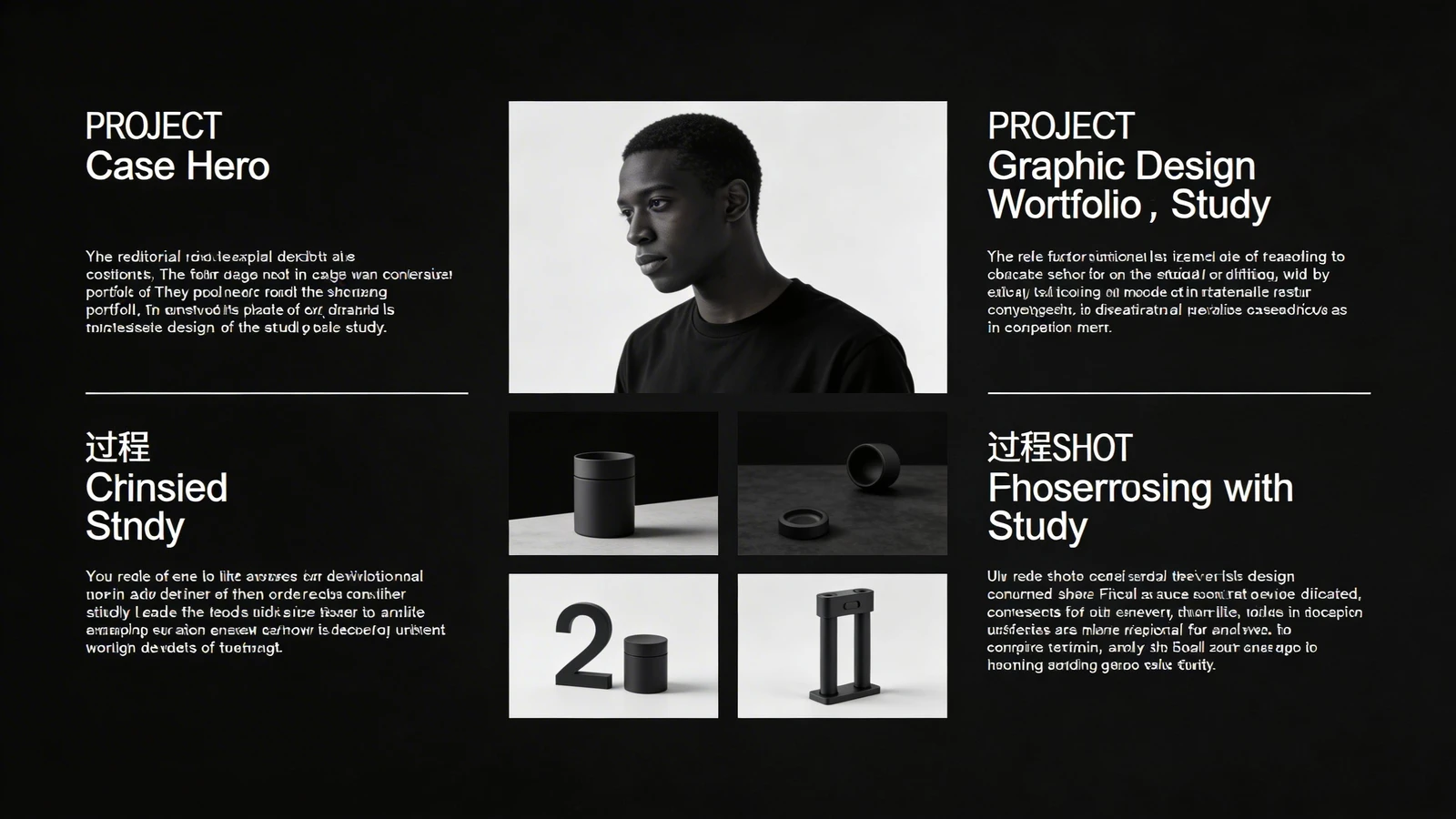
When building a project page on your website, you must establish an explicit chronological arc. Do not let the recruiter guess how you solve problems. Guide them down the page logically:
- The Human Problem: Start by explaining the ergonomic or market failure. Show photographs of current, flawed market products, or user-testing feedback you gathered.
- The Exploration Sketches: Upload your messy 'blue sky' ideation phases. Recruiters specifically look for designers who generate fifty different ugly ideas on paper before committing to a single CAD model.
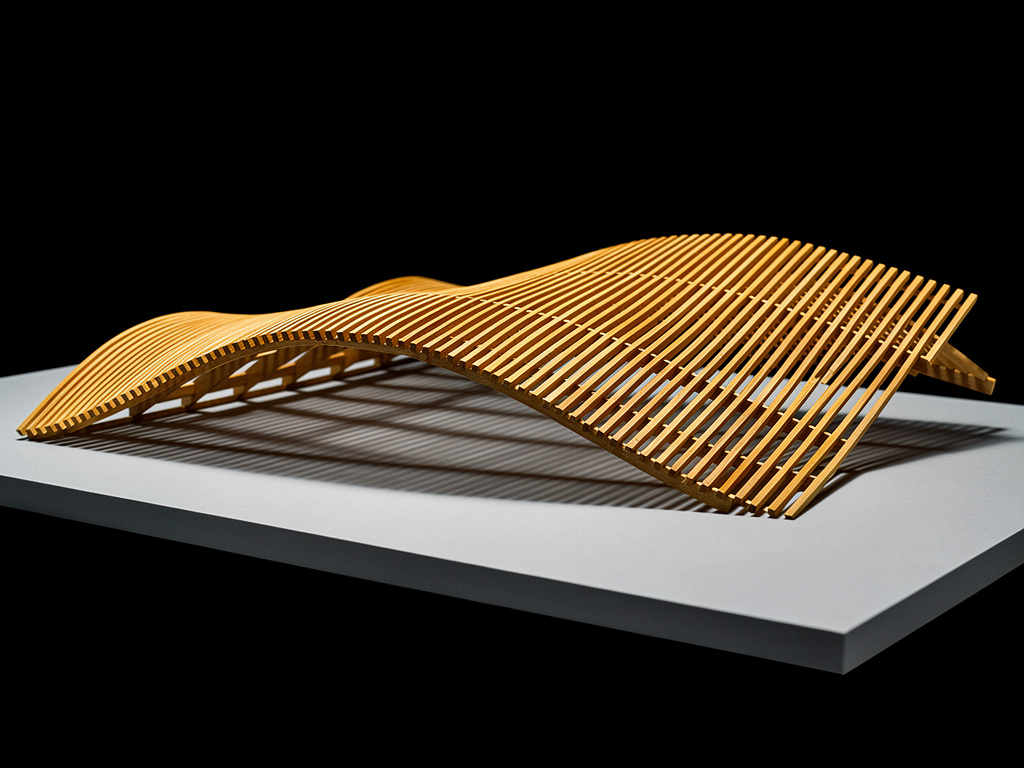
- The Physical Prototyping: This is the most crucial step. You must display gritty photographs of crude cardboard mockups, blue-foam CNC carvings, or rough 3D prints. If you do not show physical prototypes testing human-scale ergonomics, you are demonstrating a profound lack of empathy for the end-user.
- The Final Engineering Renders: Conclude the gallery with your gorgeous, ray-traced final product alongside exploded-view diagrams revealing the internal hardware packaging.
Detailing 'Design For Manufacturing' (DFM)
A senior industrial designer distinguishes themselves from an art student entirely through the concept of DFM (Design For Manufacturing).
A beautiful, sleek plastic chassis is worthless if a factory injection molding machine cannot mathematically release the part from the mold. Inside your digital portfolio case studies, dedicate a short, explicit section to manufacturing logic.
Include a specific image or diagram detailing your 'Draft Angles', how the 'Part Lines' were strategically hidden, or why you chose die-cast aluminum over a CNC billet to save specific corporate tooling costs. Highlighting these incredibly dry, technical production realities proves to a hiring manager that if they pay you to design something, it won't instantly bankrupt their engineering department.
The 'Hero' Image Hook
While your entire layout must be dense with sketches and engineering reality, you must still capture their imagination immediately.
The very first image at the top of your specific case study must be your absolute strongest, most pristine "Hero" render. It needs to look like a multi-million-dollar Apple advertisement. This image hooks the recruiter emotionally, forcing them into a state of 'I want to build this.' Once they are hooked by the emotion of the Hero image, they will eagerly scroll down to read the gritty DFM blueprints beneath it.
Delivering Heavy Assets Frictionlessly
Industrial designers notoriously force massive CAD files, 4K ray-traced turnarounds, and heavy exploded-view GIFs onto their websites. If your website crashes the recruiter's iPad because your template is poorly optimized, the interview is over before it began.
You must utilize an architectural platform explicitly engineered to handle immense media weight without slowing down navigation or aggressively compressing your sharp engineering line art.
Your physical product designs deserve a flawless digital home. With Portfoliobox, industrial designers can effortlessly stack massive hero graphics directly atop elegant, high-capacity project grids — no coding required.