For a print designer, the ultimate satisfaction is tactile. Running a hand across a deeply embossed logo on heavy, 100lb cotton paper is a sensory experience that defines the craft.
However, we exist in a reality where art directors hire talent exclusively through web browsers. If a creative director physically cannot touch the custom die-cut brochure you designed, how do you prove its value?
When traditional print designers attempt to build a website, they often make the clinical mistake of simply uploading the flat PDF dielines. A flat, digital layout file of a folded brochure looks abstract, confusing, and cheap to a viewer. Your digital portfolio must synthetically recreate the physical weight and geometry of the print world. Here is how rigorous print design portfolios are successfully archived online.
The Power of the High-Fidelity Mockup
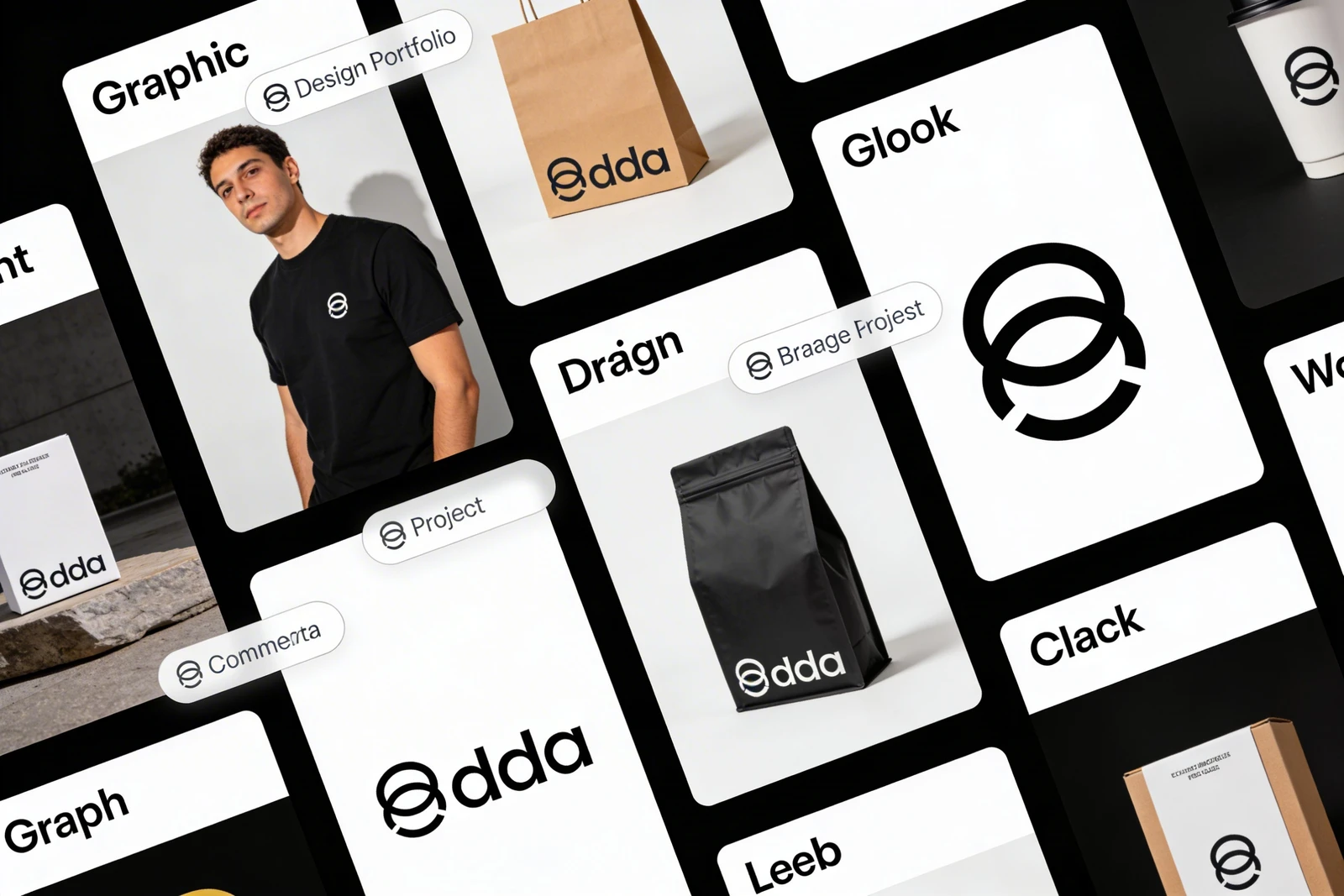
The most critical step in archiving print work digitally is contextual actualization. An art director needs to see how the print object exists in physical space.
You must utilize high-fidelity digital mockups. If you designed a series of craft beer labels, do not upload the flat rectangular label graphic. Download a premium PSD mockup of a sweating, condensation-covered glass bottle sitting on a wooden bar, and perfectly map your label graphic onto the 3D cylinder.
This technique applies to everything. If you designed a 40-page editorial magazine layout, upload mockups that show the magazine physically open, demonstrating how your layout falls across the physical binding (the gutter) of the book. Providing this physical context digitally prevents the viewer from having to 'guess' what the final printed product looked like.
Photographing the Real Object
While digital mockups are incredibly efficient, nothing beats the authenticity of a highly-lit photograph of the actual printed material. If you possess the physical archives, photograph them.
However, do not just snap a poorly-lit photo of a brochure sitting on your kitchen table with a smartphone. You must photograph your print work exactly like a commercial product photographer.
- Utilize a seamless paper backdrop (white, gray, or a color complementary to the brand identity).
- Use diffused, directional light to highlight physical embossing, letterpress indentations, or foil stamping.
- Ensure your camera is completely parallel to the object to avoid distortion, or shoot from a dramatic, depth-of-field 45-degree angle to highlight the thickness of the paper stock.
Structuring the Print Case Study
When uploading these print projects to your portfolio, structure is paramount.
Do not just drop five pictures of a book and move on. You must explain the physical constraints. Print design is incredibly technical; brag about it in the copywriting.
Underneath your beautiful hero mockup, include a small, highly formatted text block detailing the "Production Specifications":
- Paper Stock: (e.g., Neenah Classic Crest 110lb Cover)
- Print Method: (e.g., 4-Color Offset lithography with blind debossing)
- Bindery: (e.g., Perfect Bound with scored hinges)
By explicitly listing these technical print specifications on your website, you prove to agencies that you understand how to talk to a printing press operator, saving them thousands of dollars in botched production runs.
Utilizing White Space as Digital Matting
A heavily textured, complex print piece (like an exploded packaging dieline) contains a massive amount of visual information. If you cluster these images tightly together on a continuous scrolling web grid, it induces a migraine.
To present print digitally, your website architecture must utilize extreme amounts of negative space. Treat the white background of the website exactly like the white mat board inside a picture frame. The digital container must give the physical object room to breathe, allowing the intricate physical details to command the viewer's entire focus.
Your physical craft deserves a digital home that treats it with respect. With Portfoliobox, traditional print designers can effortlessly upload massive, high-resolution product photography into unmetered, minimalist grids designed to highlight tactile precision — no coding required.