2025 was a year of steady progress and major milestones at Portfoliobox. From long-requested features to thoughtful design improvements, each update was focused on making it easier to build, manage, and grow a professional portfolio website.
Here’s a timeline of the highlights from the year.
February 2025: better mobile editing and creative tools
We started the year with a major improvement to mobile design editing. You can now edit the mobile version of your portfolio website directly, without jumping between multiple settings.
With real-time mobile preview, you can adjust size, spacing, and alignment while seeing exactly how your portfolio looks on smaller screens.
February also introduced:
- Music file support
- Image sharing for blog posts and products
- New font additions
- Expanded language support (Portfoliobox is now available in eight new languages)
- Small usability improvements for a smoother experience
April 2025: smoother workflows behind the scenes
In April, we focused on improvements that make daily management easier. You can now export orders to CSV, benefit from better translations, and use appointment reminders to stay organised. We also polished the admin panel, fixed visibility issues for blogs and products, and improved mobile image spacing.
May 2025: analytics, design freedom, and drag & drop
May was one of the biggest months of the year.
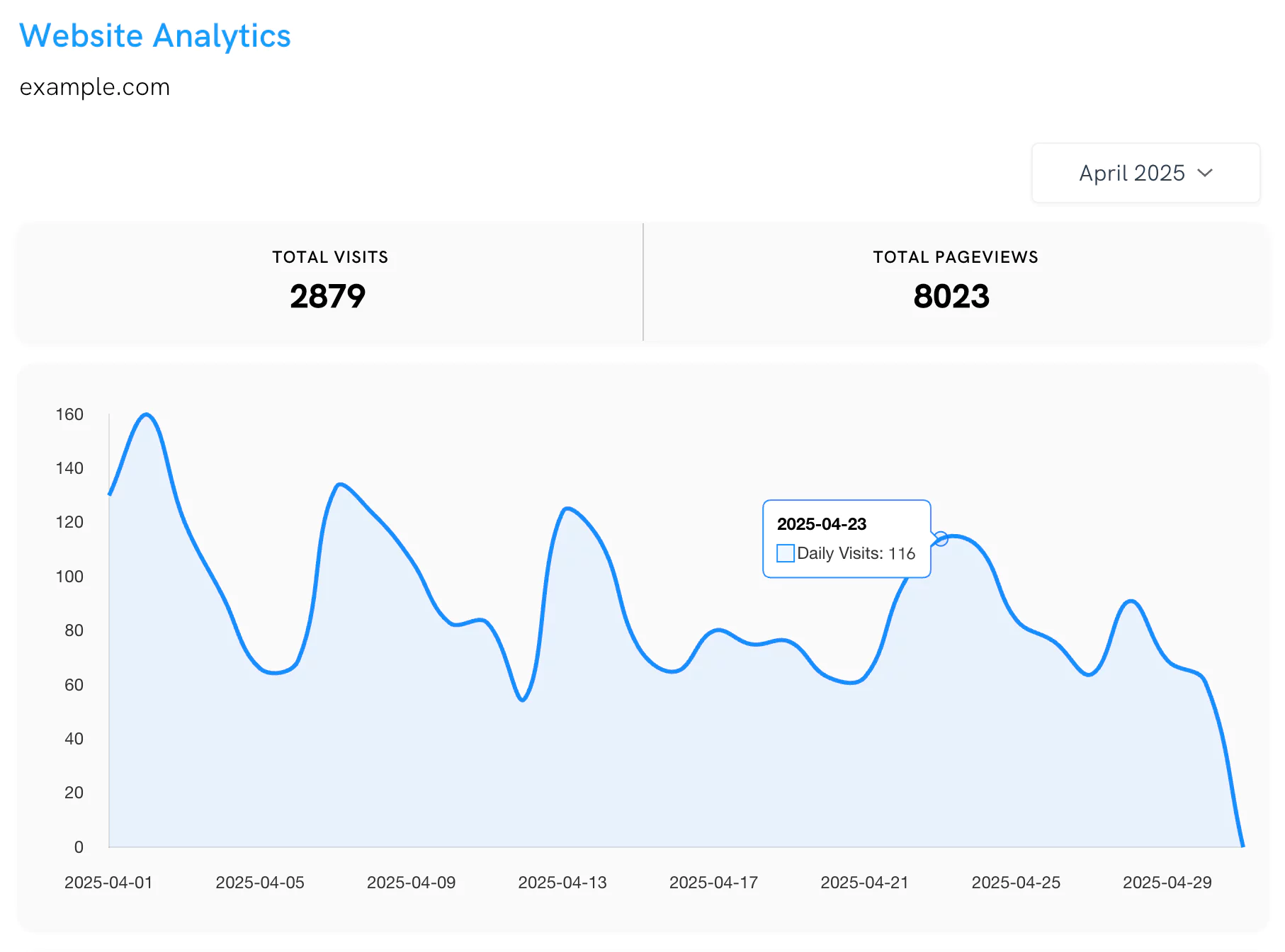
We introduced Website Analytics, giving you built-in insights into how visitors interact with your portfolio website. You can track traffic and performance without relying on third-party tools.
Design and layout updates followed:
- 11 new fonts
- New font and colour combinations
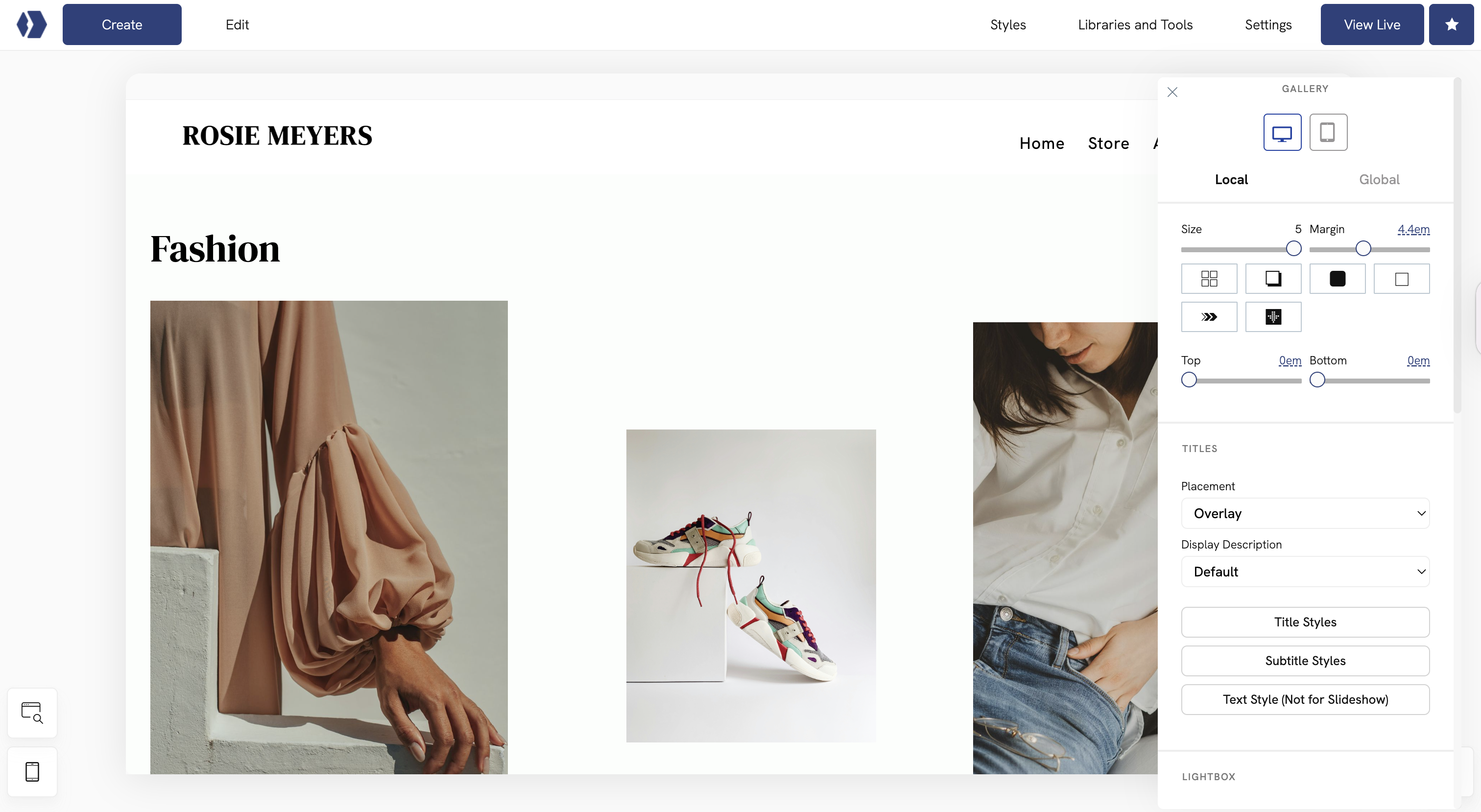
- Titles and subtitles for gallery images
- A new mobile layout option with up to three items per row
- Updated dummy content for the Soundtrack element
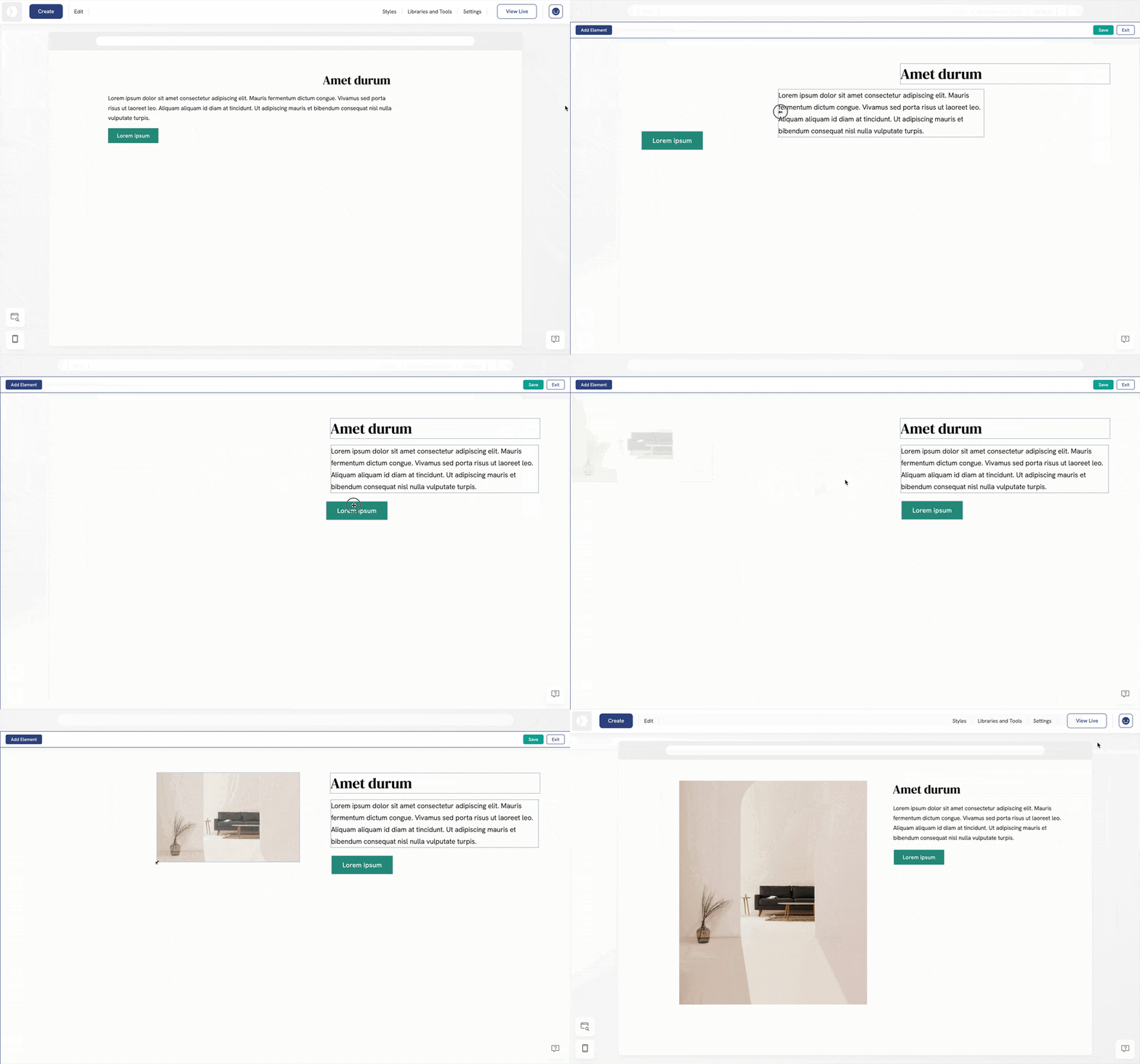
Later in May, we launched one of the most requested features: drag & drop editing. This made it easier to rearrange elements visually and build layouts with greater flexibility.
June 2025: easier access and a refreshed editor
In June, we added login and signup with Google, making account access faster and simpler. We also rolled out a redesigned admin layout and a new style editor interface to improve clarity and editing efficiency.
August 2025: broader improvements across the platform
Throughout August, drag & drop support expanded to more templates. We also delivered a wide range of improvements covering:
- Design and UI refinements
- E-commerce tools
- Invoices and quotes
- Bookings and appointments
- Mobile and responsive behaviour
- General performance and stability
September 2025: faster page creation
September made it easier to build new pages on your portfolio website. You can now start with:
- A blank page
- Sample pages such as Portfolio, Gallery, Blog, Project, or E-commerce
- Reusable pages from your existing portfolio
This update helps you expand your website faster while keeping layouts consistent.
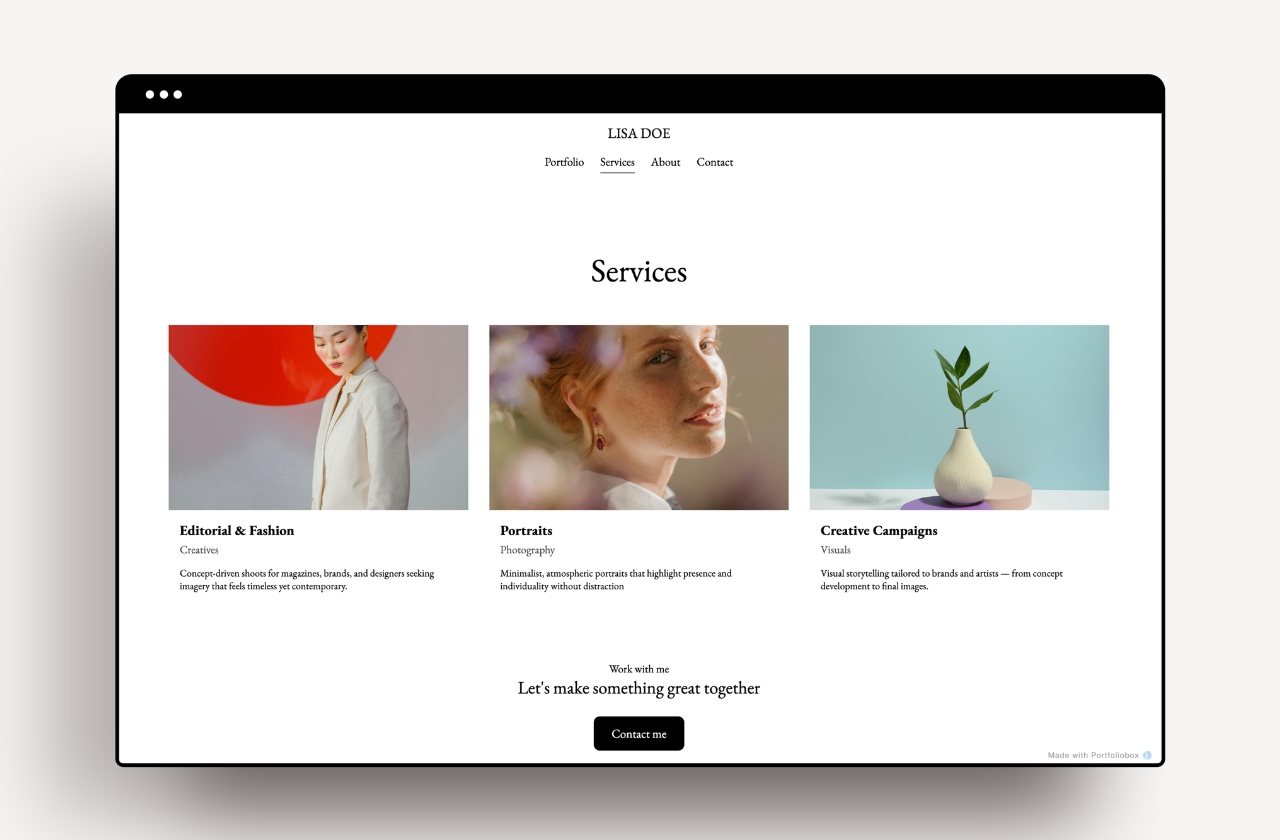
October 2025: themes, organisation, and styling
In October, we introduced new ready-made themes, allowing you to refresh your portfolio design with just a few clicks.
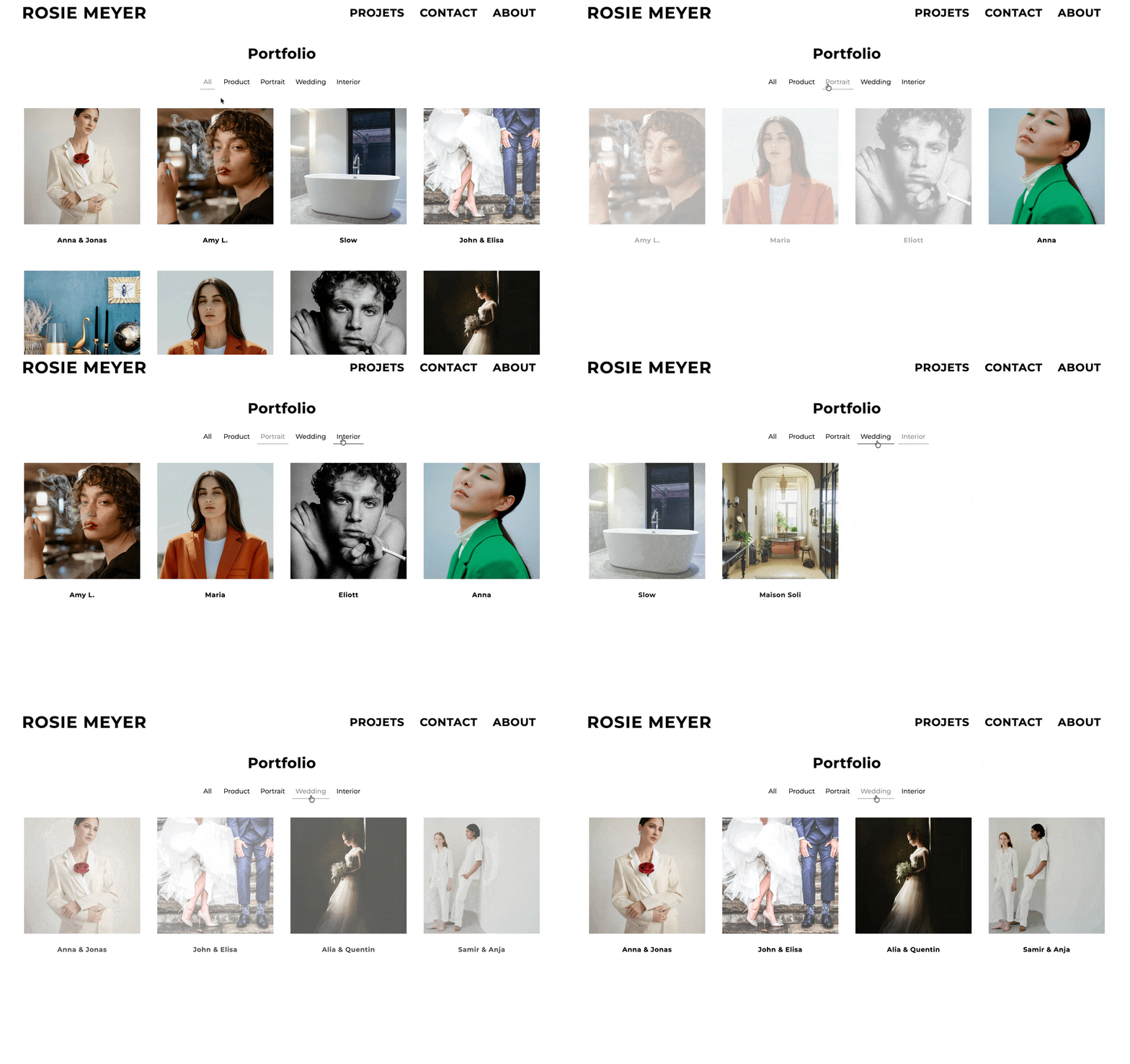
We also launched Link Page filters and categories, making it easier to organise and present your work clearly. Alongside this came new templates, expanded styling options, and continued improvements to editing and user management.
November 2025: more domain choices
To close out the year, we expanded our domain offerings with more TLD options. You can now choose extensions such as: .online, .photos, .wedding, .space, .art, .pictures, .beauty, .makeup, and many more.
These new options make it easier to align your domain with your creative focus and brand identity.
Looking ahead
Every update in 2025 was guided by how you use Portfoliobox in practice. Whether you’re building an artist portfolio, a photographer website, or any kind of creative portfolio website, these improvements are designed to support your work and growth.
We’re excited to keep building with you in 2026.