Home
Examples
Templates
Pricing
Learn
Contact
News
Home
News
Log In
Create Your Portfolio
Dashboard
Create Your Portfolio
Dashboard
Back
Introduction: Create a Free Portfolio Website
1/16 - Introduction: Create a Free Portfolio Website
1/16 - Introduction: Create a Free Portfolio Website
2/16 - Admin Panel Overview
3/16 - Create a Gallery Page
4/16 - Edit & Style Your Galleries
5/16 - Collect Galleries Using a Link Page
6/16 - Create an About Page for Your Portfolio
7/16 - Website Styles, Fonts, and Colour Settings
8/16 - Edit a Page Using Drag-and-Drop
9/16 - Crate a Contact Page for Your Portfolio
10/16 - Edit Menu & Picture Logo
11/16 - Create Sublinks for the Menu
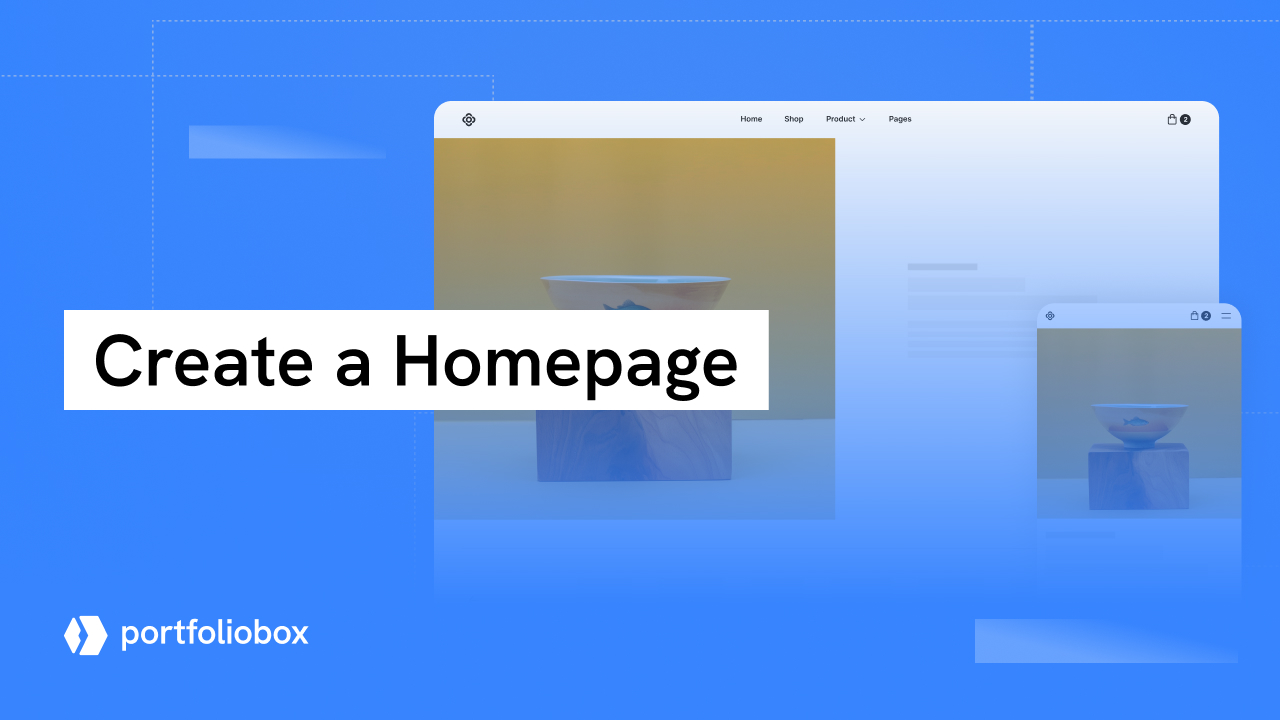
12/16 - Create a Homepage
13/16 - Add a Footer
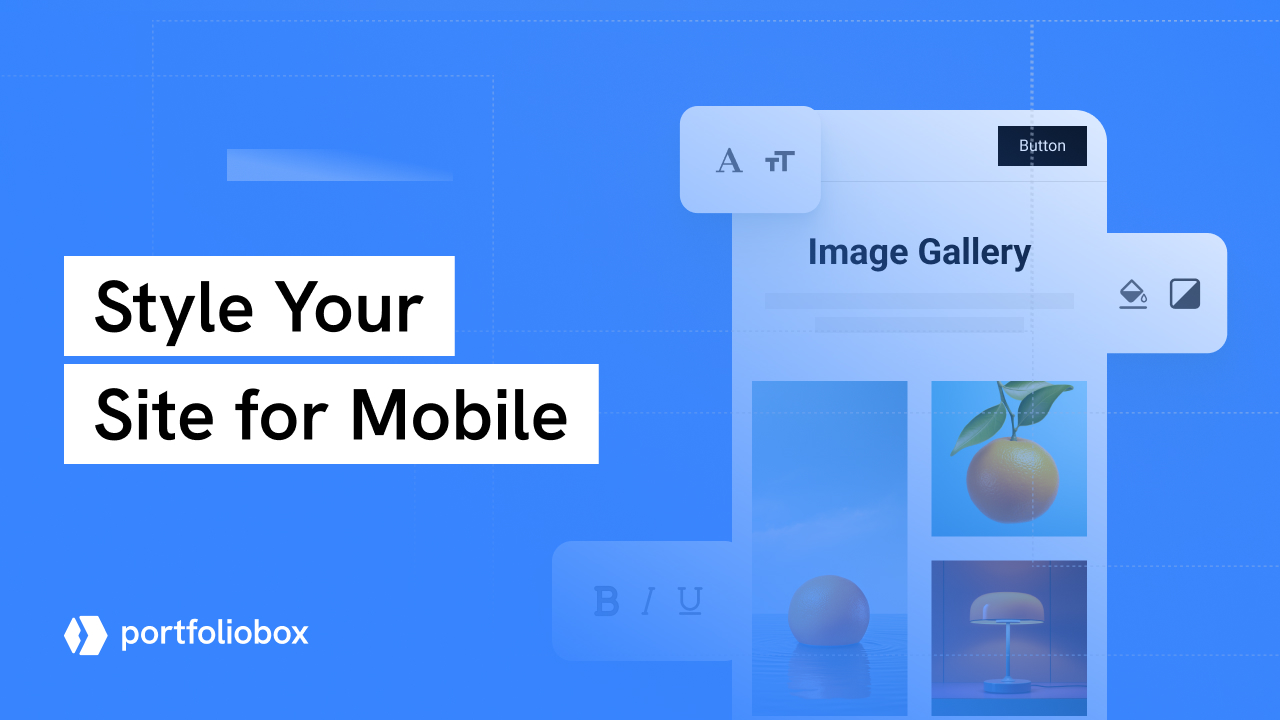
14/16 - Style Your Site for Mobile
15/16 - Configure Site Settings and SEO
16/16 - Select a Domain and Publish Your Website
We use cookies to ensure you have the best experience on our website.
Find more information here
Accept

 Back
Back